Multimodal agents: when a screenshot says more than a prompt
Multimodal agents can read text, screenshots, documents, and code together. Their value is not vision alone, but a workflow that makes every conclusion checkable.
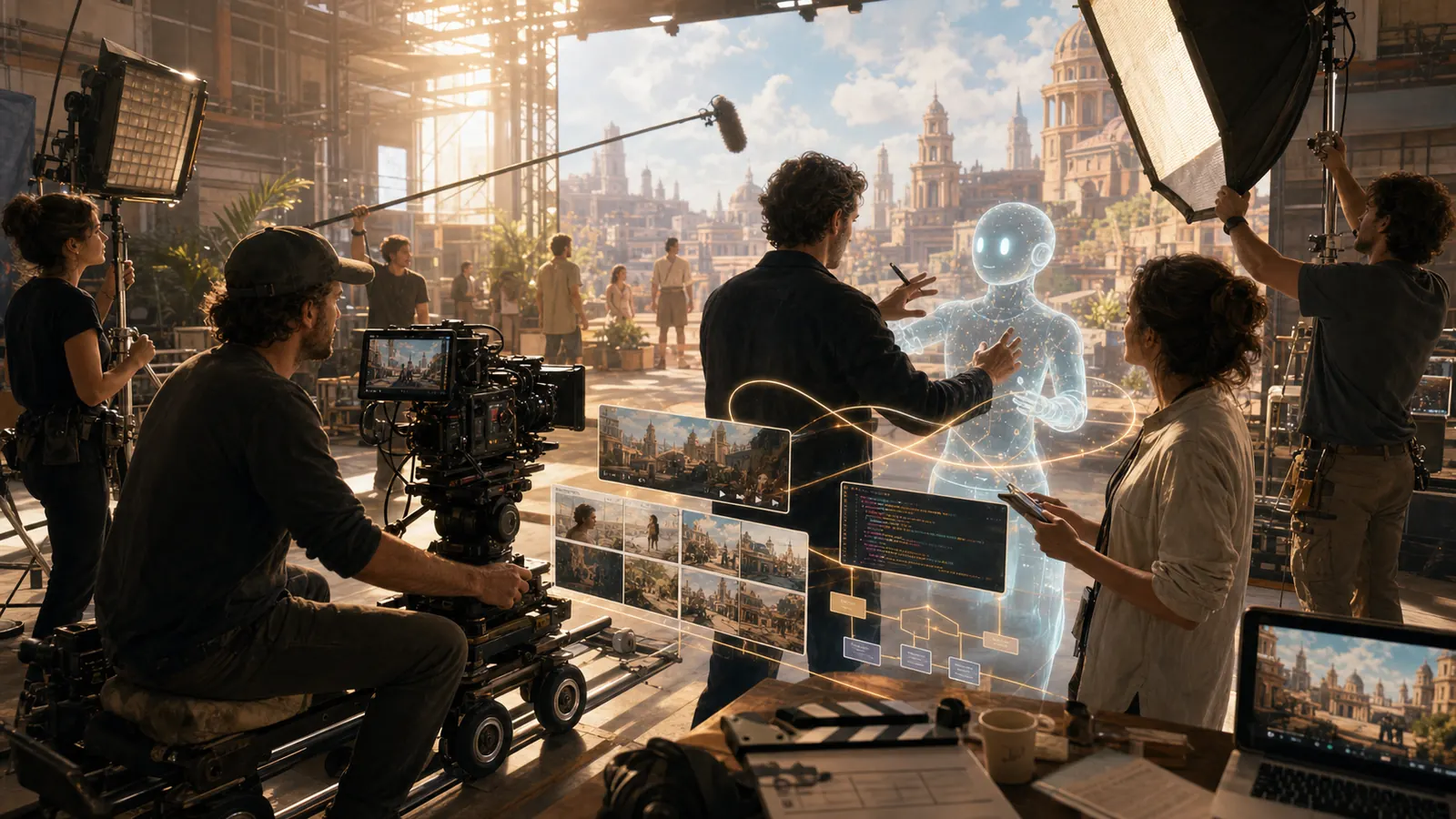
A product page is open on a laptop. The ticket says only: “The price looks cut off on mobile.” A text-only model can rewrite that sentence. A multimodal agent can put the screenshot, DOM structure, CSS file, and test report next to one another. That is the useful shift: not that a model can see images, but that it can construct a work path across different kinds of evidence.
The term is often stretched too far. “Multimodal” simply means a system can process more than text: images, audio, video, PDFs, or interfaces. It does not mean the system plans safely, changes the right thing, or understands the outcome. For a team, the better question is: where does an additional signal improve a decision that would be too uncertain from text alone?
Seeing is not the same as working
A screenshot can reveal a defect but rarely explains its cause. An agent may notice that a button is missing at the right edge. To turn that into useful work, it needs more evidence: the URL, browser state, relevant files, a repeatable test, and a target state.
Documents work the same way. An invoice PDF can contain tables, stamps, handwritten notes, and an ambiguous line item. A model can identify the page; processing becomes reliable only when fields are extracted, checked against rules, and routed to a person when confidence is low. Multimodality is not a substitute for structure. It supplies context that a structured process still has to handle.
A useful workflow separates four layers:
- Perception: what is actually visible in the image, document, or browser?
- Claim: what explanation does the agent infer from it?
- Action: what may it read, test, or prepare next?
- Evidence: how can a person or a test establish that the result is correct?
When those layers blur into one long chat, an agent can look impressive while remaining difficult to control.
A strong first use: visual regression with code context
For product teams, UI quality is a practical pilot. Give the agent a fixed test path, reference screenshots, and access to a limited repository. It may describe differences, locate the relevant component, and propose a patch. The build, screenshot comparison, and approval remain separate stages.
Tools take different roles. Playwright can create repeatable browser states. Cursor or GitHub Copilot can help read and draft a code change. Claude is useful when a longer investigation needs to bring requirements, evidence, and open questions together. None of them turns a vague ticket into a safe change by itself. Together, they can shorten the path from discovery to a testable proposal.
Order matters. A visual finding should trigger an investigation, not alter production. When an agent sees “missing button”, it should first record the viewport, state, and baseline. Only then does a patch become a sensible next step.
Where video and audio actually help
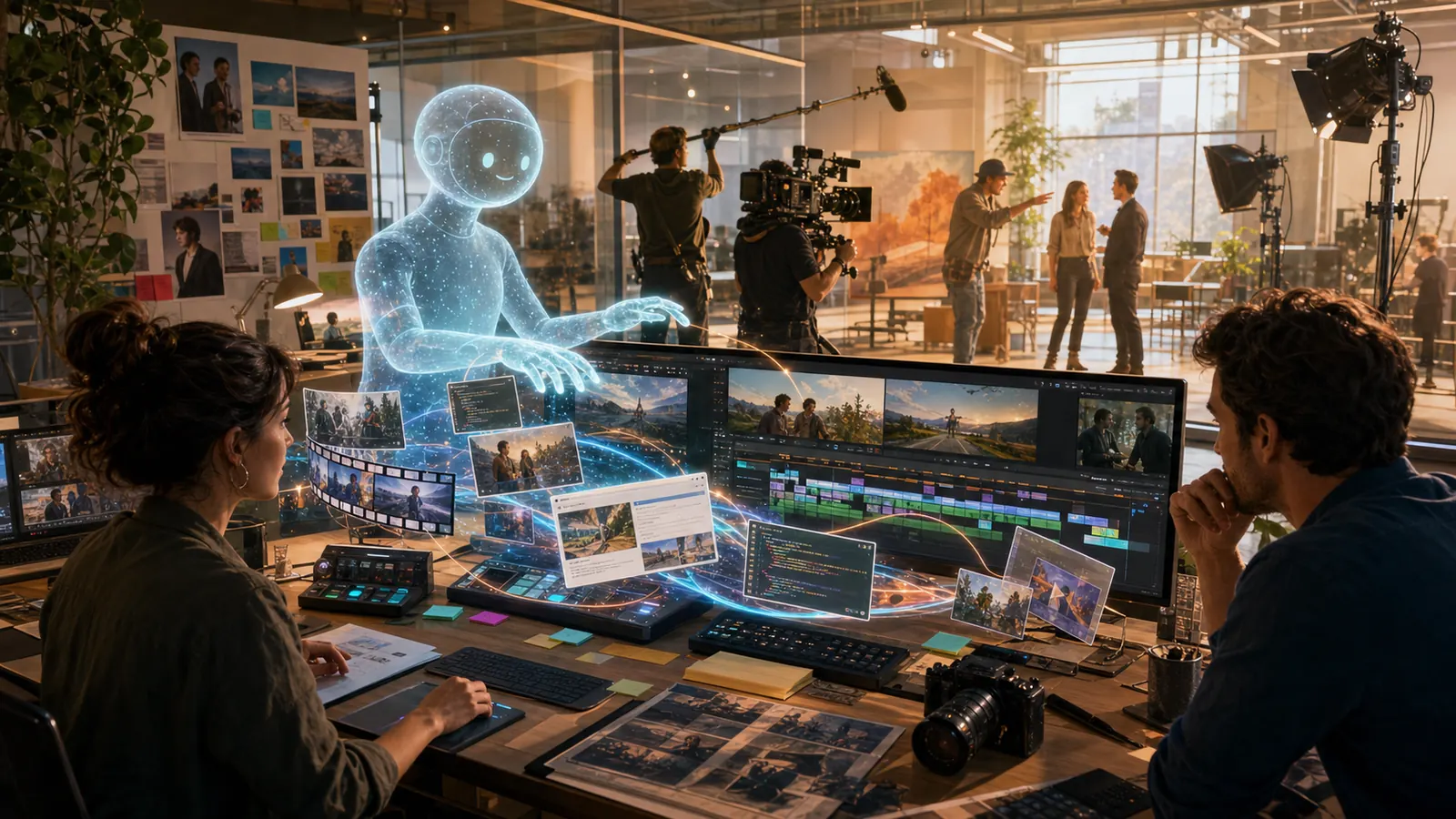
Video makes the temptation to automate everything especially strong. In support, research, or compliance work, an agent can divide long recordings into sections, mark speaker changes, and jump to a relevant moment. That saves search time. A summary should not quietly become a record when decisions, commitments, or risks depend on it.
The robust version keeps references: timestamps, the original segment, a transcript, and a label stating whether the item is an observation or an interpretation. Audio deserves the same treatment. Names, figures, and negations are precisely the details where a fluent summary can be most costly to get wrong.
Three boundaries to set before a pilot
First: not every screen is a work instruction. Screenshots can contain customer data, personal data, or credentials. Define the smallest necessary crop, a retention window, and prohibited areas before choosing a model.
Second: models can confuse UI states. Loading indicators, A/B tests, localisation, and responsive layouts create differences that are not defects. A pilot needs a fixed environment and a return path: “uncertain” must be an acceptable result.
Third: tool access is more powerful than image recognition. Once an agent can click, alter files, or export data, roles, approvals, and an audit trail matter more than the quality of its image description. Frameworks such as LangChain or CrewAI can help orchestrate steps, but they do not replace permissions or tests.
A team test without theatre
Choose one recurring process with a visible outcome: ten mobile UI checks, twenty incoming PDFs, or a constrained video review. Measure more than speed. Count false findings, unresolved cases, rework, and moments where the agent was confidently wrong.
A multimodal pilot succeeds when a person reaches an evidence-backed decision faster and can still explain why the next step was proposed. It does not succeed merely because the agent could see a lot.
Conclusion
Multimodal agents become valuable when they can read the real work object: interface, document, recording, and code. They are not a magic eye over a workflow. Give them a narrow area, ask for evidence rather than assertions, and keep each change behind a verifiable approval. That turns an impressive demo into a tool that adds less confusion than work.