Invoice OCR in 2026: The Test Starts Where the Demo Ends
An OCR API saves time only when wrong values cannot silently travel downstream. Here is how teams test recognition, review and export as one invoice operation.
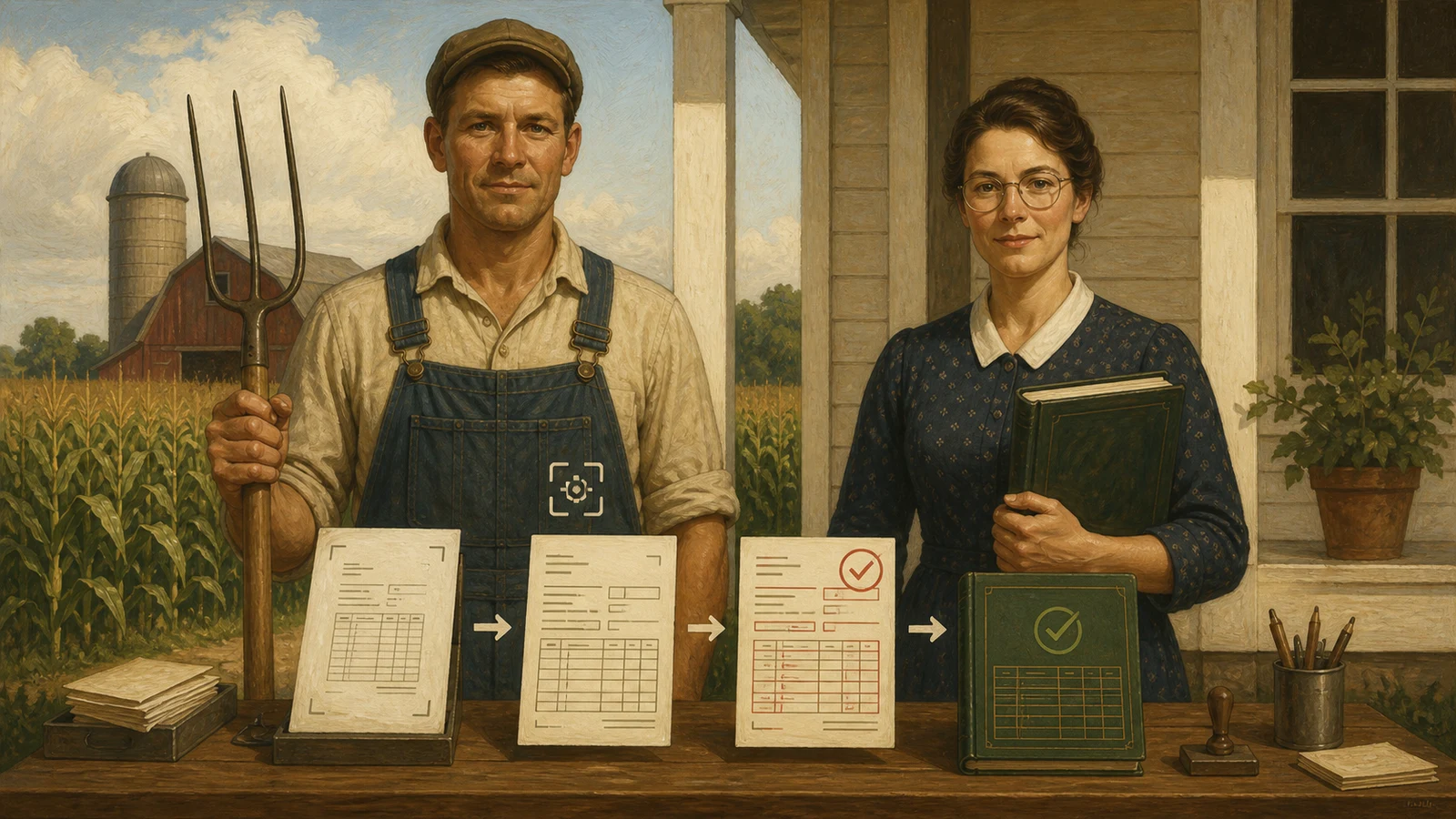
An invoice arrives at 4:47 on a Friday: a tilted scan, two pages, a discount note in small print. OCR gets the gross amount right but mistakes the service date for the invoice date. A team watching only the recognition score discovers that error in the destination system. A team with a sound workflow sees uncertainty, reviews that field and lets the rest continue.
That is why “which invoice OCR is best?” is the wrong opening question. An API does not process invoices on its own. The real operation combines intake, extraction, plausibility checks, human exception handling and export. The product matters; the place where it is allowed to stop matters more.
For a one-off, non-confidential document test without an API, you can use the free Utildesk OCR test service. Check the result before booking data or feeding it into a downstream workflow.
Decide first: extract data or operate an invoice flow?
For a small workflow, an API that turns a PDF into structured JSON can be enough. Mindee and Veryfi fit that pattern: code sends a document, receives fields and owns the business rules. It works well for a limited set of document types when someone is prepared to own error paths.
Once invoices arrive from many sources, OCR becomes an operational problem. Rossum and ABBYY Vantage put more emphasis on review, roles and recurring document work. That can require more setup, but it prevents correction work from disappearing into inboxes and spreadsheets.
Teams already invested in a cloud platform often look at Azure AI Document Intelligence, Google Document AI or AWS Textract. The attraction is not merely model quality: identities, logs, storage and queues may already be in place. It is an operating-model decision about who monitors the pipeline, where documents live and how corrections return to the process.
Four checks a demo rarely shows
A credible test set contains more than clean sample invoices. Include several suppliers, multi-page PDFs, poor scans, credit notes, foreign currencies, line items and at least one attachment containing two documents. Before testing, define the fields that really matter: invoice number, supplier, date, net amount, tax, gross amount, currency and payment terms.
Then measure four things:
- Mandatory fields are correct: not “how much text was read?” but whether the values that affect approval or posting are right.
- Uncertainty is visible: low-confidence fields need a clear home, not a silent export as accepted data.
- Correction time is low: good extraction is wasted if reviewers must jump across three systems for every exception.
- The export holds up: JSON, CSV, a webhook or an ERP integration pass only when the target system receives coherent data.
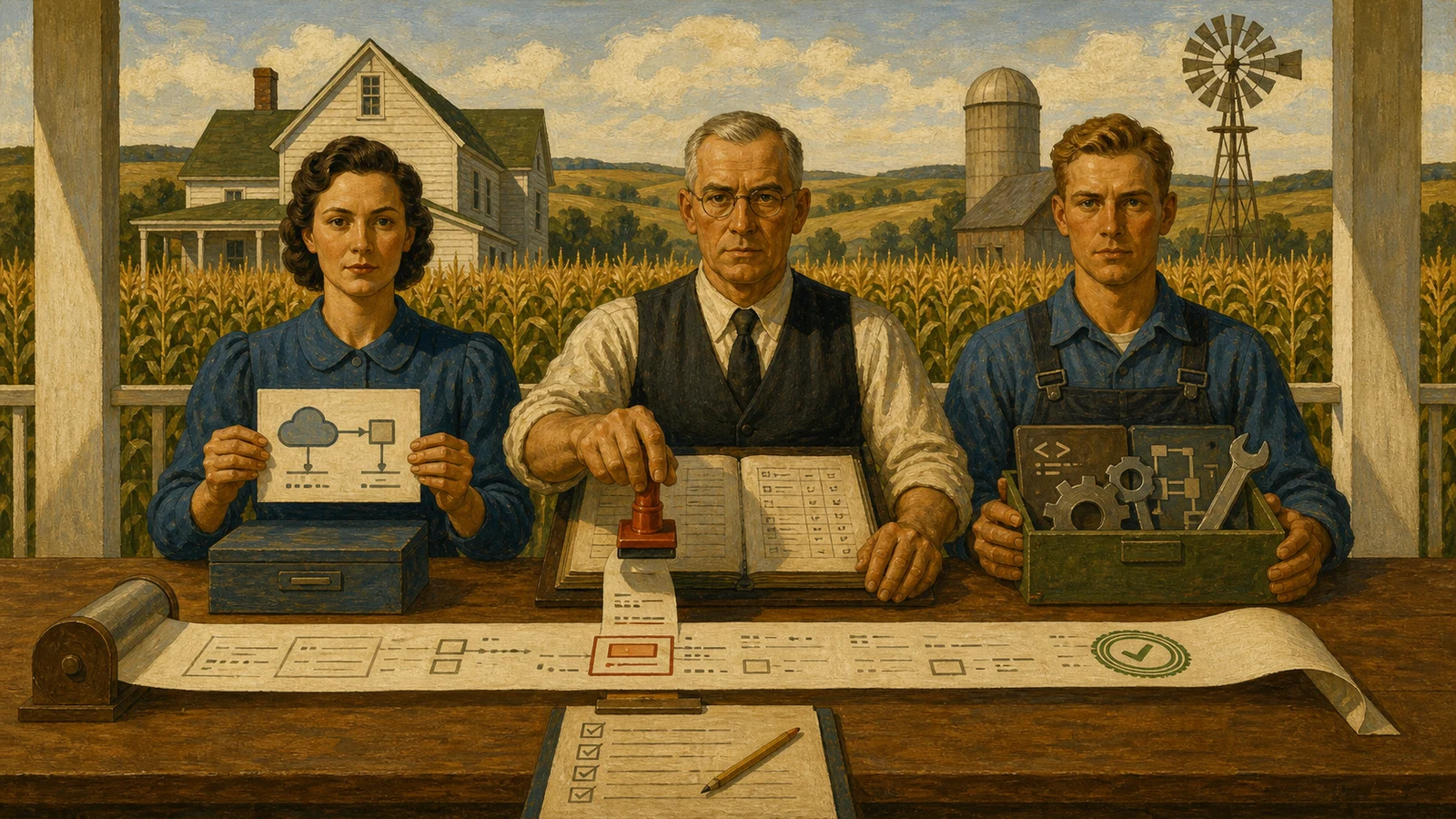
What may run automatically, and what should not
Start narrowly: recurring suppliers, a known document type, amounts below a defined threshold and an export that cannot trigger payment on its own. Everything else goes to a review queue. That is not automation failing; it is automation having a safety valve.
A practical rule set might work like this: when supplier, invoice number and gross amount are recognized with high confidence, the system also checks duplicates and required fields. A missing value, an inconsistent total or a new supplier stops the flow. A person approves the record before it proceeds. Those corrections then become evidence for deciding which cases can genuinely be automated later.
This also avoids a common mistake. OCR may prepare data, but it should not independently trigger payments, postings or tax-relevant decisions. That boundary needs owners, permissions and an audit trail.
Privacy is architecture, not procurement paperwork
Invoices contain bank details, contacts, tax data and commercial relationships. Before production, inspect more than pricing: data-processing terms, processing region, subprocessors, retention, deletion and request logs all matter. With cloud services, ask who can technically access the original document and extracted values.
Klippa and Nanonets may suit particular integration or data-handling needs, but the right choice only emerges from the workflow itself. A pilot with anonymized files is useful for technical exploration. A bounded pilot with real, controlled invoices reveals the operational truth.
Make the decision after two weeks, not one demo
Fifty to one hundred typical invoices are enough for a first comparison. After two weeks, a team should know which mandatory fields are stable, which suppliers create exceptions, how many minutes a correction costs, what data may leave the company and whether the downstream export is dependable.
If those answers are absent, the missing piece is not a better OCR model. It is a process decision. Once they are clear, the choice becomes manageable: API-first for custom logic, a platform for review and governance, or a cloud service that fits the existing stack.
The best invoice OCR is the one that can honestly say, “I am not sure.” That is where accounting automation becomes trustworthy.
Sources and documentation
- Azure AI Document Intelligence: Invoice model
- AWS Textract: AnalyzeExpense
- Google Document AI: processors
- Rossum Platform