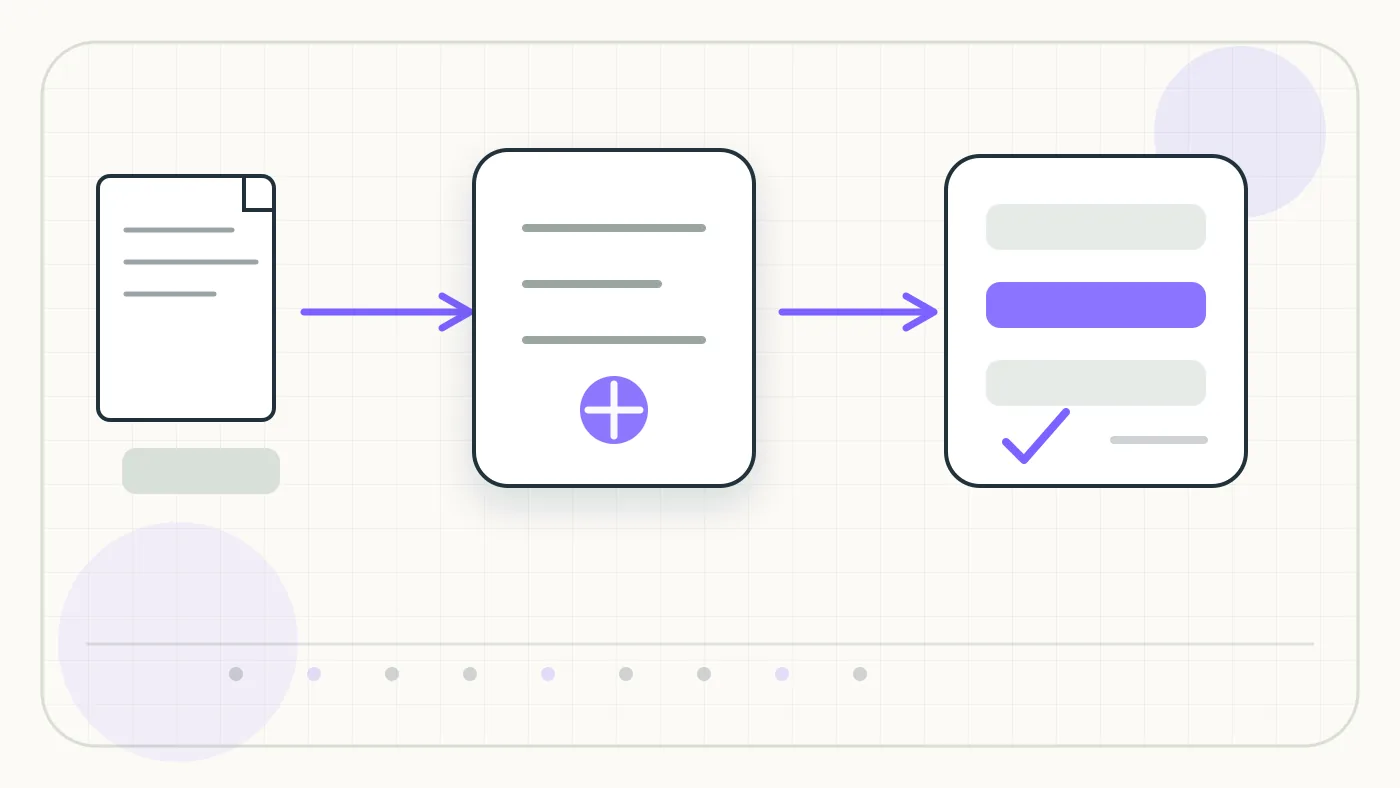
Nanonets combines OCR, field extraction, and workflow automation so documents can be recognized, reviewed, and routed onward. In the Utildesk context, this card is mainly relevant for OCR, PDF, and invoice automation: what role does the tool play in the process, where does it need review, and when is another model a better fit?
Who is Nanonets suitable for?
- Finance, procurement, and operations teams with recurring document volume
- Companies with review, approval, and exception workflows
- Teams adopting OCR as a document workflow rather than a single API
Who is Nanonets not suitable for?
- Very small teams with a few PDFs per month
- Strictly local processing without cloud or platform operations
- Quick one-off conversions
Typical Use Cases
Nanonets fits workflows where PDFs, scans, or document uploads should not be typed manually. Common use cases include invoices, receipts, purchase orders, forms, delivery notes, or tables inside PDFs. The goal is usually not just searchable text, but structured fields, review status, and export data that can continue into accounting, spreadsheets, databases, ticketing systems, or automation tools.
For Nanonets, start the pilot with real documents rather than polished samples. Skewed scans, multi-page PDFs, mixed languages, changing supplier layouts, and missing required fields show whether review queues, role models, and exception handling fit the intended workflow.
Main Features
- OCR or document recognition for digital and scanned files.
- Extraction of recurring fields such as invoice number, date, amount, supplier, or table rows.
- Handover through API, export, webhook, or workflow step.
- Validation, review, or downstream processing depending on the setup.
- Integration into automation chains such as n8n, Make, Zapier, Power Automate, or custom services.
Workflow in Practice
A reliable Nanonets workflow starts at file intake and ends only when checked data has been exported. The chain should include preprocessing, OCR, field extraction, plausibility checks, and exception handling. For invoices, supplier, invoice date, tax amount, total amount, currency, and payment terms should be validated before posting.
For Nanonets, business teams should look closely at transparent error lists, traceable corrections, and a clean review step. In invoice workflows, a reliable exception path is often more valuable than a marginal OCR accuracy gain.
What to Check Before Choosing
- Does the tool support the relevant document types and languages in your own material?
- Is there a clear export path: JSON, CSV, webhook, API, or direct integration?
- How are low confidence values, duplicates, and incomplete fields handled?
- Which DPA, data location, retention, and deletion options are available?
- How predictable are costs with many pages, attachments, or API calls?
Advantages and Limits
Advantages
- Can reduce manual data entry and shorten processing time.
- Works as a building block for invoice, PDF, and document automation.
- Enables structured downstream workflows when validation and export are planned well.
Limits
- Poor scans, changing layouts, and handwritten additions remain error sources.
- Without review rules, wrong fields can silently flow into accounting or databases.
- Privacy, DPA, data location, and deletion requirements must be checked before production use.
What Really Matters in Daily Use
With Nanonets, the longest feature list matters less than whether the tool gets a clear place in the existing workflow. The value appears when recurring document types are modeled well and exceptions do not get stuck in an inbox.
For Nanonets, start with a small pilot using real material: who provides the inputs, who reviews the result, and where does the output go next?
Workflow Fit
Nanonets fits best when invoices, orders, leads, or forms arrive in similar formats and are handed to operational systems after review. Before rollout, roles, permissions, export paths, and quality control should be explicit; otherwise the tool quickly becomes another storage place beside the real process.
Editorial Assessment
Nanonets is most useful for repeatable extraction tasks with clear fields, owners, and correction paths. If every document has a new layout or the downstream systems are not defined yet, start with a lighter or more specialized approach first.
Pricing & Costs
Pricing model: Plan-based. For Nanonets, the real comparison should include page volume, document types, API calls, user seats, review features, retention, setup effort, operations, and support.
Related Guides
- Best OCR APIs for Invoices in Germany 2026
- Read Invoices Automatically from Emails: Tools and Workflows
Open frequently asked questions
FAQ
Is Nanonets only an OCR tool? Not only. The real value usually comes from combining OCR with field extraction, validation, and export.
Can Nanonets read invoices automatically? Nanonets is relevant for invoice workflows, but quality depends on scan quality, layout, language, required fields, and review rules. Test with real German invoices before rollout.
Do you need developers? For Nanonets, it depends on the target workflow: simple tests are easier, but stable production use needs ownership for integration, data quality, monitoring, and error handling.
What should teams check for privacy? Before using Nanonets, teams should review the DPA, data location, retention, subprocessors, deletion options, and any use of customer data for training.