Open-Source OCR for PDFs: When Tesseract, OCRmyPDF and PaddleOCR Are Enough
Open-source OCR is strong when the goal is a verifiable text layer. Fields, tables, and accounting decisions need additional rules around the pipeline.
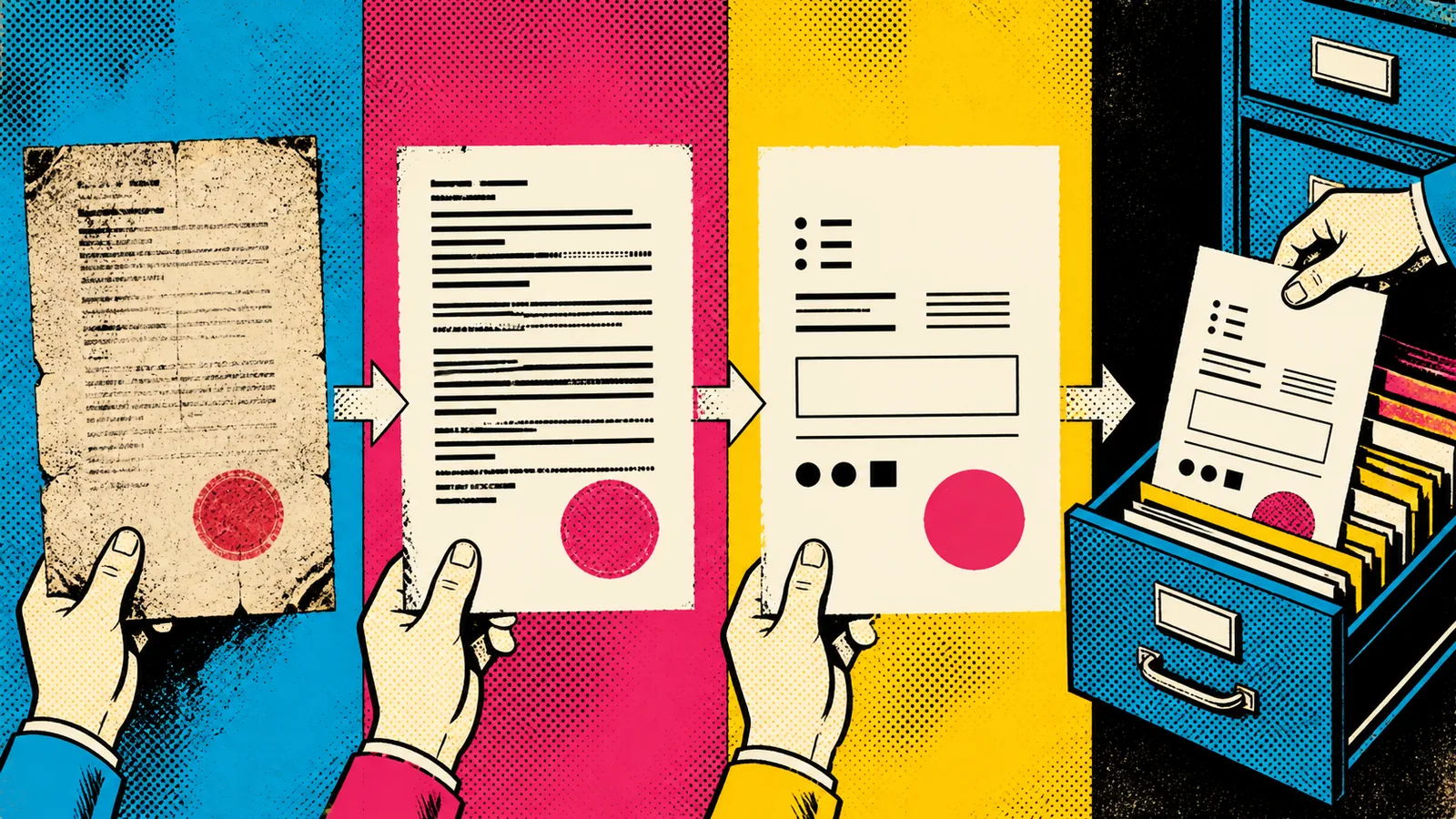
Sometimes a scanned PDF only needs to become searchable. Local OCR is often exactly the right answer: no complicated SaaS rollout, no need to upload documents to another cloud, and one clear technical purpose. The mistake starts when that sensible first step quietly becomes an expectation that the same pipeline will reliably understand amounts, tables, and business data as well.
Open-source OCR is not an inferior substitute for document AI. It is a different component. Tesseract OCR provides an OCR engine and command-line tools; OCRmyPDF adds a searchable text layer to scanned PDFs. PaddleOCR offers broader recognition components. The right choice therefore depends on how dependable the result needs to be after recognition.
If you do not want to set up a local pipeline and only need to check one non-confidential file, you can try Utildesk OCR in the free test mode. For archives, batch work or sensitive material, a controlled local installation remains the better fit.
Start with a text layer, then make a data decision
For archives, internal search, and files people will read later, a searchable text layer is often the largest gain. OCRmyPDF can be a practical beginning because it combines PDF processing and OCR so that a scan stops being only an image. Tesseract supports many languages and output formats; its project documentation also notes that better input images often produce better results.
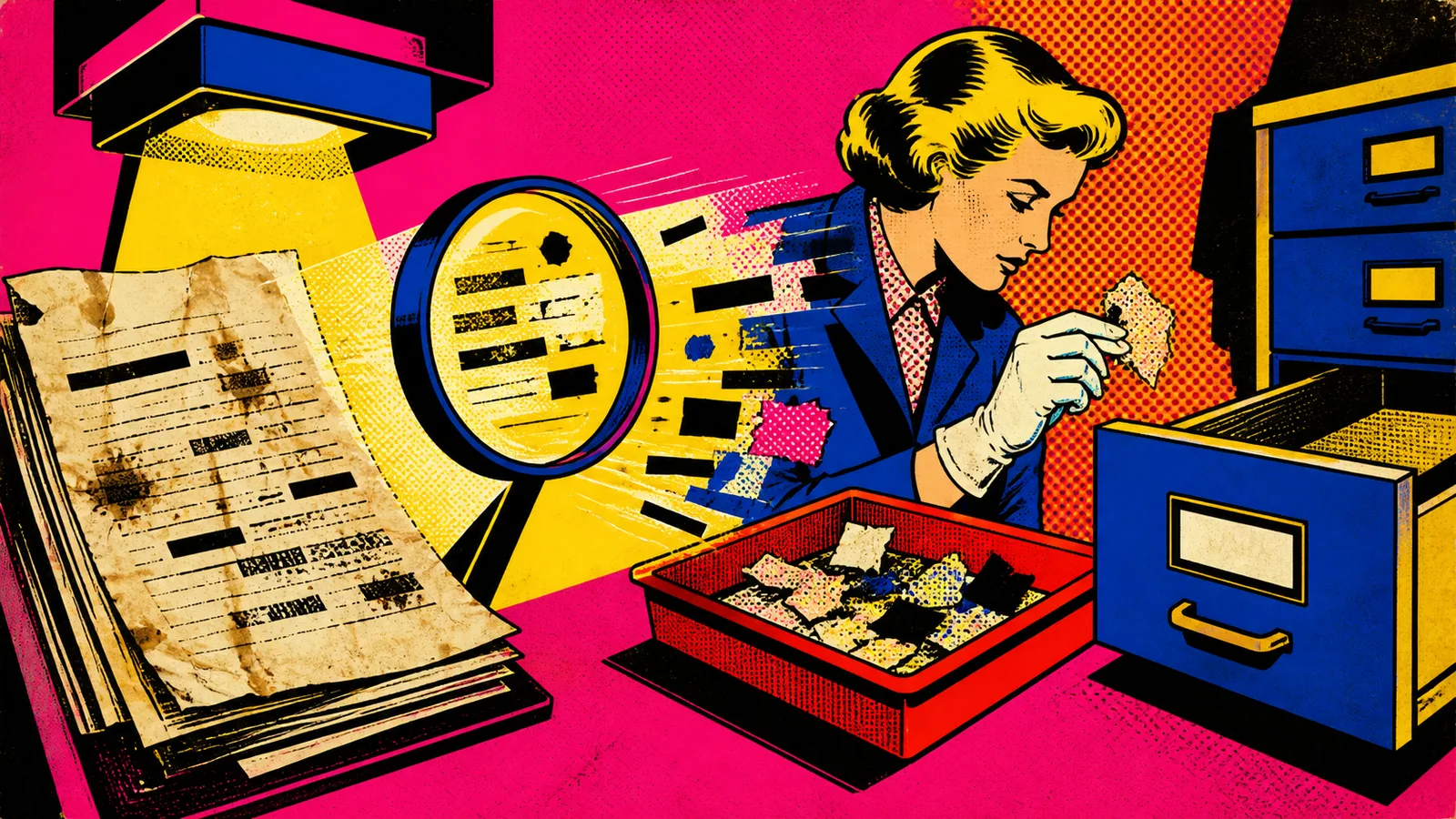
That is the crucial turn: OCR quality often begins before the model. Skewed pages, low contrast, poor resolution, and mixed layouts do not merely make a result a little worse. They create errors in names, amounts, and references that may have consequences later.
Three goals, three appropriate boundaries
Searchability. A scan should become findable in the organisation's own archive. Tesseract and OCRmyPDF can go a long way here when spot checks show that important terms can be found.
Text extraction for a person. A team wants to move content locally into a draft or review. Page rotation, language choice, quality warnings, and a visible link back to the original matter more than one headline success rate.
Structured fields for downstream systems. An amount, date, supplier, or table entry should move automatically into a system. “Text was recognised” is not enough. Every field needs a rule, a cross-check, or a correction queue. If tables, changing layouts, handwriting, or ready-made API fields are central, a specialised service such as Azure AI Document Intelligence may be more suitable than an elaborate self-built OCR chain.
PaddleOCR becomes interesting when a team goes beyond a simple PDF text layer and wants to use individual recognition components deliberately. That is not a reason to introduce it for every archive. More components also mean more models, dependencies, and quality assurance.
The test that matters
Do not test only pretty sample files. Build a small set with poor scans, stamps, skewed pages, multiple languages, and the document type that will actually be processed later. Decide on three checks in advance: can a search term be found, is the relevant excerpt readable, and is an uncertain result marked as uncertain rather than silently passed on?
When a pipeline shows openly where it fails, it is useful. A team can make documents searchable locally and route difficult cases deliberately. When it presents every text as dependable, it is not automated. It is merely good at hiding errors.