AI Tools and EU Data Processing: What Small Businesses Need to Check
EU data processing is not a logo on a pricing page. Small businesses need to explain the data flow, the roles, and the off switch for an AI workflow.
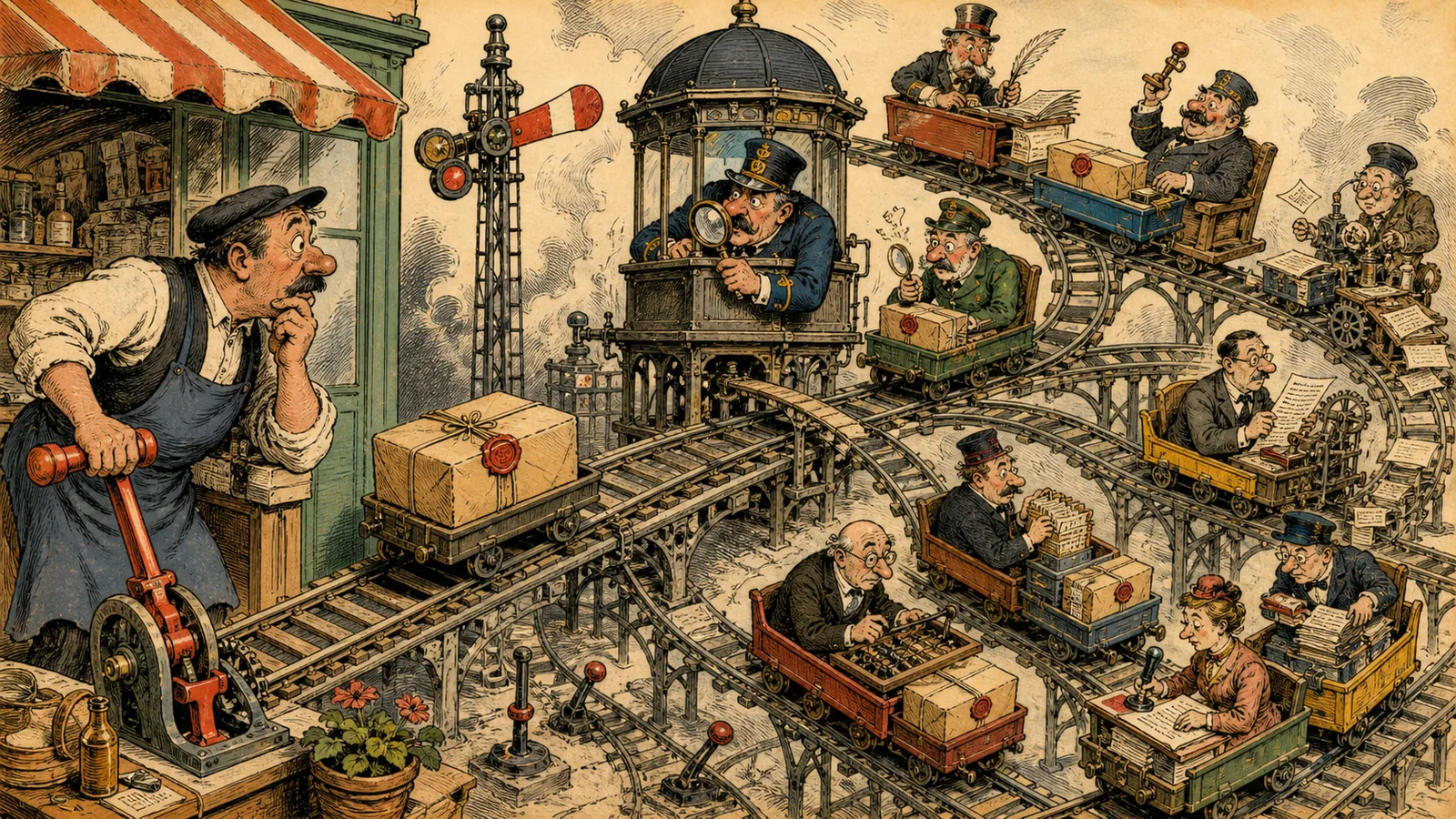
A vendor puts “EU data processing” on its website and a small business relaxes: it sounds like a quick privacy answer. But as soon as a workflow passes an invoice, contract, or customer email through several services, location is only one part of the picture. The more important question is: Can the company explain this data's path and stop it when needed?
This is not legal advice and not an argument for avoiding AI projects. The European Commission describes data protection as a fundamental right and the GDPR as the central legal framework. For small teams, the everyday lesson is operational: do not argue from logos. Know the actual data flow.
Draw the path before the tool list
Take one workflow. An invoice enters a mailbox, is read, classified, and added to an accounting or approval list. Write down every station: intake, storage, OCR or model, automation platform, destination system, log, error queue, and deletion.
Only then do the questions a product page cannot answer become visible:
- Which personal or confidential data is actually present?
- Who is responsible for which processing, and who acts on whose behalf?
- Which sub-processors or regions may be involved?
- Do contents remain in logs, backups, or support tickets?
- How is an unwanted or incorrect run stopped and cleaned up?
A system such as n8n can give a team more technical control when it can and wants to run it itself. Microsoft Power Automate may fit when identity, files, and permissions are already managed in a Microsoft tenant. Document tools such as Rossum, ABBYY Vantage, and Azure AI Document Intelligence handle different parts of a flow. None makes a data-flow map unnecessary.
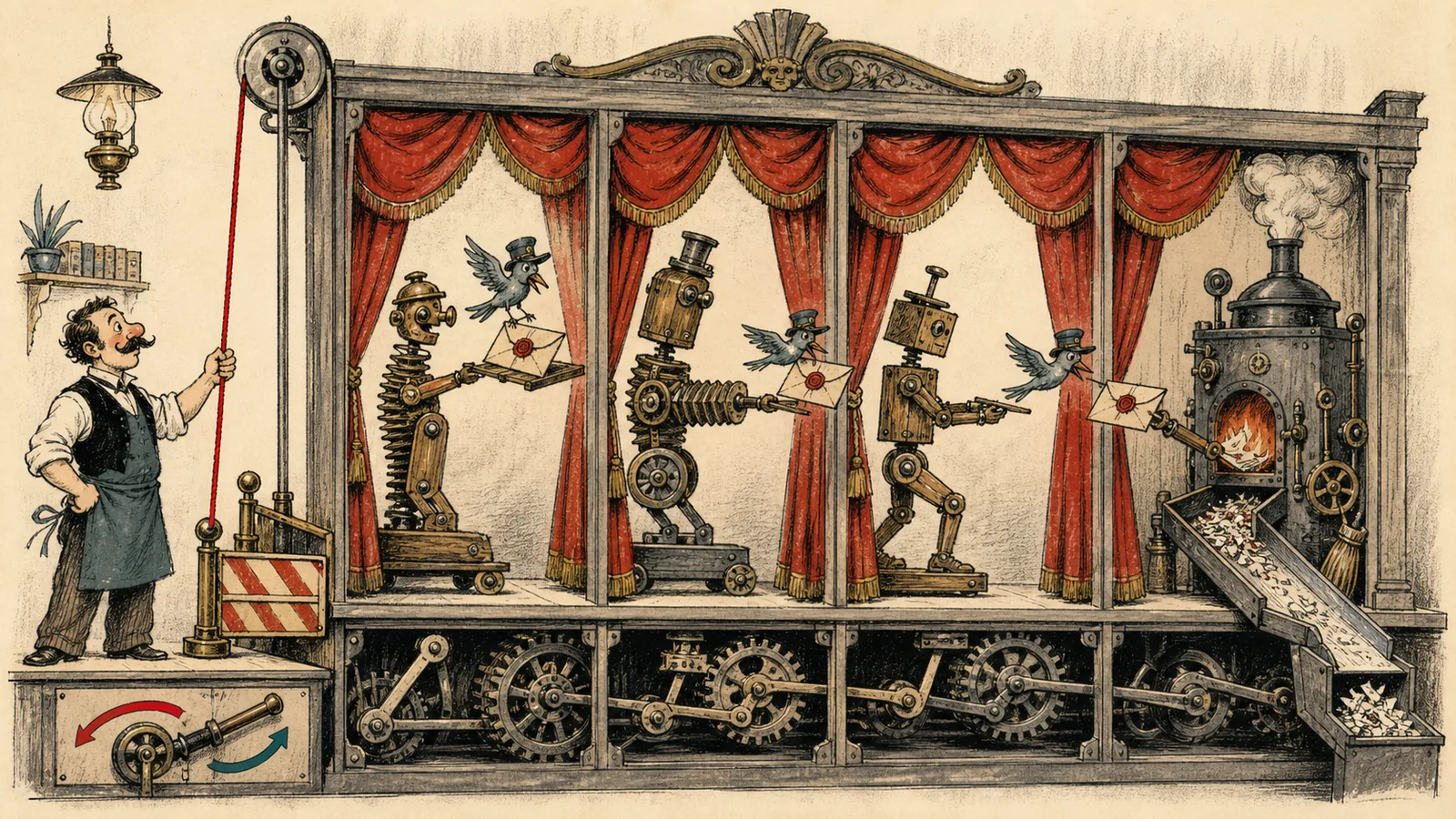
The most useful check is concrete
Instead of sending a sales team the broad question “Is this GDPR compliant?”, prepare a small, testable checklist for your own pilot. Which exact document may enter? Which fields are needed, and which can be removed first? Where is the data-processing agreement or comparable agreement? Which settings govern training, retention, and logs? Who can grant or remove access?
These questions are not glamorous, but they separate a pilot from a shadow process. They matter especially for AI output: an answer can be wrong and still sound plausible. Privacy and quality control therefore meet at the same point. A person or rule must recognise when a document may not proceed automatically.
No location label replaces an off switch
The most practical test is a controlled reverse gear. Can the team remove an employee's access? Pause a flow? Trace the path of one specific document? Identify where logs and temporary files live? If those questions have no answer, the automation is not too big because it uses AI. It is too big because nobody can still control it.
For a small business, the next step is not a full compliance programme. It is a pilot with one data class, one responsible person, and a documented off switch. If that path works, it can expand. If it does not, the team has discovered a problem early and cheaply.