Agent security and MCP governance: guardrails companies need now
MCP turns an assistant into an actor with tools. The important question is not whether it answers intelligently, but what it may actually do at a given moment.
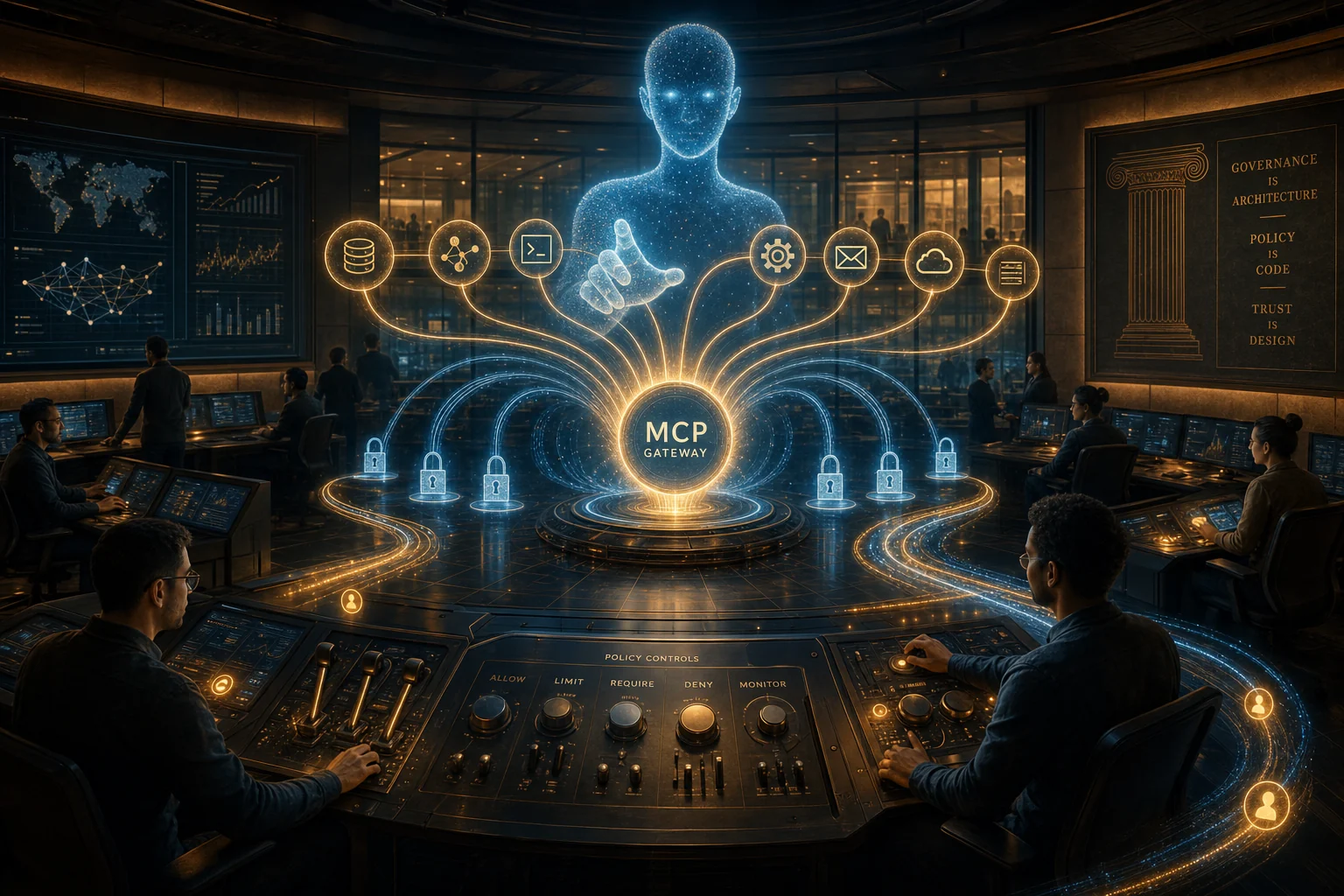
A new MCP tool often looks harmless at first. Its label may say “search tickets”, “read a file”, or “create an invoice”. A team connects it to an agent, asks a few well-formed questions, and enjoys the first successful demo. The uncomfortable question usually arrives later: what happens when that same agent mistakes a confidential attachment for an instruction, pulls the wrong customer context, or turns a read task into an action?
That is where agent security begins. Not with a more elaborate prompt, but at the boundary between language and action. The Model Context Protocol explains how hosts, clients, and servers exchange tools, resources, and prompts. It does not decide which permission is appropriate for a specific call. That decision remains with the team connecting the server.
The good news is that this does not require a giant security platform on day one. One small operating rule already changes the risk: an agent should not be allowed to read, propose, and execute as one undifferentiated capability. Those are three explicitly different modes.
The risk is not in the chat window
A system prompt can steer behaviour. It is not access control. As soon as an agent retrieves files, queries a database, or writes to an external service through a tool, a second attack surface appears: the content it reads can influence its next tool decision.
That is why “Is the prompt secure?” is too small a question. The practical questions are these:
- Which data may this run see? An agent does not need every resource a human employee might access.
- Which effect may it create? A draft, an API request, and a production write are not variations of the same action.
- Who can explain the path later? If nobody can see which input triggered which call, an error is hard to contain.
MCP separates host, client, and server, and its remote-transport specification provides for standard authentication and recommends OAuth for obtaining tokens. That solves identity and transport, not the business decision behind a tool call. A valid token is not a reason to export or write right now.

The simplest guardrail: three zones, not one all-powerful agent
For a first production agent, three deliberately different zones are often enough.
Zone 1: Read. The agent can retrieve only narrow, approved sources: one project, a support area, or a curated knowledge base. It does not get a broad role merely because that is convenient.
Zone 2: Propose. It can turn the retrieved information into an answer, a draft, or a plan. It cannot send anything externally or make a durable change. This is the right place for most early automation.
Zone 3: Execute. Only here can it change tickets, send messages, create records, or trigger deployments. Each tool category needs a narrow scope, short-lived credentials, and visible approval for consequential steps.
This sounds conservative. In practice, it is faster than cleaning up later. Teams can use a helpful Zone 2 agent early without turning a good demo into a production privilege on the same day.
A gateway is not a bureaucracy project
Once several teams connect MCP servers, a collection of local configurations, tokens, and exceptions soon becomes hard to understand. A central mediation point mainly creates clarity: which servers are allowed, which tools are enabled in which environment, and which calls require a person.
That point may be a gateway, a proxy, or a deliberately small tool layer in an internal application. Its job matters more than its product name:
- admit only known servers and tool versions;
- separate test, staging, and production rights;
- limit rate, scope, and duration of a run;
- retain context for later review;
- halt execution that sits outside the agreed task.
Teams orchestrating agents with LangChain or CrewAI should not hide that boundary inside the framework. Flow-level roles and guardrails help, but access rights also belong at the interface to the real system. The same applies to an integration built through the OpenAI API.
An audit trail must answer a simple question
A good log is not an endless text dump. After an incident or a review request, it should answer four sentences: what job was requested, which source was used, which tool ran with which parameters, and which person or policy allowed the transition to execution?
That is enough to turn vague distrust into an inspectable discussion. Security can see the permission chain. Domain teams can see whether the agent misunderstood the job. Engineering can see whether a tool accepted too much context or too-broad parameters.
After every new MCP server, run the same short review: What problem does it solve, which data can it see, which effect can it create, and how do we turn it off? If those answers are not clear in a few minutes, the integration is not production-ready.
A sensible two-week start
Do not try to govern every integration at once. Pick one agent with a clear task and no irreversible effect, such as summarising tickets in a bounded project area. Start it with read-only access, label every result as a proposal, and log its tool calls.
In the second week, do not ask whether the demo was impressive. Ask where it was unclear: which extra file did the agent want to see, which tool description was too open, which action could have caused harm without approval? That is where a usable policy comes from.
Governance is not a brake on agent work. It is a design tool: it reveals which automation is stable enough to earn a permission.