Make vs n8n vs Zapier for Invoice Automation
The prettiest demo does not decide an invoice workflow. The exception, the correction, and the person who can understand it six months later do.
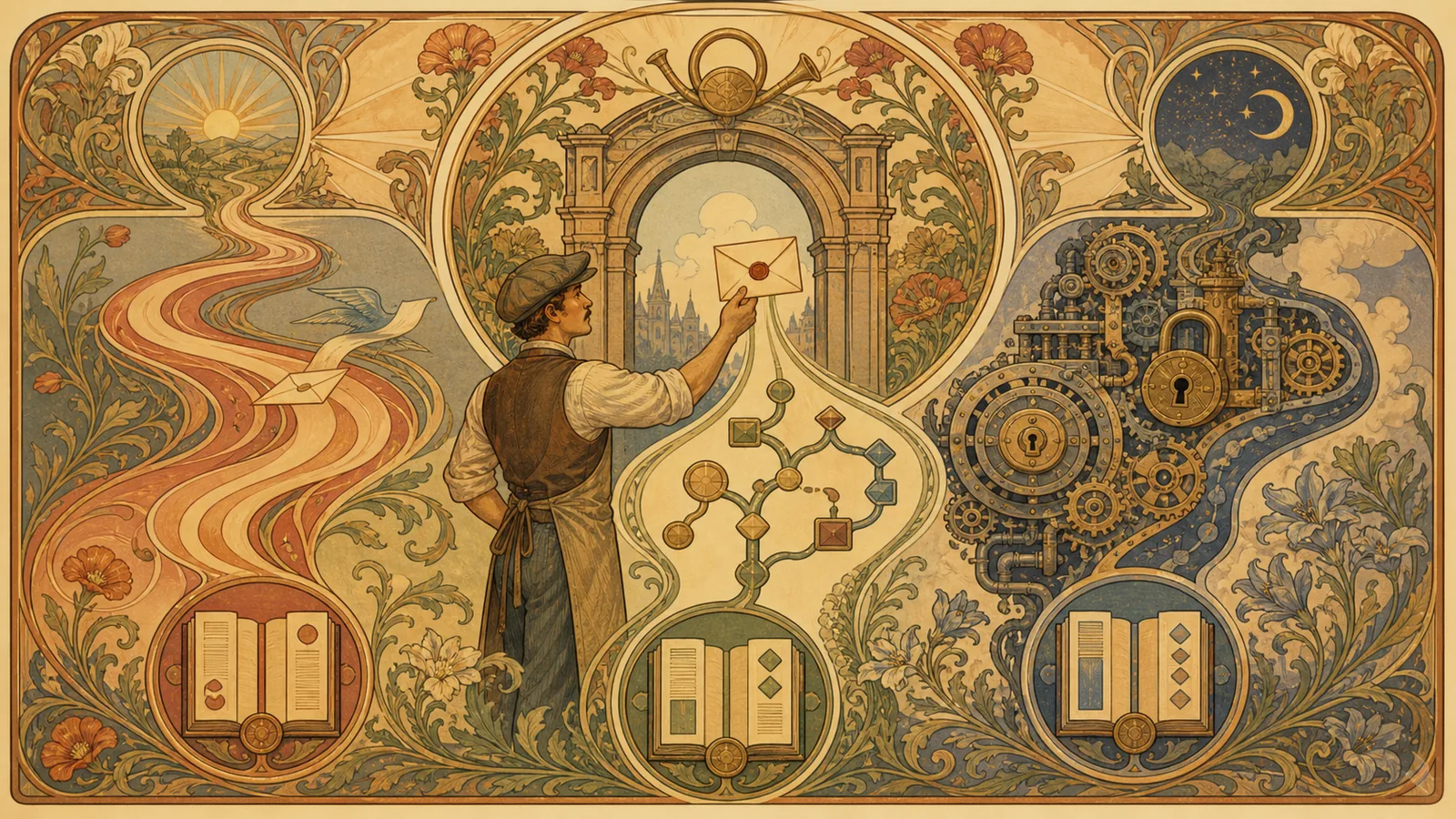
An invoice arrives by email, a workflow reads it, creates a record, and sends it for approval. In a demo, that looks like three colourful boxes. In real life, the invoice arrives twice, the currency is missing, the supplier name does not match the master data, or OCR reads an 8 as a 3. That is where automation either saves work or distributes mistakes faster.
That is why “Make, n8n, or Zapier?” is too small a question. The better one is: Where should an uncertain document stop, who corrects it, and how can the next person find the error again? Only then does a tool comparison become honest.
The workflow matters more than the connector
Zapier is often the fastest route when the trigger, destination, and rule are clear: a new email, save the attachment, create a notification. Make is useful when a team wants to see the data flow and model intermediate steps explicitly. n8n becomes interesting when APIs, custom logic, self-hosting, or tighter operational control matter more than immediate click-to-start convenience.
Microsoft Power Automate can be the natural choice when Outlook, SharePoint, and Microsoft permissions already define the workplace. UiPath is more relevant when older interfaces and larger RPA processes must work alongside APIs.
None of these tools answers the core question: when does a detected value become a value that may affect accounting? That boundary belongs in the process, not in a marketing claim.
Build the error path first
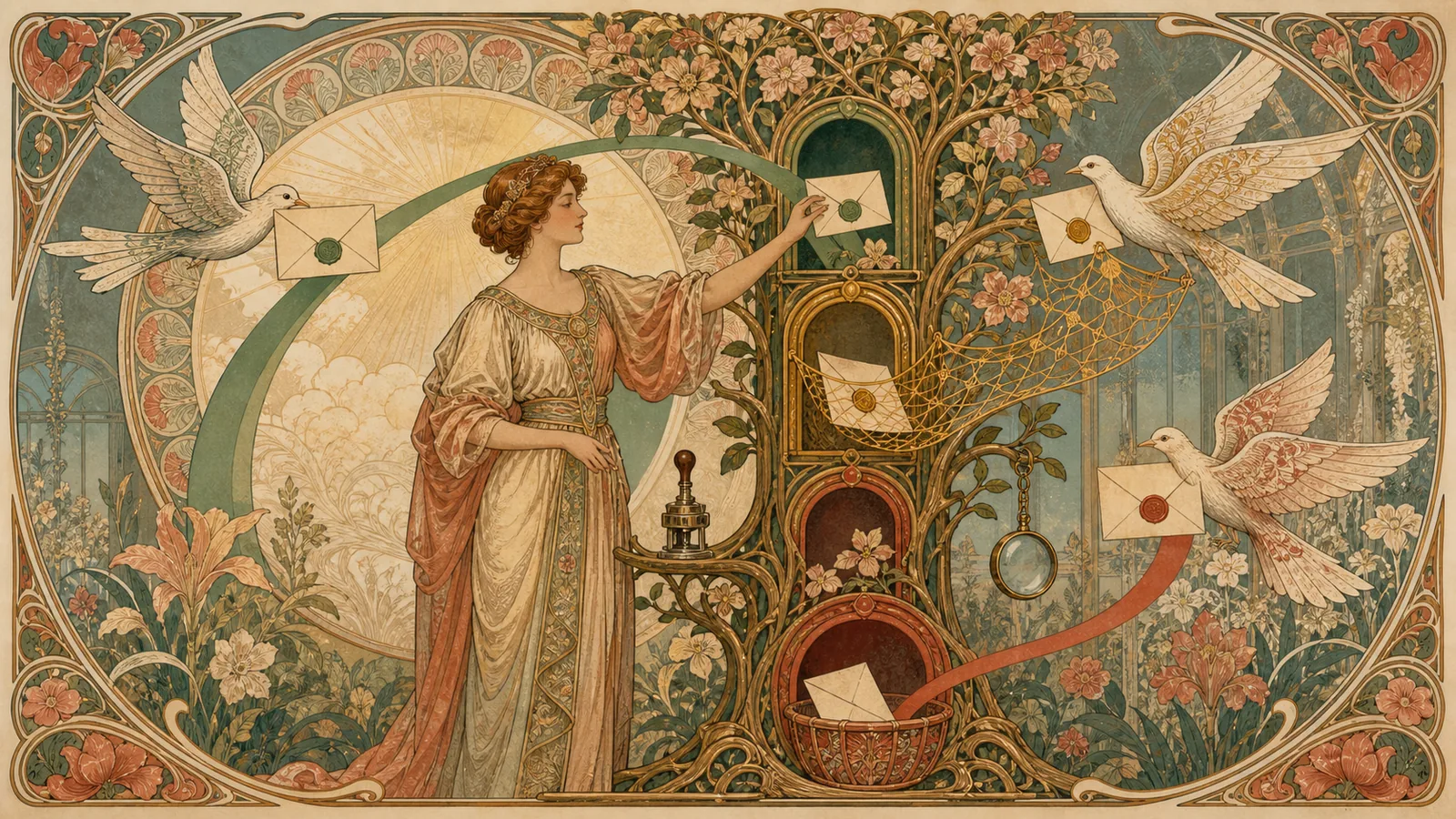
A dependable invoice flow has at least four stations:
- Preserve the intake. Keep the original file, its source, and its arrival time.
- Extract information. Treat supplier, amount, date, and reference as proposals, not truth.
- Check rules. Does the currency, amount range, supplier, or purchase reference fit? If not, send the case to a visible correction queue.
- Approve and hand over. Only after a check should the record continue to accounting or a payment run.
This changes the comparison. Zapier may be enough for a small standardised flow. Make is often easy to follow when there are multiple branches, checks, and waiting states. When rules become more complex or data and operation should consciously remain under the team's control, n8n can be a better foundation. The best candidate is not the one that processes an invoice quickest; it is the one that does not let an error travel unnoticed.
A pilot should be deliberately messy
Do not test only three clean PDF invoices. Include a duplicate, a document with a wrong date, an unknown supplier, and a low-quality scan. Before starting, decide which cases may pass automatically and which must wait.
If a tool stays silent in an error case or drops data somewhere obscure, the flow is not finished. If a subject-matter person can find the case, see the original, understand the correction, and resume the run, there is genuine relief.
Then Make, n8n, and Zapier stop being a matter of faith. The choice follows the team's maintenance reality: who operates the flow, how transparent must it be, and how expensive would a silent error become?