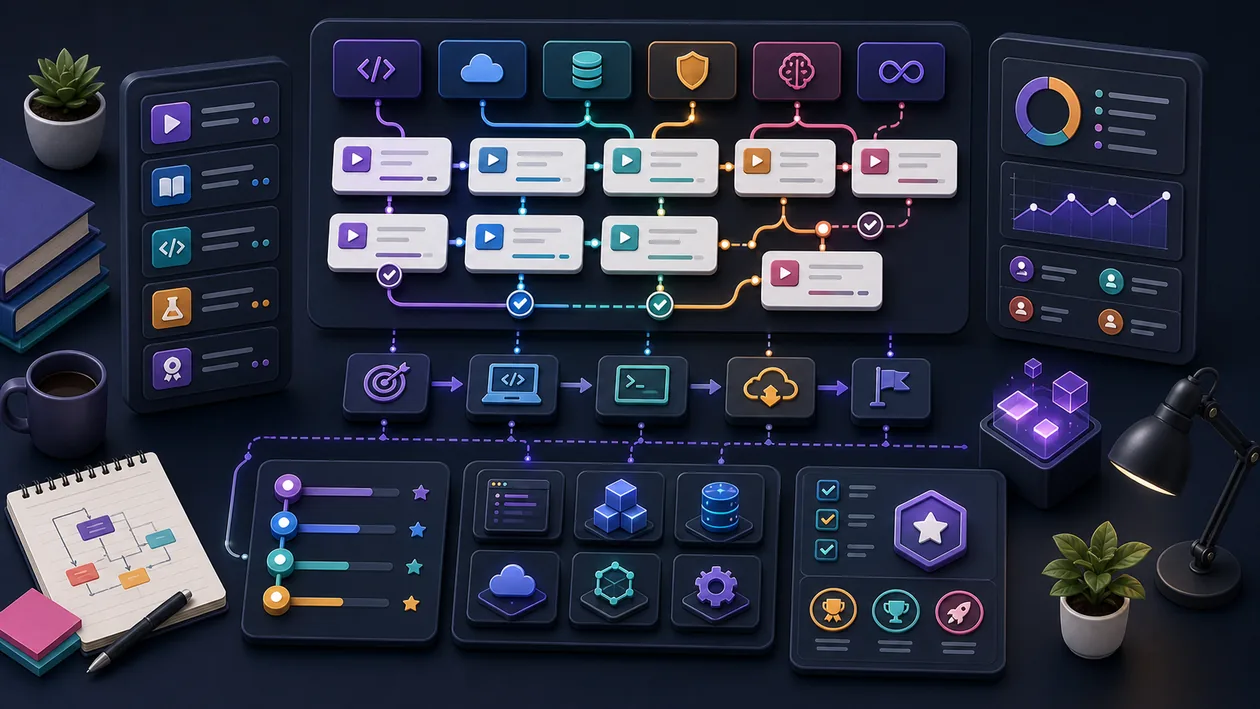
Pluralsight is a technology skills platform built around on-demand courses, learning paths, Skill IQ assessments, and hands-on labs. It is most useful when an individual or team needs a repeatable route from a defined skill gap to a practical exercise in cloud, software development, security, data, or IT operations. It is not a substitute for mentoring, production ownership, or a real project; its value comes from giving those activities a structured learning layer.
Who is Pluralsight for?
The platform fits developers, administrators, data and security practitioners, and technical leaders who need to build or benchmark skills. An individual can use a path to prepare for a new role or certification. A company gets more value when it has already agreed on role expectations, project priorities, and a review process. For a single framework question or occasional beginner tutorial, a subscription may be more than is needed.
What are the main building blocks?
Courses cover a focused concept or technology. Learning paths combine courses, assessments, and labs around a skill, role, or certification goal. Channels let learners or team leaders curate courses, paths, labs, Skill IQ assessments, and external material into a more specific journey. That makes a channel useful for onboarding or a project capability plan, rather than only for personal bookmarks.
Skill IQ provides a baseline and can help indicate where to enter a path. Labs provide a prepared environment for performing guided tasks and validating work instead of only watching a demonstration. The exact catalog and entitlements depend on the selected plan, so a feature described on a product page should not be treated as proof that every account has the same access.
A practical team workflow
Start with a small skills matrix: which role needs which capability, and where will it be applied? The learner can then take an assessment or begin with a foundation module. A manager or subject-matter expert curates a short channel with a path, selected courses, relevant labs, and one project task. The task might be a tested Terraform module, a hardened API endpoint, or an incident runbook that another engineer can review.
Run a review after a defined period rather than measuring only video completion. Compare the baseline with a later assessment, inspect the practical result, and check whether the learner can apply the skill in the team’s environment. Remove obsolete or irrelevant modules. This keeps Pluralsight connected to delivery work instead of turning it into another backlog.
Content quality and limits
Curated paths make technical learning easier to navigate than an unstructured video search, but a path is not a guarantee of production readiness. Course versions can change, and replacing a course can affect completion progress. For fast-moving technologies, learners should check the relevant vendor documentation, product version, security guidance, and internal engineering standards alongside the course.
Labs are useful for safe, guided practice, but they do not reproduce an organization’s data, traffic patterns, approval process, or failure modes. A completion record or a strong Skill IQ result therefore cannot by itself prove that someone can own an architecture or handle an outage. Code review, pairing, controlled changes, and real deliverables still matter.
Rollout, operations, and measurement
A sensible pilot needs one role, one skill gap, and one project-relevant outcome. Define the baseline, target capability, time window, and reviewer before assigning content. Team plans can use channels and priorities to connect learning to business goals. Progress and assessment data should be used for the agreed development purpose; minutes watched are a weak proxy for competence.
At the end of the pilot, compare effort with an outcome: was a task completed more safely or independently, did review quality improve, or did the team avoid outside support? Those criteria help decide whether the subscription is better than documentation, internal enablement, or a specialist course for the next gap.
Privacy, governance, and cost
Team use can involve account details, learning progress, assessment results, channel membership, and analytics depending on the plan. Before rollout, agree with privacy, HR, and security stakeholders on roles, retention, export, SSO, data processing, and the visibility of individual learning results. Skill assessments should not be used as unexplained performance scores.
Pluralsight uses a subscription model. The real cost includes active seats, plan scope, included labs and assessments, administration, support, contract term, and any onboarding or professional-services work. Individual and business plans may differ in catalog and controls. Check current regional pricing, trial terms, and entitlements directly with Pluralsight before committing.
Editorial Assessment
Pluralsight is a good recommendation for technical teams that want a shared catalog, practical exercises, and a repeatable way to address skill gaps. It earns its subscription when a path is tied to a real task and progress is judged by work products rather than consumed minutes. For one short topic, a tight budget, or a primarily academic credential, Coursera, Udemy, or a narrower specialist platform may be the better choice.
Open frequently asked questions
FAQ
Is Pluralsight suitable for beginners?
Yes, if the learner starts with a foundation course or assessment. Beginners should add a small personal project and human feedback because courses and labs alone do not create dependable workplace practice.
What is the difference between a course and a learning path?
A course covers a bounded topic. A learning path arranges multiple courses, assessments, and sometimes labs around a goal, giving the learner a sequence and a way to check the starting point.
Are the same labs available on every plan?
No. Access depends on the plan and its technology domains. Confirm that the labs and assessments needed for the pilot are included before purchase.
How should a company measure learning progress?
Use more than completion data. A baseline and follow-up assessment, a reviewed practical task, and evidence of contribution to a real team goal are more useful signals.
Is Pluralsight worth it for one person?
It can be worthwhile when the learner will work through several technical topics or a certification path over time. For one short question, a recurring subscription is usually difficult to justify.
Are Pluralsight certificates the same as professional certifications?
No. A course or completion record is not automatically an independent vendor or professional certification. Check the requirements of the relevant certification body separately.