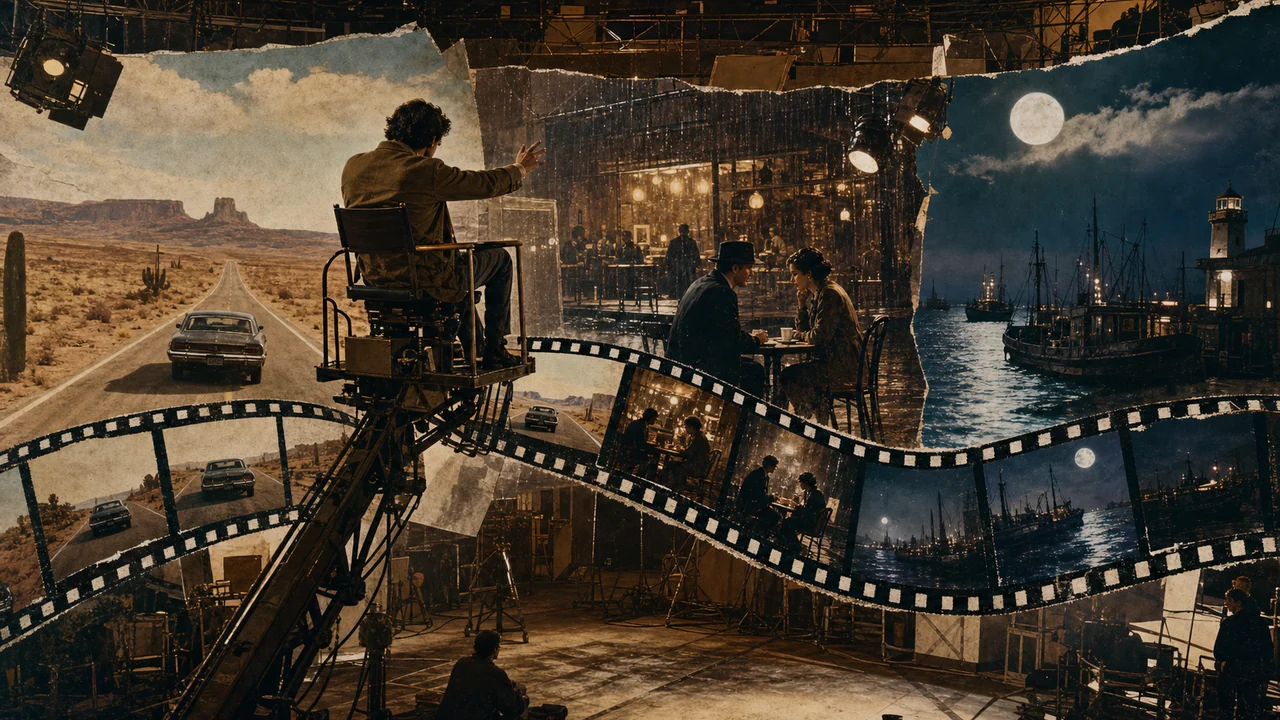
OpenArt Director is a tool in the OpenArt ecosystem that sits clearly at the intersection of AI video, storytelling, and creative direction. The idea behind it is practical: not just to generate a video “somehow,” but to define scenes, transitions, and the narrative direction more deliberately. That is exactly what makes the tool interesting for teams working with short clips, social media formats, visual concepts, or quick test runs.
OpenArt’s official presence around Whats New suggests that the offering is actively evolving. One important point of classification: OpenArt Director is neither a classic editing program nor a pure prompt field for one-off generation. Its value lies more in the combination of creative control and rapid iteration. If you want to translate ideas into moving images without starting from scratch every time, this offers an approach that feels closer to directing or concept development than to simple image output.
In day-to-day use, this is especially helpful when a script, mood board, or campaign idea first needs to become a visual concept and then a usable video draft. In the areas of ai-video, creative-tools, director, storytelling, and video-generation, this intermediate step is often the decisive one: away from a single prompt and toward a controllable workflow.
Who is OpenArt Director for?
OpenArt Director is especially suitable for people who frequently conceptualize, test, or refine visual content under time pressure. This includes:
- Social media teams that want to compare multiple video ideas quickly.
- Creatives in marketing and communications who want to turn a message into a short, understandable video.
- Content creators experimenting with style, scene, and narrative flow.
- Agencies that want to make early campaign ideas visible as a moving preview.
- Solo creators and small teams that want to stay productive without a large production crew.
- Product or brand teams that need to align on video ideas internally before budget goes into a real production.
It is less suitable where precise technical control over every individual frame track, audio mix, or exact editing logic is the priority. Anyone expecting a full post-production setup will usually be better served by a dedicated NLE or motion tool. OpenArt Director is more of a creative accelerator than a replacement for the complete video pipeline.
Main Features
The exact scope depends on the platform’s current development, but the character of OpenArt Director can be classified in practice like this:
- Scene-oriented video generation: Instead of using only a general video prompt, the focus is likely on more structured control of scenes, subjects, and sequences.
- Storytelling with a visual thread: The tool is interesting when a clip should not only look good, but also carry a clear sequence, mood, or progression.
- Creative direction layer: The term “Director” suggests that not only content is generated, but creative decisions can be guided more strongly.
- Fast variant creation: Useful for teams that want to develop several directions from one idea, such as different hooks, visual styles, or narrative pacing variants.
- Working with concept templates: Depending on the feature set, inputs with references, visual ideas, or textual guardrails are conceivable to make output more consistent.
- Exportable early-stage drafts: A tool like this is especially practical when drafts are turned into content for presentations, campaign approvals, or social tests.
In practice, the greatest value is usually not “the one perfect video,” but the faster path to usable intermediate results. That is where a director-style approach shows its strength.
Pros and Cons
Pros
- Stronger focus on creative direction than simple text-to-video generators.
- Good for early concept phases, when story, look, and rhythm are still open.
- Fast iteration is possible, which is especially helpful for social and campaign work.
- Lower barrier to entry than complex editing or 3D setups.
- Freemium model makes it easy to start without an immediate budget decision.
- Well suited to content with a clear narrative intent, not just generic short clips.
Cons
- Not a full production environment for professional final editing.
- Output quality depends heavily on prompting and the creative setup.
- Detail control may be limited when a project needs very precise timing, camera, or editing specifications.
- Feature boundaries may be unclear depending on the current stage of development: with fast-moving AI tools, capabilities and limits often change.
- Possible dependence on credits, queues, or plan limits.
- Sensitive content requires careful review of privacy and usage rights.
Workflow Fit
OpenArt Director fits best into workflows where video is used as a thinking medium during creation rather than only at the end. Typical workflows look like this:
- An idea, campaign message, or storyline is captured in concise form.
- Visual directions, scene sequences, or style variants are derived from it.
- The team generates several short drafts to compare tone and impact.
- The best variant is selected and aligned internally.
- After that, either refinement continues directly in the tool or the material is handed off to other tools for editing, audio, or final delivery.
That makes OpenArt Director especially strong in the concept phase, pre-production, and social content sprinting. It is less useful as the sole endpoint for high-end commercials with complex post-production. But for teams that already work small and need quick decisions, it provides a very practical intermediate stage.
Pricing & Costs
OpenArt Director is classified as Freemium. In practical terms, that usually means there is a starting point without immediate payment, while expanded usage, higher quotas, or additional features may become payable depending on the plan.
For cost evaluation, you should check before using it in production:
- Which features are included in free access.
- Whether credits, export limits, or watermarks apply.
- Whether commercial use depends on a specific plan.
- How image, video, or batch generation affects the quota.
- Whether team features, private projects, or higher resolutions are billed separately.
The official site is the most reliable starting point here: 👉 To the provider: https://openart.ai/whats-new
Privacy and Data
For AI video tools, the general rule is: prompts, uploads, project content, and generated results are processed on the platform. For OpenArt Director, it is therefore important to clarify before production use how these data are handled. The most relevant questions are:
- Is entered content used to improve the model?
- How long are projects and uploads stored?
- Are there private workspaces or team access controls?
- What rights apply to generated content in commercial use?
- Which export or deletion options are available?
For internal communications materials, unpublished campaign ideas, or sensitive brand content, a careful review of the provider terms is sensible. Especially with rapidly evolving AI products, usage rules can change without the everyday user noticing right away.
June 2026 Editorial Update
OpenArt Director is most interesting for teams that want to use AI video as pre-production rather than as a random generator. Good use cases include campaign sketches, mood clips, social ad variants, pitch ideas, and quick visualization of scene sequences. The value is less about a finished master and more about making ideas moving, visible, and discussable.
It should not be confused with a complete production workflow. Brand approval, rights, consistent characters, subtitles, sound, editing quality, and platform formatting remain editorial work. Teams using OpenArt Director should plan a clear review step: what is only a concept, what can be published, and what needs post-production?
Editorial Assessment
OpenArt Director feels like a product for the phase where ideas are supposed to become visual decisions. That is exactly where its biggest value lies: it speeds up the translation from concepts into moving images and makes iteration cheaper than traditional video production. For marketing, content, prototyping, and social assets, that is a clear advantage.
The tool’s strength is not perfect final production, but creative steerability. If you regularly work with story, mood, scene, and visual rhythm, OpenArt Director can become a useful building block. If, however, you need a fully controlled post-production environment, it remains more of a pre-production tool.
Overall, the tool is especially interesting when speed and narrative clarity matter more than maximum technical depth. For small teams and individuals under high output pressure, that is a very usable combination.
Open frequently asked questions
FAQ
What exactly is OpenArt Director?
Who is OpenArt Director for?
OpenArt Director suits teams that use the workflow regularly and can own rollout, access decisions and quality review.
What should a OpenArt Director pilot look like?
Start with a bounded process, a small group and a clear success criterion. Check output quality, permissions and handovers before expanding the scope.
Which data should not be processed in OpenArt Director without review?
Sensitive or confidential content should wait until contract terms, access, storage and deletion controls have been reviewed. Escalate uncertainty to the responsible privacy owner.
When is an alternative to OpenArt Director the better choice?
Choose an alternative when the need is occasional, a required integration is missing, or administration and cost outweigh the practical benefit.
OpenArt Director is an AI-oriented tool in the OpenArt ecosystem that is focused on the creative control of video content and storytelling.
Is OpenArt Director only for professionals?
No. It can also make sense for beginners as long as the use case is more about idea development, short clips, and variant creation.
Can I produce complete videos with it?
Depending on the feature set, you can generate video drafts and shorter clips. Complex final productions usually require additional editing.
Is there a free version?
Yes, the pricing model is classified as Freemium. Which functions are available for free should be checked on the provider’s site in advance.
What is OpenArt Director strongest for in daily use?
For quick video ideas, storyboards, social content drafts, and visual concept work with a clear narrative intent.
Is the tool suitable for agencies?
Yes, especially for early campaign ideas, pitch materials, and internal alignment.
What should you pay attention to regarding privacy?
Most importantly, storage periods, rights to uploads and results, team access, and possible use of the content for model improvement.
How is it different from classic video tools?
OpenArt Director comes into the process earlier. It helps with concept, mood, and generation, while classic tools are more focused on editing and fine-tuning.
Date/time: 2026-06-24 22:35 (Europe/Berlin)