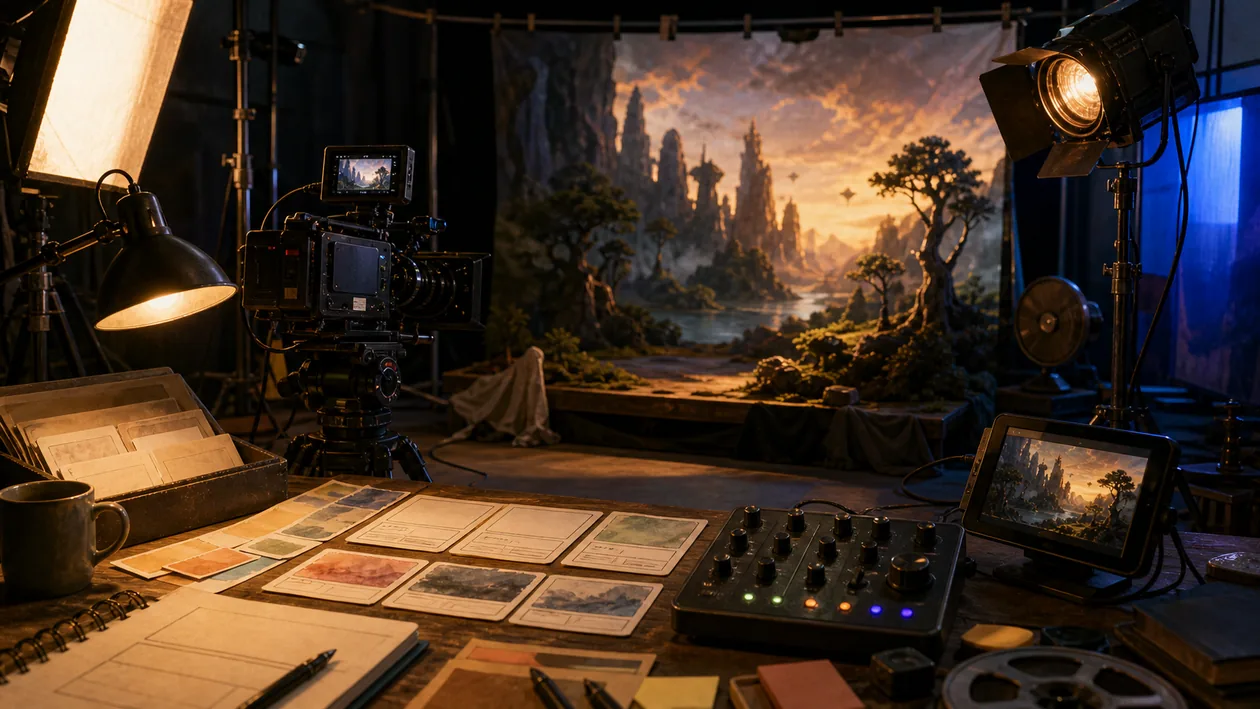
An agency does not need a finished commercial by Friday. It needs three credible directions for a client decision: a restrained product move, an energetic street scene and an abstract brand world. Runway can turn storyboards, reference images and motion instructions into enough material for that choice. It does not remove directing from the process. It moves direction earlier, because useful results depend on well-defined shots, controlled references and disciplined rejection.
What Runway handles in video production
Runway is a cloud environment for generative video and image work. Depending on the current model and plan, users can create clips from text or images, transform existing footage and use visual references for characters, objects, style or motion. Editing tools help extend, vary and prepare material for a cut.
It is particularly useful for previsualisation, concept films, social assets and individual effects shots. It does not automatically produce a consistent long-form film, a legally cleared brand campaign or frame-accurate finishing. Editing, sound, colour, rights review and approval remain separate production responsibilities.
A reliable shot workflow
Split a 20-second clip into five shots. For each one, document framing, action, camera, duration, immutable product details and forbidden deviations. Use reference material only after rights and consent have been confirmed.
Generate a few purposeful variants per shot rather than dozens of unlabelled clips. An editor checks continuity, hands and faces, product geometry, brand colour, motion logic and editability. Only approved takes enter the edit folder with their prompt, model state and variant details. If two iteration rounds still produce no usable shot, switch to stock, 3D or a conventional shoot. That stop rule protects both budget and deadline.
Where Runway saves time
Runway reduces expensive uncertainty at the start of production. Camera ideas, moods and transitions become visible before the team commits to locations, talent or extensive post-production. Small format and campaign variants can also be prepared more quickly.
The finishing work remains. Flickering details, changing geometry, broken lettering or unintended similarity to references need review. The higher the brand and legal risk, the more important art direction, documented selection and conventional finishing tools become.
Collaboration and handoff
A project needs a traceable folder and naming system: brief, approved references, raw variants, selects, edit and final exports should remain separate. Personal accounts and chat threads are not a production archive. Before handoff, establish which originals can be exported and which metadata is needed to reproduce a result.
The same rule applies to API or automated workflows. Generations may fill a controlled queue, but they should not publish without technical checks and human viewing.
Rights, security and disclosure
Reference images of people, products, art or protected brands require a defensible right to use. Teams should review current terms for uploads, training use, commercial rights and retention. Confidential campaign material belongs in the cloud only after contractual and access controls are understood.
Synthetic-looking and photorealistic scenes may also require disclosure under policy or law. Runway does not make that editorial decision for the organisation; the publisher owns approval and documentation.
Cost and capacity
Cost depends on plan, model, resolution, duration and the number of rejected variants. “Cost per generated clip” is therefore weak evidence. Track cost per approved shot, time to selection and the share of scenes that later require a new shoot or extensive repair.
Editorial assessment
We recommend Runway to creative teams that use clear direction to compare visual possibilities quickly or place individual generative shots inside a conventional production. The strongest pilot is a short real clip with fixed references, five planned shots and a known approval round.
Do not choose it when frame-accurate continuity, immutable product geometry or fully local processing is mandatory. CapCut is lighter for social editing; Sora, Kling AI and Pika are useful comparisons for different model behaviour. The success criterion is not “does it look spectacular?” but “can the approved shot enter the final cut on time, legally and with a reproducible path?”
Open frequently asked questions
FAQ
Is Runway a complete video editor?
Runway covers generation and several editing steps, but it does not replace every NLE workflow for precise cutting, sound mixing, colour, captions and final delivery.
What should a pilot look like?
Choose a 15- to 20-second clip with five planned shots, controlled references and fixed scoring criteria. Measure usable takes, repair work, cost and time to approval.
How do characters or products remain consistent?
Use controlled references, short shots, repeatable settings and strict selection. Complete consistency is not guaranteed, so critical product details require frame-level review.
Can I upload customer or portrait images?
Only after rights, consent, contract, access and current platform terms have been checked. Confidential material should have an explicit upload and deletion policy.
Can Runway publish automatically?
Automation is technically possible, but direct publication is risky. Rights, continuity, unwanted content and brand requirements should be checked first.
When is an alternative better?
CapCut is often lighter for social editing. Compare Sora, Kling AI or Pika for different generative styles; for frame-accurate control, a shoot, 3D and conventional post-production remain more predictable.
Can Runway generate a longer film in one pass?
A shot-by-shot workflow is more reliable for longer productions. Short, defined shots are easier to select, repair and edit than one long generation in which characters, space and product details may drift.
Which files and details should the team archive?
Keep the brief, approved references, prompts, model and variant details, raw clips, selects, approvals and final exports in a shared production archive. The final download alone is not enough when a campaign needs to be revised later.
How can generation cost be controlled?
Use a fixed shot list, a small number of variants per round, explicit scoring criteria and a stop rule. The useful metric is not the number of clips generated, but how many approved shots reach the edit on time.
Can synthetic actors or voices be used without further review?
No. Likeness, voice, consent, trademark concerns and platform rules need review before publication. Documented permission is especially important when a real person or recognisable reference is involved.
What is a stop rule in this workflow?
The team decides in advance how many failed variants or how much budget it will tolerate before changing approach. A difficult shot can then move to stock, 3D, compositing or a conventional shoot instead of consuming unlimited generation rounds.