Quick verdict
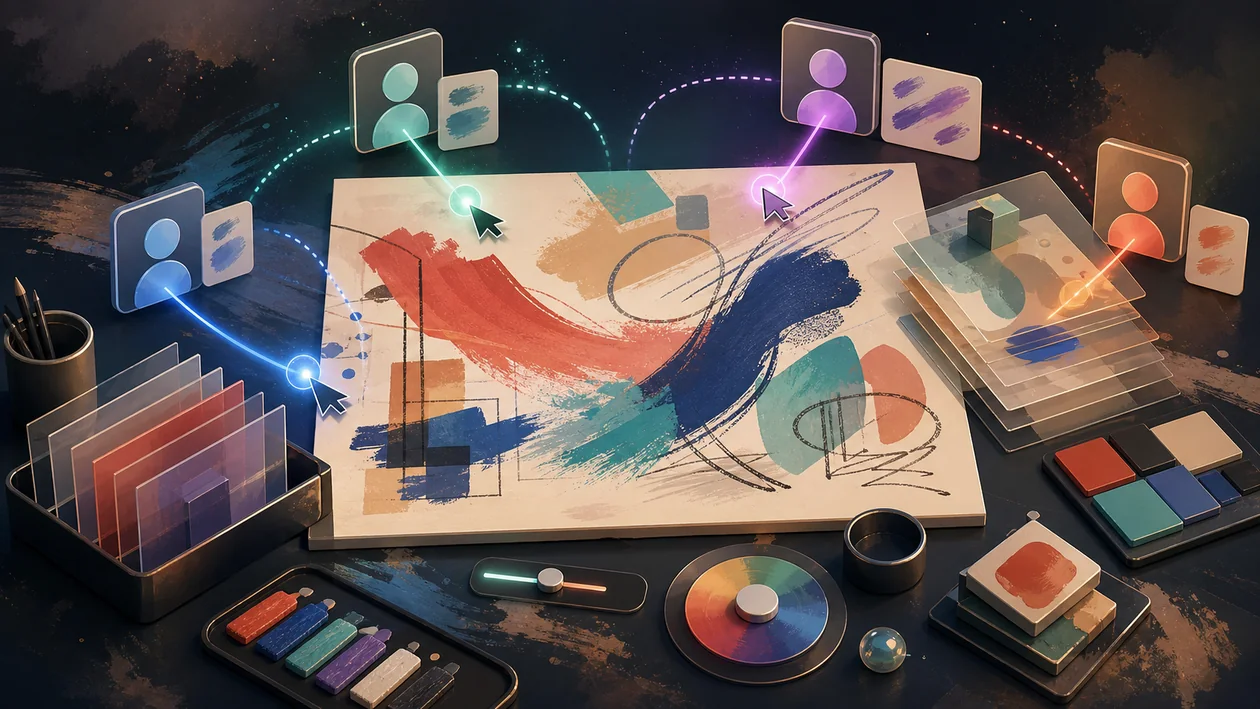
An illustrator is in Hamburg, the art director in Vienna and the game writer in Cologne. The first draft makes the main character look friendly, although the scene should feel threatening. Instead of emailing a screenshot covered in thirty arrows, the team opens the same Magma canvas. The director paints a sharper silhouette beside the figure, the writer marks the narrative detail that cannot disappear, and the illustrator tries another lighting treatment on a fresh layer.
Magma is strongest when creative feedback must itself be visual. It does not replace artistic judgement or final production software, but shortens the distance between “this does not feel right yet” and a visible alternative. We recommend it for distributed illustration, concept-art and workshop teams. UI systems, print production and purely asynchronous moodboarding have better-suited tools.
What Magma is today
Magma is a browser-based drawing environment where several people share one canvas. Participants can draw, comment, observe and develop variants together. Its centre of gravity is digital painting and visual collaboration, not component libraries or general project management.
The platform therefore suits work where language alone is imprecise: composition, pose, colour weight, visual hierarchy or a fast paint-over. A good session leaves behind not just an image, but an understandable decision.
An art-direction session that helps
Before the meeting, the illustrator places three rough thumbnails in separate canvas areas. Each answers the same question: how should the player read the character at first contact? The group does not immediately write comments. Everyone looks first, then each role makes only a few colour-coded interventions.
The art director draws another posture, the writer marks a required prop, and the illustrator overlays a colour option. After twenty minutes the result is not “some version of concept two.” A labelled area records the selected direction, discarded idea and next task. Final rendering continues in the specialised painting application.
Who is Magma for?
- Concept artists and illustration studios with distributed contributors
- Art-direction reviews where a paint-over beats a paragraph
- Creative classes, mentoring and live demonstrations
- Storyboard, character and environment teams in early phases
- Workshops in which participants think and sketch visually
It is less suitable as the only tool for complex print files, large UI design systems, precise vector production or final 3D pipelines.
Strengths
- Everyone sees the same working state rather than scattered screenshots
- Visual feedback appears directly on the subject
- Browser access lowers the barrier for guests and workshops
- Simultaneous drawing supports teaching and rapid ideation
- Variants can sit side by side instead of hiding in filenames
- The canvas works well for shared warm-ups and review rituals
Limits and risks
- Too many simultaneous contributors can make a canvas unreadable
- Tablets, browsers and networks do not all feel equally precise
- Final production may require specialist features from established desktop tools
- Unclear layer and naming rules damage later handovers
- Guest access and shared links can expose unreleased art
- Collaboration cannot substitute for creative direction
Workflow fit
A Magma session needs a concrete question. “Let us draw together” may be enjoyable, but it is not a dependable production step. Better goals are comparing three silhouettes, fixing the eye path in a scene, or spending ten minutes on alternatives for a prop.
Define the moderator, drawing rights, colour codes and output before starting. After the session, export the chosen direction or rebuild it cleanly in the production tool. Magma should accelerate review, not create an endless layer of parallel options.
Quality control
The prettiest concept is not automatically the best one. Check narrative function, readability, production budget and existing style rules. Viewing at several sizes and in greyscale reveals problems that a lively collaborative session can conceal.
The team should also mark which layer represents the decision. A snapshot of the approved state plus a short rationale prevents an arbitrary intermediate version becoming the later reference.
Privacy & operations
Unreleased characters, campaign images and client work can be confidential. Shared links, guest roles, access and deletion should be agreed before a project begins. For commissioned work, review provider terms, storage and permitted uploads.
Classes and workshops should also decide whether participant names, comments or recordings remain stored. Invite only people who need the specific canvas.
Pricing & costs
Magma provides a limited entry point and paid options; capabilities and team terms can change. The real cost also includes tablets, facilitation, export cleanup and disciplined handover into production.
Go to provider: https://magma.com/
Editorial assessment
Editorial verdict: Recommend.
Magma addresses a small but underestimated problem directly: creatives do not have to explain where a shape, colour or pose feels wrong; they can show an alternative. That makes review more concrete. Without moderation, however, the result is simply a very large canvas full of well-intentioned interventions.
Editorial verdict: Recommended for synchronous illustration and visual art direction. Use with caution as a final production environment or project-management replacement.
Open frequently asked questions
FAQ
Does Magma replace Photoshop or Krita?
Not generally. It can take over collaborative sketches and reviews; desktop applications often remain stronger for specialist finishing.
Can several people draw at the same time?
Yes. The shared real-time canvas is the product's core. Permissions and facilitation should be set before larger sessions.
Does every participant need a drawing tablet?
No. A mouse or trackpad is enough for comments, viewing and rough marks; precise illustration benefits greatly from a tablet.
Is Magma useful for art education?
Yes, especially for demonstrations, shared exercises and direct correction. Privacy and guest access must fit the class.
How can a team prevent canvas chaos?
Use defined areas, layers, colour codes, one moderator and one decision question per section.
Can Magma replace Figma for UI design?
It can support freehand sketching, but not components, constraints, prototyping or design systems in a sensible way.
Which data is especially sensitive?
Unreleased artwork, client briefs, licensed characters and personal comments should only be shared with controlled access.
How should value be measured?
Compare time to a clear correction, number of feedback cycles and handover quality against the previous screenshot-and-email process.