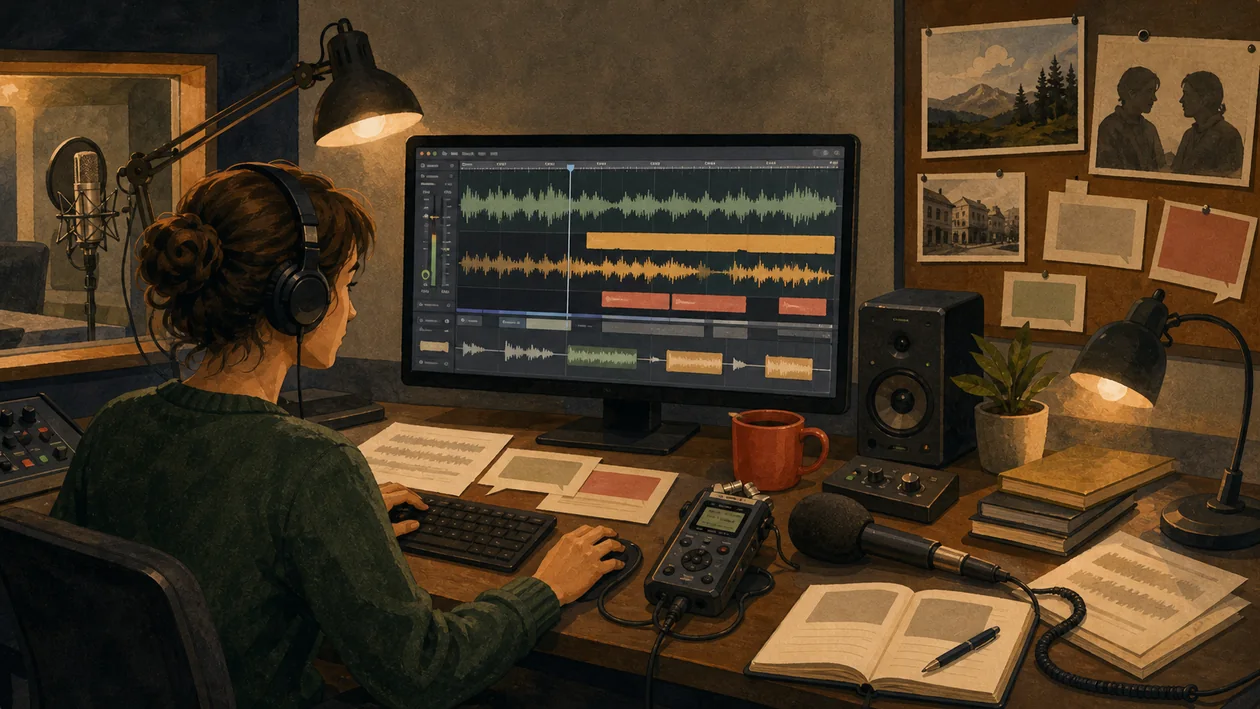
Hindenburg Journalist is specialized audio editing software developed primarily for journalists, podcasters, and radio professionals. The software places particular emphasis on ease of use, automated features, and an optimized working environment that speeds up and simplifies the production process for audio content. With intelligent tools, Hindenburg Journalist supports the workflow from recording to publication.
Who is Hindenburg Journalist suitable for?
Hindenburg Journalist is aimed at professional and aspiring journalists, podcasters, radio producers, and content creators who regularly produce audio content. The software is ideal for users who value an intuitive interface without wanting to give up powerful features. Hindenburg Journalist also offers suitable tools for newsrooms and teams that want to make their audio productions more efficient. Thanks to automatic audio improvements and clearly structured workflows, beginners can get started easily.
Key Features
- Multitrack editing: Edit multiple audio channels at the same time with a clear timeline.
- Automatic volume adjustment: Intelligent normalization ensures consistent levels.
- Speech optimization: Special filters and effects to improve speech intelligibility.
- Cutting and marking tools: Quickly place cuts and markers for efficient editing.
- Storyboard mode: Plan and organize episodes directly in the software.
- Metadata integration: Easily enter and manage episode information.
- Export features: Support for various audio formats for web, podcast, and broadcast.
- Cloud synchronization: The ability to collaborate and back up projects in the cloud.
- Automated backup function: Protection against data loss through regular backups.
- Workflow automation: Scripts and macros to speed up recurring tasks.
Pros and Cons
Pros
- User-friendly interface designed specifically for journalists and podcasters.
- Automatic audio improvements reduce manual effort.
- Extensive features for professional audio editing.
- Good integration of metadata and export options.
- Supports team collaboration through cloud features.
- Flexible work with multitrack editing and storyboard mode.
Cons
- Pricing can vary depending on the plan and is not always transparent.
- Some professional plugins are missing for very advanced audio production.
- Users without audio experience will need time to learn it.
- No fully free version, only trial periods are available.
Pricing & Costs
The pricing structure of Hindenburg Journalist varies depending on the selected plan and license model. Typically, the provider offers different packages that vary in feature set, number of users, and support services. Some plans are available as subscriptions, while others are one-time purchases. For exact prices, it is advisable to consult the official website, as terms may vary by region and promotion.
What really matters in daily use
Hindenburg Journalist is built around spoken content, which makes it closer to editorial work than to a music studio. For interviews, features, and radio formats, fast editing, level control, speech clarity, and a workflow that does not overload journalistic material with unnecessary complexity matter most.
Workflow Fit
- Good for reporters, podcasters, audio features, and editorial teams handling many voice recordings.
- Less suitable for complex music production, sound design, or projects with heavy MIDI and instrument work.
Editorial Assessment
Hindenburg Journalist is valuable because it treats speech as the center of the workflow. For voices, atmosphere, and narrative flow, it is more focused than many general-purpose DAWs.
Open frequently asked questions
FAQ
1. Is Hindenburg Journalist suitable for beginners?
What should a Hindenburg Journalist pilot look like?
Start with a bounded process, a small group and a clear success criterion. Check output quality, permissions and handovers before expanding the scope.
Which data should not be processed in Hindenburg Journalist without review?
Sensitive or confidential content should wait until contract terms, access, storage and deletion controls have been reviewed. Escalate uncertainty to the responsible privacy owner.
When is an alternative to Hindenburg Journalist the better choice?
Choose an alternative when the need is occasional, a required integration is missing, or administration and cost outweigh the practical benefit.
Yes, the software is designed to be user-friendly and offers many automated features that make it easier to get started.
2. Which operating systems are supported? Hindenburg Journalist is mainly available for Windows and macOS.
3. Is there a free trial version? In general, the provider offers a limited trial period so users can get to know the features.
4. Can I use Hindenburg Journalist for podcasts and radio programs? Yes, the software is specifically tailored to the needs of journalists and podcasters.
5. Are updates and support included? Depending on the license model, updates and technical support are included.
6. Does the software support multitrack recording? Yes, multitrack editing is a core feature of Hindenburg Journalist.
7. How are projects saved and backed up? Projects can be saved locally and backed up through cloud integration.
8. Is team collaboration possible? Yes, cloud features allow multiple users to work on projects.