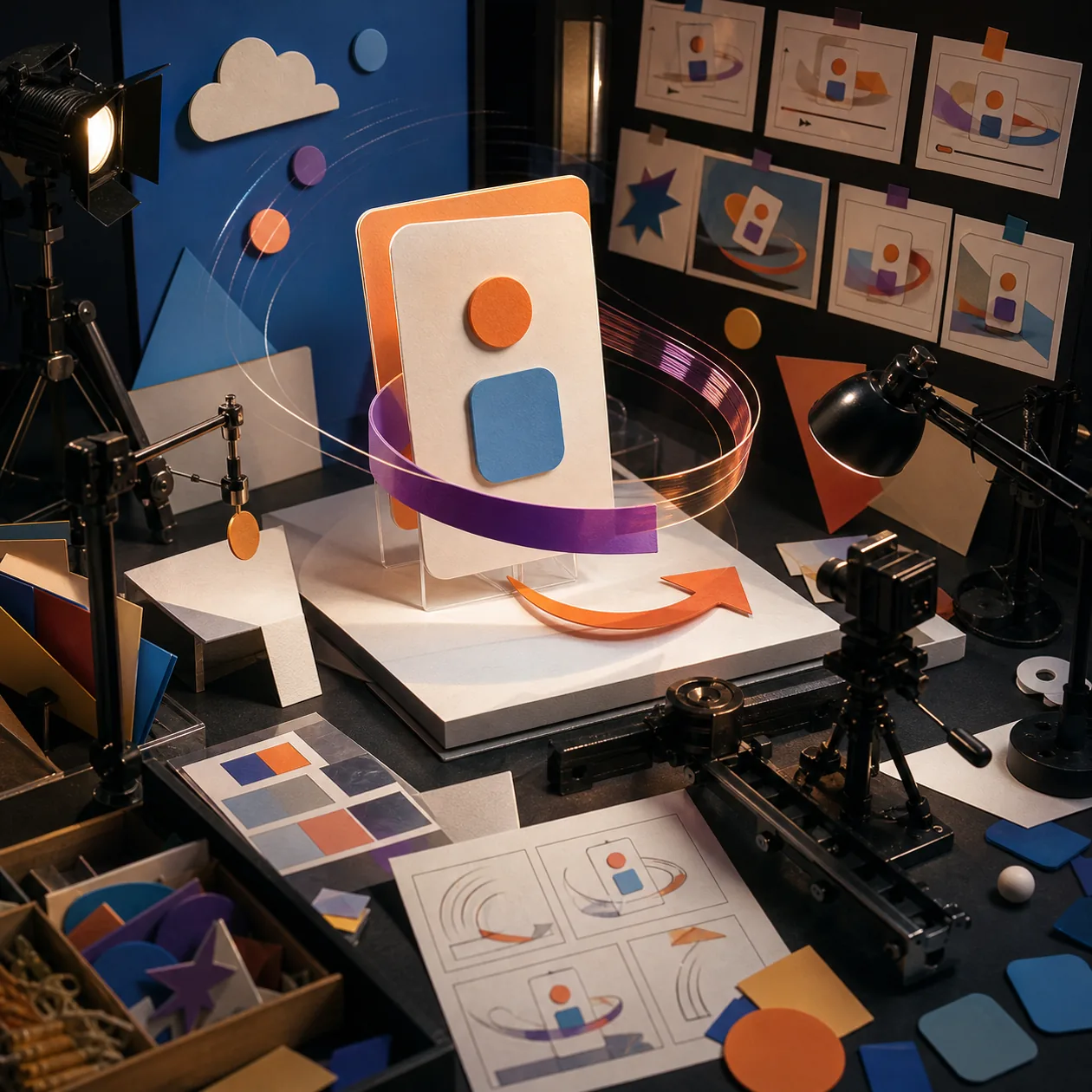
Hera positions itself as an AI motion designer for short marketing, product and launch videos. The focus is not classic editing like in Premiere Pro, but the fast generation of animated motion-graphics clips from ideas, visual direction, files or prompts. That makes Hera relevant for teams that frequently need short product moments, teasers, launch videos or visual variants.
This is a different workflow from shooting video and editing it afterward. Hera starts closer to concept, design and motion: what message should be animated, which product interface, graphic or scene needs to be visible, and how quickly can a team test several visual directions before committing to a final campaign?
Who is Hera for?
Hera is suitable for founders, product marketing, growth teams, designers, agencies and content teams that regularly need short motion assets. It is especially useful for launch communication, app and feature demos, social teasers, landing-page visuals and campaign variants where speed matters more than a fully custom film production.
It is less suitable for long videos, documentary footage, complex editing projects or high-end post-production with precise timeline control. Classic tools such as Adobe Premiere Pro, After Effects or specialized production workflows remain stronger there. Hera is more of an accelerator for motion concepts and short assets.
Typical use cases
- Create short launch videos for new products, features, apps or updates.
- Prepare social clips, teasers and variants for campaigns.
- Test motion-design directions before producing a final creative.
- Add animated product moments or short explainers to landing pages.
- Translate existing files or visual elements into moving marketing clips.
- Turn recurring product communication into video form more quickly.
What really matters in day-to-day work
In practice, the generated animation is only part of the story. A good launch video needs readable text, clear timing, correct brand colors, suitable music or silence, accurate product representation and a call to action that does not disappear. If an AI tool creates attractive motion but those details are not controllable, the team pays for it in rework.
Hera should therefore not be treated as an autopilot. The better use is as a creative accelerator: sketch ideas, generate variants, find a visual direction, then review and sharpen the result in a final design or editing process if needed. For launches, that can be valuable because teams are often under time pressure but still do not want to publish static screenshots only.
Key features
- AI-assisted creation of motion-graphics and marketing videos.
- Prompts and visual direction as starting points for short animated clips.
- Use of files or assets depending on the workflow, for example product or launch material.
- Variant generation for social, landing pages, campaigns and product communication.
- Focus on short, visually condensed videos rather than long editing projects.
- API- and job-oriented motion generation according to the provider's documentation structure.
Pros and limitations
Strengths
- Speeds up the path from idea to moving visual.
- Especially useful for short launch, product and social assets.
- Helps test several creative directions.
- Can reduce pressure on design and marketing teams when many variants are needed.
- Fits teams that do not want to start a full motion-design project every time.
Limitations
- Not a replacement for precise timeline, compositing or post-production work.
- Brand fit, readability, timing and product accuracy still require manual review.
- Rights for images, music, logos and generated assets need to be clarified.
- For long explainers or real shoots, Hera is not the central workflow.
- AI variants can look good while missing the message or product detail.
Workflow fit
Hera fits early in the creative process: brief, core message, visual assets, variants, review, selection, refinement and publication. It is strongest in a workflow where Hera generates several directions and the team then decides which one should be developed further.
For recurring launches, teams should define templates, brand rules and review criteria. How long may text be, which product views are accurate, which colors and motion styles fit the brand, which clips may be published directly and which require design or legal review? These questions turn Hera into a productive tool rather than a random generator of pretty clips.
Privacy & data
Hera may involve product interfaces, roadmap material, unreleased features, logos, campaign ideas and customer data visible in screenshots. Teams should therefore check which assets may be uploaded, whether confidential UI states are visible and which usage rights apply to generated videos. With launch material, it is also important that drafts stay internal until publication.
Pricing & costs
Hera’s public site emphasizes “Start creating,” launch videos and templates more than a fully transparent classic SaaS price table. Before adopting it, teams should verify credit limits, export options, commercial usage rights and collaboration features for their account. Evaluation should not only look at price per video, but at how much design and coordination time is saved.
A pilot should therefore do more than generate a nice clip. It should simulate a real launch workflow: brief, asset upload, variants, review, adjustment, export and publication. Only then does it become clear whether Hera really shortens the production loop.
Editorial assessment
Hera is interesting when a team is not looking for yet another generic video tool, but wants to get to moving product and launch visuals faster. The value lies in creative throughput: more variants, faster first direction, fewer empty slides and static screenshots in launch communication.
The limitation matters just as much. Motion design is not only motion. It is readability, rhythm, brand direction and product accuracy. If Hera accelerates that work, it is valuable. If it only creates attractive but imprecise clips, the rework becomes too high.
My recommendation would be a narrow pilot with a real launch: one feature, three audiences, several short variants and clear review criteria. If Hera produces usable assets faster than the existing process, it has a place in the marketing workflow. For final hero campaigns, human creative review remains mandatory.
Open frequently asked questions
FAQ
1. Is Hera a replacement for Adobe Premiere Pro or After Effects? No. Hera is more of an AI motion and variant-generation tool. For precise timeline work, compositing and long post-production, classic professional tools remain stronger.
2. Which teams benefit most from Hera? Product marketing, growth, founders, agencies and design teams that frequently need short launch, social or product videos and want to test several directions quickly.
3. Can Hera automatically create finished campaign videos? It can accelerate production, but finished campaigns still need review. Brand fit, product representation, timing, rights and call to action must be checked.
4. Which data should not be uploaded carelessly? Unreleased product data, confidential roadmap screens, customer data, internal metrics or assets with unclear licensing should only be used after review.
5. When is an alternative better? Runway or Pika are better for generative video experiments, Canva Video for simple team layouts, Premiere Pro for precise editing and CapCut for fast creator-oriented social clips.