Quick verdict
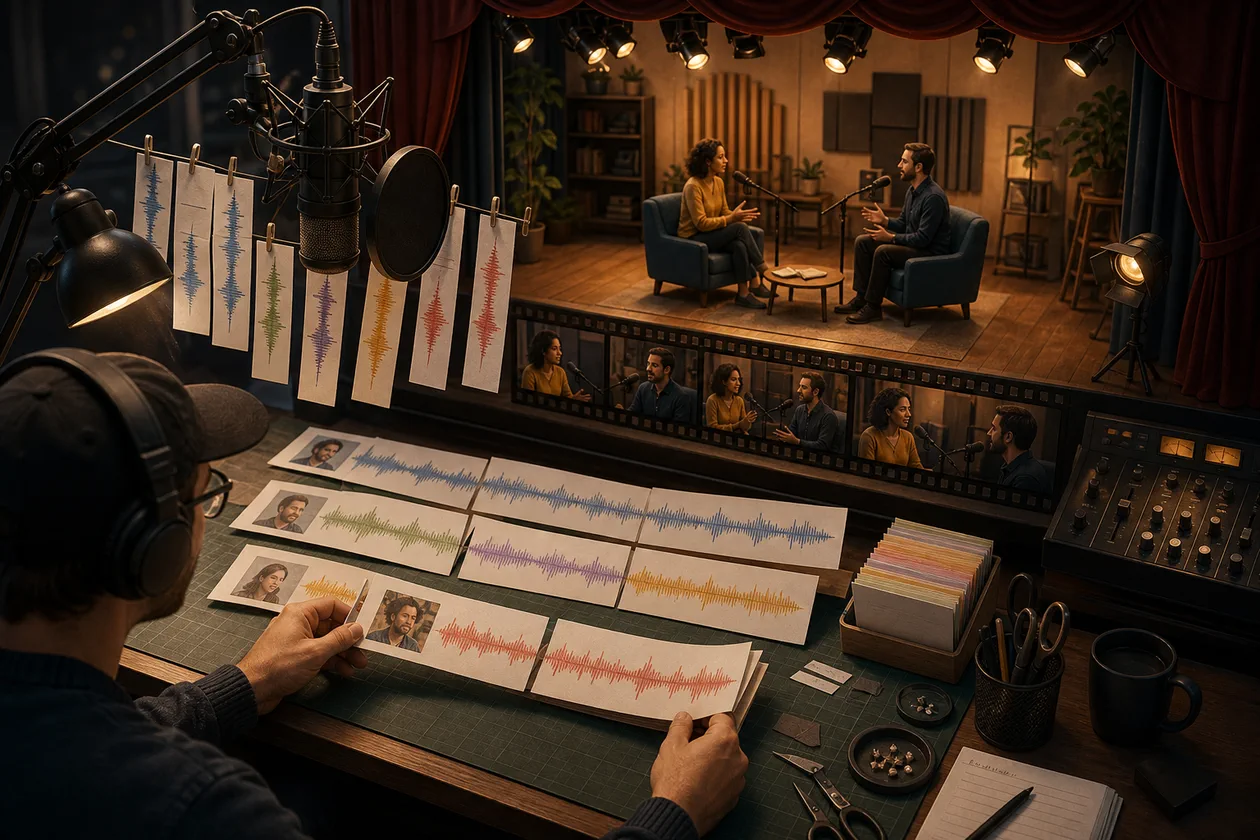
A podcaster has 52 minutes of interview material and needs a clear 24-minute episode by tomorrow. In the Descript transcript she finds the moment where the guest tells the same story twice, moves a paragraph and removes three filler words. Audio and video follow the text. One edit makes a breath sound abruptly cut; Regenerate smooths the transition. Before export, the editor listens to that exact place on headphones and compares it with the original.
Descript lowers the barrier between editorial and technical editing. Anyone who can judge a sentence can locate it in the transcript without first mastering a complex timeline. We recommend it for podcasts, interviews, explainers and content repurposing with human listening and visual review. Specialist software remains stronger for elaborate film, colour and audio post-production.
What Descript is today
Descript is an audio and video editor whose central surface is a synchronised transcript. Deleting, moving or copying words changes the attached media. A timeline, scenes and layouts remain available when the edit needs more precision.
AI features support audio enhancement, filler-word removal, clip selection, eye-contact adjustment and regenerated speech transitions. Regenerate can smooth harsh edits and, depending on mode and consent, work on supported audio and video sections. These changes are production material, not invisible magic: mark them, review them and reject them where necessary.
An edit driven by meaning
Before import, the interview has a release, an episode structure and a list of indispensable statements. After transcription, the editor corrects names and terminology. The rough cut then happens in text: repeated explanations disappear, themes move together and pauses shorten.
She deliberately leaves document mode for media review. Jump cuts, room tone, music transitions and speaker changes are checked in the timeline and preview. Studio Sound is applied only until the voice remains natural. Short clips derive from the approved long version; none publish automatically.
Who is Descript for?
- Podcast and interview teams that edit speech frequently
- Marketing teams turning webinars or conversations into short clips
- Trainers and teachers producing explainers and screen recordings
- Teams where subject-matter editors should work directly with raw media
- Creators connecting recording, transcript, edit and approval
It is less suitable as the sole editor for complex film timelines, advanced sound design, precise colour grading or large broadcast productions.
Strengths
- Text-based editing makes long conversations easy to navigate
- Transcript and media remain closely connected
- Timeline, scenes and layouts allow visual refinement
- Studio Sound can improve difficult spoken recordings
- Regenerate can smooth individual rough audio or video edits
- Timestamped comments simplify review and approval
- Long-form material can become clips and several output versions
Limits and risks
- Transcript errors can lead to incorrect editorial cuts
- Excessive audio treatment can make voices and atmosphere unnatural
- Regenerated speech or images can alter meaning and authenticity
- Multi-speaker, B-roll and scene boundaries constrain some functions
- Cloud processing involves voices, faces and unreleased material
- Final technical polish may still require a specialist DAW or NLE
Workflow fit
A dependable workflow separates raw media, editorial text cut, media fine cut, synthetic repairs, fact-check and final approval. Every Regenerate passage receives a marker so reviewers can compare original and result.
For teams, naming rules, project templates, roles and export profiles matter more than activating every AI switch. Archive an approved master; treat social clips as derived publications with their own caption and crop review.
Voice, consent and authenticity
AI speakers and regeneration of an original voice involve personality and usage rights. Technical capability is not permission. Define who may create a voice, which projects may use it and how changes are disclosed.
Even a seemingly minor smoothed word can alter tone. Journalistic, legal and scientific quotations should preserve original meaning; an audible repair must not construct a new statement.
Quality and approval
The final check uses eyes and ears. Inspect names, numbers, quotations, lip and image sync, room tone, loudness, captions and export format. Listen to transitions inside the sentence and chapter, not only in isolation.
Automatic clip selection optimises attention, not necessarily context. Short extracts must represent the speaker fairly. A catchy clip that removes the qualification is an editorial failure.
Privacy & operations
Interviews, customer calls, internal training and voices may be confidential or personal. Before upload, establish legal basis, consent, access, storage, retention and deletion. Share projects only with people who genuinely participate.
For external guests, separate approval for recording, transcription and possible synthetic alteration. Review current provider terms and team controls directly.
Pricing & costs
Descript provides a limited entry tier and paid plans with different media, transcription and AI allowances. Review time, storage, good recording equipment and possible handoff to professional post-production belong in the cost model.
Go to provider: https://www.descript.com/
Editorial assessment
Editorial verdict: Recommend.
Descript is not interesting because it makes editing “automatic.” It is interesting because subject-matter editors can work directly on speech and meaning while the technical timeline remains available. The final quality decision cannot end in the transcript.
Editorial verdict: Recommended for speech-centred audio and video teams with disciplined media review. Use with caution for synthetic voices, sensitive interviews and highly complex post-production.
Open frequently asked questions
FAQ
How does text-based editing work?
Descript transcribes the media. Deleting, moving or copying text changes the linked audio or video segments.
Does Descript replace a professional timeline?
It can be the main editor for many interviews and podcasts. Complex film, colour and audio work still benefits from specialist software.
What does Studio Sound do?
It improves speech clarity and reduces distracting room effects. Review the result for naturalness and artifacts.
What is Regenerate?
Regenerate can smooth rough or jumpy transitions with generated material. Supported modes and limits differ by medium and situation.
May a voice be cloned without permission?
No. Voice and identity require clear authorisation; purpose, duration and permitted changes should be documented.
Can Descript create short clips automatically?
AI can suggest extracts. Context, fairness, crop and captions still need editorial review.
How accurate is transcription?
It depends on language, microphone, accent, terminology and cross-talk. Names, numbers and quotations require correction.
Which export formats are available?
Local video and audio exports, publishing links and integrations are available; exact choices depend on project and plan.
Is Descript suitable for teams?
Yes. Comments and shared projects support review. Roles, approvals and naming conventions should be defined first.
Which data should not be uploaded without review?
Confidential interviews, customer calls, protected voices and unreleased footage without a defined purpose and access.
What is the most important final check?
Watch and listen to the complete release, not only edited text passages. Transitions, context and technical output must work together.