Quick verdict
A small restaurant kitchen has shot eighteen minutes of footage in the morning: steaming pans, a short interview with the chef, and the new lunch dish. By 4 p.m. it needs to become a 45-second clip for Reels, TikTok and Shorts. In CapCut, the editor selects useful statements in the generated transcript, removes filler words, switches to portrait and creates captions. Then the important work begins: correcting the misheard dish name, checking every crop and watching the export both with and without sound.
CapCut makes fast video production accessible, especially for short social formats. We recommend it for creators, small marketing teams and mobile newsrooms that edit and caption frequently. Complex colour work, large multicamera projects and tightly controlled broadcast pipelines deserve a more professional editing system.
What CapCut is today
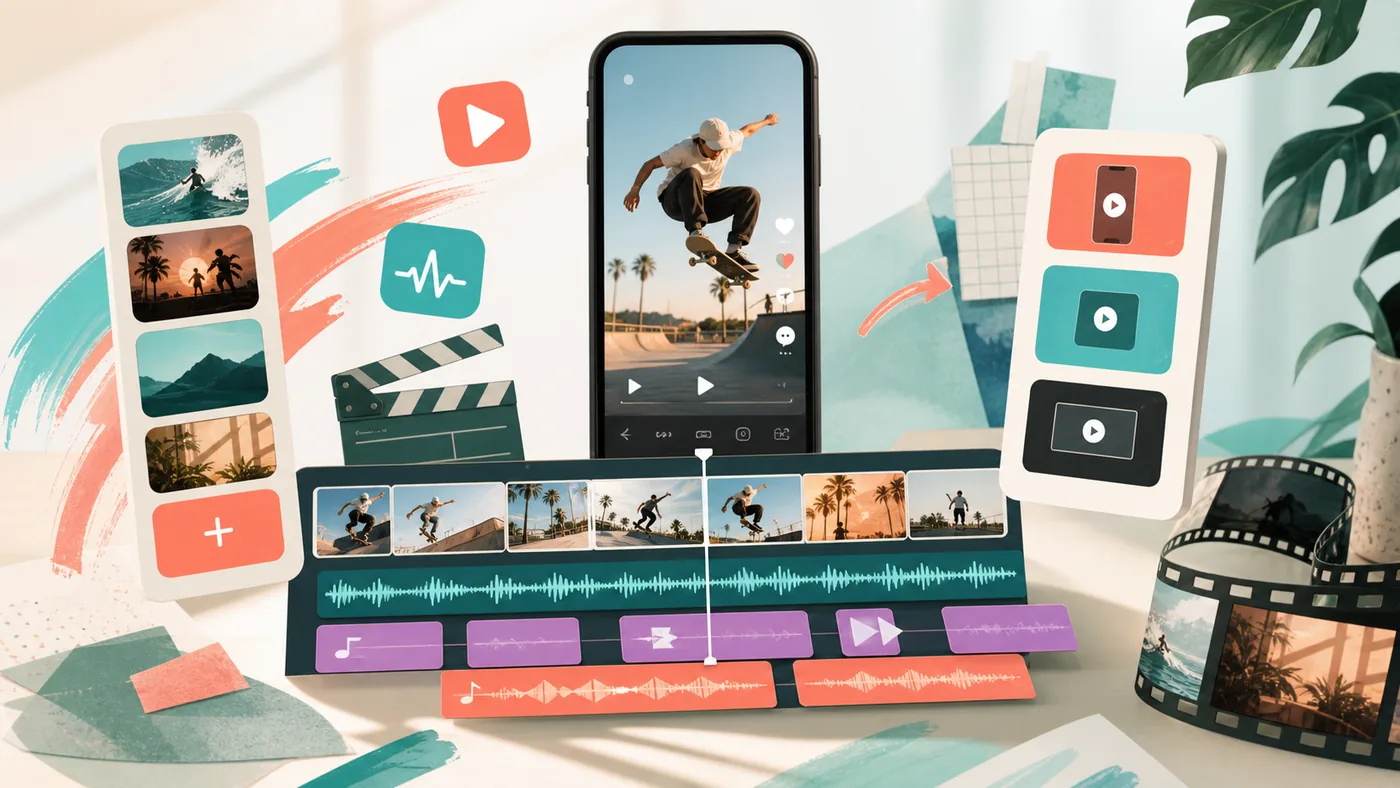
CapCut is a video editor for mobile, desktop and web. Alongside a conventional timeline, it offers automatic captions, transcript-based editing, templates, effects, reframing, and AI-assisted image and audio tools. Many paths are optimised for quick publication to social platforms.
That speed is useful but not free of trade-offs. Templates can make work look interchangeable, automatic captions remain fallible, and capabilities differ across platform, region and plan.
A realistic social clip
The editor does not begin by applying a trending template. She first defines objective, audience, key statement and permitted media. Transcript-based editing locates the chef's clear answer, removes repetitions and shortens pauses. The edit follows text, but then receives a visual review: no jump cut should turn a hand movement into nonsense.
Auto Captions produce a first subtitle track. Names, prices and specialist terms are checked manually; line length and timing must remain readable on a small screen. Three platforms do not require three unrelated films. They receive deliberate variants with safe framing, suitable length and a clear call to action.
Who is CapCut for?
- Social teams producing short video regularly
- Creators who record and edit on mobile
- Small businesses without dedicated post-production
- Podcasts and interviews that need captioned extracts
- Teaching and explainer videos with a simple visual structure
It is less suitable for complex long-form production, advanced grading and mixing, large collaborative film projects or archival workflows with strict technical specifications.
Strengths
- Low barrier to entry on mobile, desktop and web
- Automatic captions with manual text, timing and style correction
- Transcript-based editing can accelerate interview work
- Templates and format tools support recurring social output
- Timeline, effects and audio cover many everyday productions
- Fast preview and export suit short publishing cycles
Limits and risks
- Automatic captions make errors with names, numbers and context
- Templates, music and stock media must be licensed for the intended use
- Trend effects can displace brand identity and narrative clarity
- Cloud processing may involve raw footage and voices
- Features and allowances differ by device, region and plan
- Fast export makes it easy to skip approval, accessibility and quality checks
Workflow fit
A dependable sequence is brief, media selection, rough cut, captions, rights check, factual approval, device review and export. CapCut can speed up the middle; it should not silently replace the beginning and end.
Teams benefit from a small project template defining safe type sizes, brand colours, music rules, export formats and owners. Keep the approved master separate from experimental platform variants.
Quality and accessibility
Review captions for meaning, speaker changes, reading time and placement. Automatic translations need a native or subject-matter reviewer, especially for names and sensitive claims. The clip should make sense without sound and have clean audio when sound is enabled.
Text must not sit beneath platform controls. Test on a real small phone, not only the desktop preview. Flashing effects and elaborate animation cannot compensate for unreadable information.
Privacy & rights
Raw material can contain faces, voices, locations, customer data or unreleased products. Consent, purpose, access and deletion need agreement before upload and cloud processing. Recording employees can bring additional internal and legal requirements.
Rights to music, fonts, templates, stock media and AI-generated elements must fit the channel and commercial use. “Available in the app” does not automatically mean “unrestricted for every campaign.”
Pricing & costs
CapCut offers free and paid capabilities; plans, allowances and regional availability change. Include review time, media rights, storage, devices and potential handoff to professional post-production beside the subscription.
Go to provider: https://www.capcut.com/
Editorial assessment
Editorial verdict: With caveat.
CapCut is good when publishing speed and low entry cost are real requirements. It becomes poor when a template replaces the idea or Auto Captions are treated as finished copy-editing. A short clip is not a small quality obligation.
Editorial verdict: Recommended for fast, recurring social and creator production with human caption, rights and export review. Use with caution for complex or highly sensitive production.
Open frequently asked questions
FAQ
Can CapCut edit video through a transcript?
On supported platforms, transcript-based editing can make spoken passages searchable and editable. The resulting visual cut still needs review.
Are automatic captions error-free?
No. Audio quality, accent, terminology and names affect recognition. Text and timing must be checked before publication.
Does CapCut work on mobile and desktop?
Yes. Mobile, desktop and web versions exist, while individual features may vary by platform, region and version.
Is CapCut suitable for long YouTube videos?
Simple long-form work is possible. Many tracks, advanced audio, colour work or large teams point toward a professional editor.
Can every template and music track be used commercially?
Not automatically. Check asset terms, channel, region and campaign use individually.
How should captions be checked on a phone?
View the export on a real device and inspect safe areas, reading time, line breaks and contrast.
Which material should not be uploaded without review?
Confidential interviews, customer data, unreleased products and recordings without cleared participant rights.
When is CapCut the wrong choice?
When broadcast specifications, complex multicamera work, precise audio mixing or tightly governed media pipelines are required.