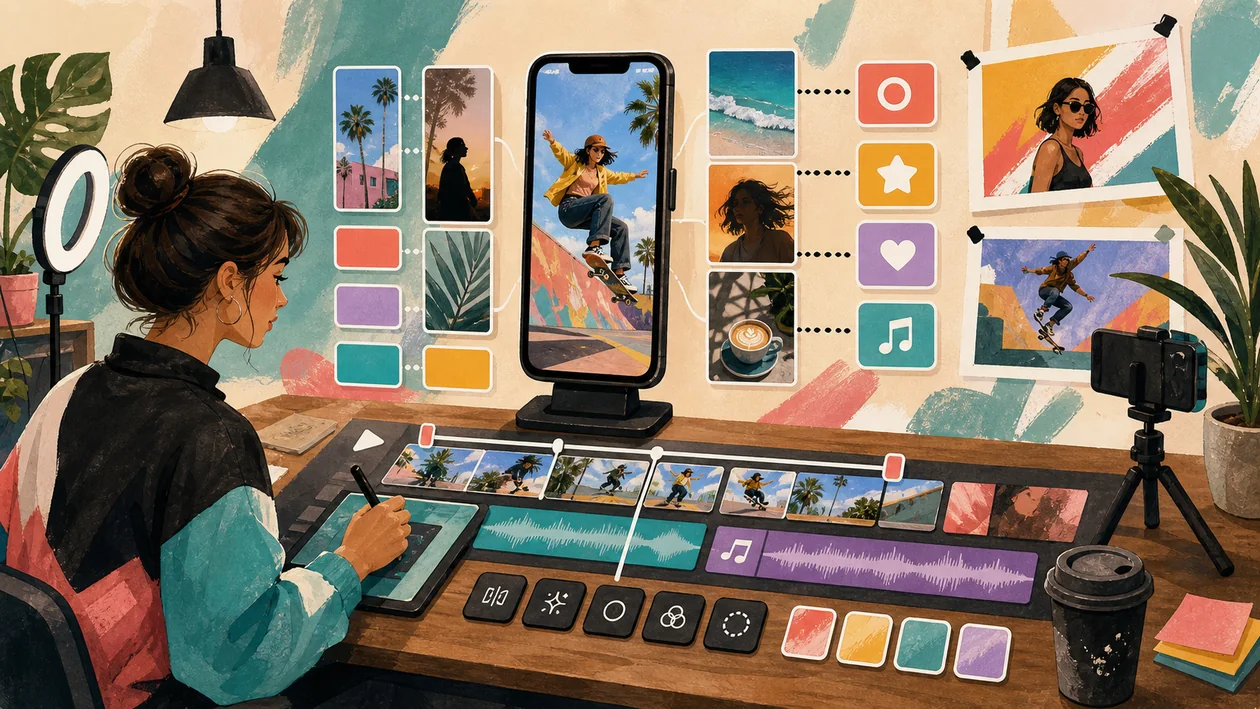
InShot is a mobile video and photo editor for fast social media production. The tool is less suited to heavy post-production and more for the moment when a clip still needs to be cleanly cut, captioned, and published today.
Its strength lies in speed and accessibility. Anyone producing Reels, Shorts, Stories, or simple product clips gets a direct workflow from raw footage to finished export.
Who is InShot suitable for?
InShot is a good fit for creators, small brands, social media teams, coaches, clubs, and anyone who regularly creates short videos without a desktop editing setup. For complex color correction, multicam editing, or broadcast requirements, professional NLEs are the better choice.
Typical use cases
- Cut Reels, TikToks, or Shorts from smartphone footage.
- Add subtitles, text layers, music, and simple effects.
- Finish product or event clips directly on the go.
- Crop and export formats for different platforms.
- Build quick before-and-after or tutorial clips.
What really matters in day-to-day work
In everyday work, InShot wins through short paths. Put in the raw clip, remove the rough cuts, move the hook to the front, add subtitles. But this speed can also lead to overloaded videos if every effects package gets to say hello once.
A better approach is a small brand standard: two fonts, one subtitle style, clear export formats, and a calm approach to transitions. Then mobile editing does not feel like a workaround, but like an intentional format.
Key features
- Video editing, trimming, splitting, merging, and format changes.
- Text, stickers, music, voice-over, and simple effects.
- Photo and collage features for social posts.
- Export to common social media formats.
- Mobile operation without a desktop setup.
Pros and limitations
Advantages
- Very fast for mobile short-form video production.
- Low barrier to entry for non-editors.
- Good for recurring social formats with simple templates.
Limitations
- Limited for complex editing, audio mixing, and color workflows.
- Many effects can quickly make content look cheap.
- Mobile operation is tiring for long projects.
Workflow fit
InShot works best as the final production step for social content: record the clip, make a rough selection, condense it in InShot, add subtitles, and export directly in a platform-friendly format. For teams, a review before publishing is worthwhile so that tone, rights, and branding are correct.
For recurring social formats, a mini checklist before export is useful: the first second should be understandable, subtitles should be readable, audio should not be overdriven, and the logo should not be hidden by the platform UI. These small checks make mobile clips look noticeably more professional.
Privacy & data
When uploading content, music, and faces, rights and privacy should be observed. Especially with events or customer material, it should be clarified whether people may be visible and which music can be used commercially.
Pricing & costs
InShot offers free use with limitations and paid options for more features or ad-free work. The key question is whether the app regularly saves production time or is only used occasionally for individual clips. The pricing model listed in the dataset is: Depends on plan.
Editorial assessment
InShot is a good everyday editor for short, mobile content. It feels professional when you do not overload the app, but use it consistently for clear, fast cuts.
A good first test for InShot is therefore not a demo click, but a real mini workflow: cut Reels, TikToks, or Shorts from smartphone footage. If that works with real data, real roles, and a clear result, the next expansion stage is worthwhile.
At the same time, the most important limitation should be stated openly: limited for complex editing, audio mixing, and color workflows. This friction is not a reason to rule it out, but it belongs before the decision and not only in the frustrated post-purchase debrief.
Open frequently asked questions
FAQ
Is InShot suitable for small teams?
What should a InShot pilot look like?
Start with a bounded process, a small group and a clear success criterion. Check output quality, permissions and handovers before expanding the scope.
Which data should not be processed in InShot without review?
Sensitive or confidential content should wait until contract terms, access, storage and deletion controls have been reviewed. Escalate uncertainty to the responsible privacy owner.
When is an alternative to InShot the better choice?
Choose an alternative when the need is occasional, a required integration is missing, or administration and cost outweigh the practical benefit.
Yes, if the concrete use case is kept small enough and the team realistically plans for maintenance.
What should you watch out for before using InShot? Limited for complex editing, audio mixing, and color workflows. It should also be clear in advance who maintains the tool, which data will be used, and how success will be measured.
Does InShot replace human work? No. InShot can speed up or structure work, but decisions, quality control, and responsibility remain with the team.