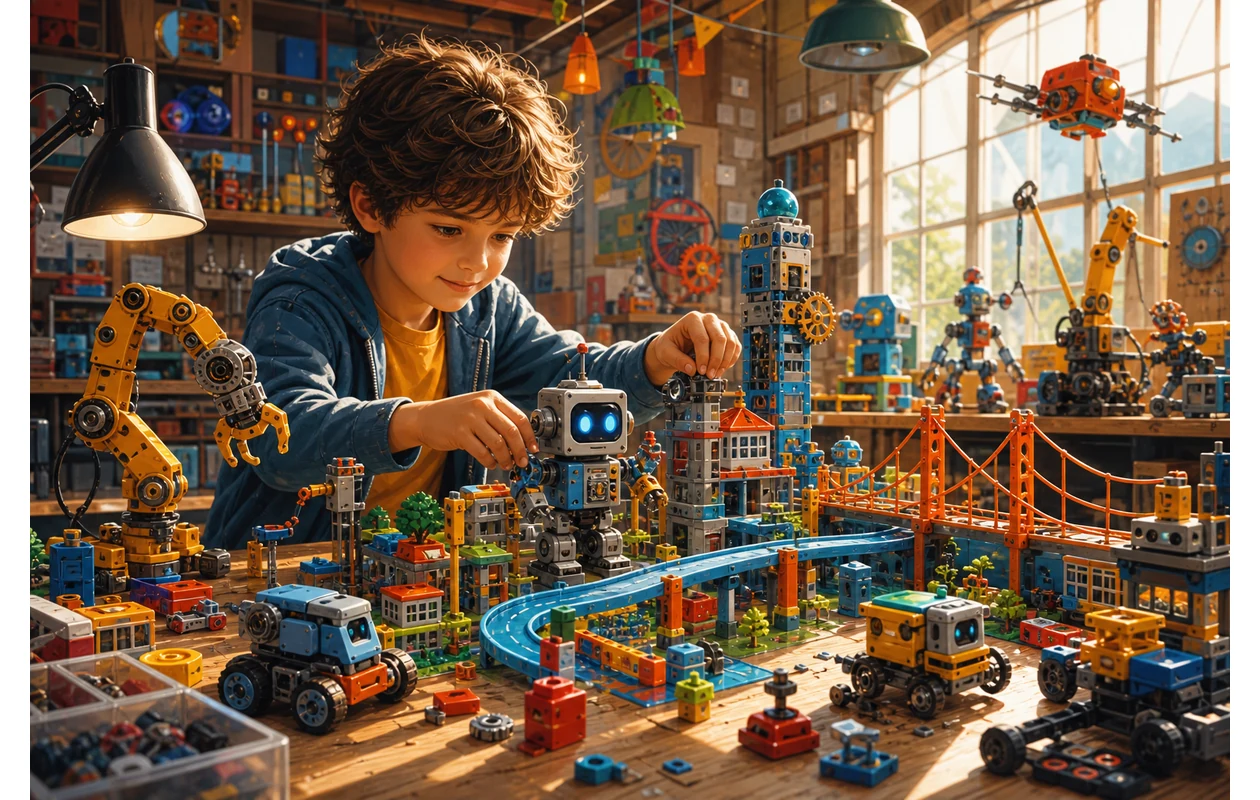
Tynker is an interactive learning platform that introduces children to programming in a playful way. With a focus on creative projects and user-friendly design, Tynker helps young users understand and apply basic programming concepts. The platform combines visual programming with exciting challenges to foster interest in technology and coding.
## Who is Tynker for?Tynker is primarily aimed at children and teenagers taking their first steps in programming. The platform is ideal for beginners without prior experience who want to learn how to create interactive stories, games, and apps through play. Educators and parents can also use Tynker to provide children with a structured and motivating introduction to coding. Depending on the plan, Tynker offers content tailored to various age groups and experience levels.
Key Features
- Visual programming environment with drag-and-drop code blocks
- Tutorials and projects specifically designed for kids and beginners
- Courses in various programming languages such as JavaScript and Python
- Integration with robotics and hardware projects (e.g., drones or Minecraft)
- Customizable learning paths and progress tracking
- Multiplayer coding and community projects
- Mobile apps for flexible learning on the go
- Regular updates featuring new content and challenges
Pros and Cons
Pros
- User-friendly interface designed specifically for children
- A wide range of educational content and age-appropriate projects
- Combines visual and text-based programming
- Encourages creativity and problem-solving skills
- Flexible pricing model with free entry (Freemium)
- Support for multiple devices and platforms
Cons
- Some features and content are only available in paid plans
- May initially be complex for very young children to navigate
- Focus is mainly on programming for children, less suited for professional developers
- Learning progress can vary greatly depending on user engagement
Pricing & Costs
Tynker operates on a freemium model, meaning basic courses and projects are free to access, while advanced content and features require paid subscriptions. Prices and available plans may vary by provider, region, and usage scope. Generally, subscriptions are available for individuals, families, and educational institutions with different durations and pricing tiers.
Open frequently asked questions
FAQ
1. Is Tynker really free?
What should a Tynker pilot look like?
Start with a bounded process, a small group and a clear success criterion. Check output quality, permissions and handovers before expanding the scope.
Which data should not be processed in Tynker without review?
Sensitive or confidential content should wait until contract terms, access, storage and deletion controls have been reviewed. Escalate uncertainty to the responsible privacy owner.
When is an alternative to Tynker the better choice?
Choose an alternative when the need is occasional, a required integration is missing, or administration and cost outweigh the practical benefit.
Tynker offers free entry with limited courses and projects. Full access to all content and features requires a paid subscription.
2. What age group is Tynker suitable for? The platform mainly targets children from around 5 years old up to teenagers, with content tailored by age.
3. What programming languages can you learn with Tynker? Tynker allows beginners to start with visual programming and later offers courses in JavaScript and Python.
4. Are there any special technical requirements? Tynker is web-based and compatible with most modern browsers. Mobile apps are also available for iOS and Android.
5. Can schools use Tynker in their curriculum? Yes, Tynker provides specialized programs and licensing models for educational institutions designed for classroom use.
6. How does Tynker support learning progress? The platform offers personalized learning paths, progress tracking, and reward systems to encourage motivation.
7. Is there a community or opportunities for interaction? Yes, Tynker has a community where users can share projects and learn from each other.
8. Can Tynker be used offline? Most features require an internet connection, but some mobile apps can be used partially offline.
Editorial Assessment
Tynker is a defensible choice when a defined workflow, clear ownership and a limited pilot come together. The decision should rest less on a feature checklist than on whether the team can review results, hand work over reliably and respond to change. Our verdict: a good fit for recurring work with an accountable owner; for a narrow or occasional task, a simpler alternative is usually more sensible.
Workflow and rollout
A useful start with Tynker begins with one concrete workflow and a small user group. Define the input, expected outcome and manual checkpoint before adding more automation or permissions. Record who approves the result and how a failed step is reversed. A focused pilot makes it clear whether Tynker holds up in daily work or only looks convincing in a demo.