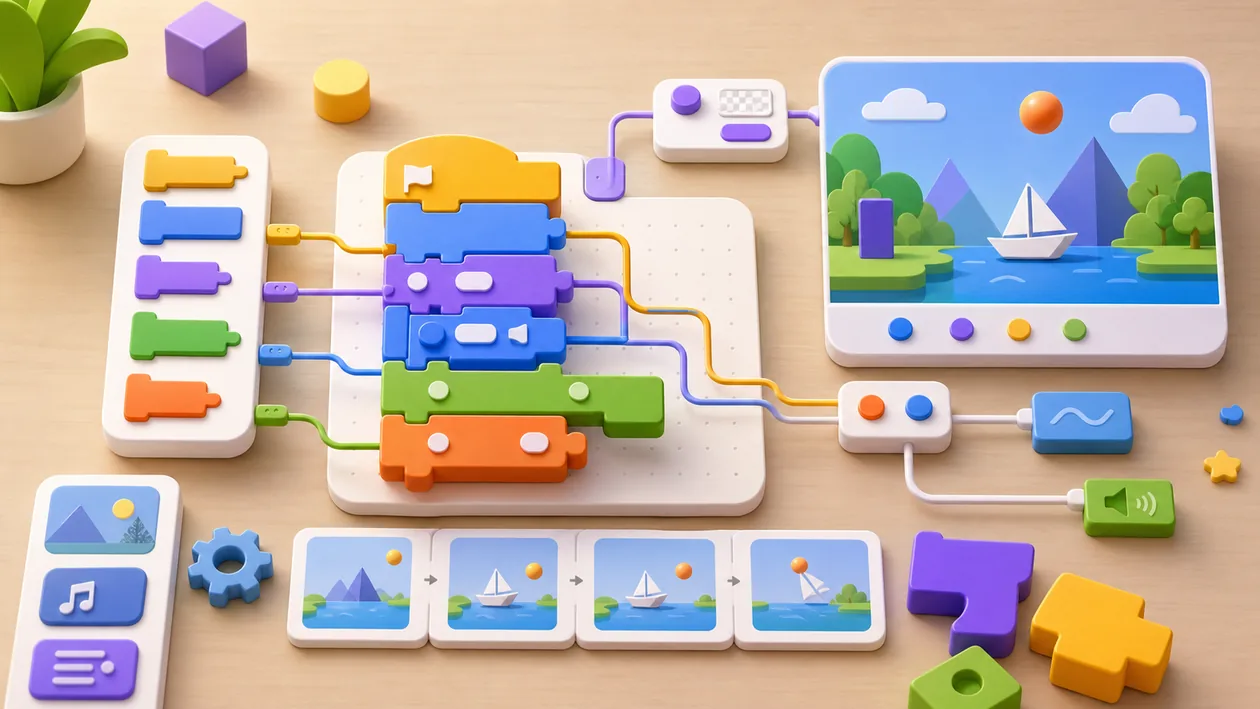
MIT Scratch is a visual programming language and online platform designed specifically for children and beginners to learn the basics of coding in a playful way. By snapping code blocks together, users can create interactive stories, games, and animations while building creative problem-solving skills. Scratch promotes an understanding of programming logic without complex syntax and is used worldwide in schools and educational institutions.
Who is MIT Scratch suitable for?
MIT Scratch is primarily aimed at children around the age of 8 and up, teenagers, and beginners who want to get started in the world of programming without any prior knowledge. The platform is ideal for teachers, parents, and educational institutions that want to encourage creative learning and digital thinking. Scratch is also a good fit for people who want to get familiar with algorithms and logical thinking in a playful way.
Main features
- Visual programming through drag-and-drop code blocks
- Creation of interactive stories, games, and animations
- Online community for sharing and discovering projects
- Support for various programming language extensions (e.g., Python)
- Learning resources and tutorials for beginners and advanced users
- Compatible with desktop and tablet devices
- Ability to save and edit your own projects as an offline version
- Integration of sound, images, and videos into projects
- Multilingual user interface
Pros and cons
Pros
- Very beginner-friendly and intuitive to use
- Encourages creative thinking and problem-solving skills
- Free to use, with no registration required
- Large, active community with many freely available projects
- Extensive educational materials and support for teachers
Cons
- Not suitable for complex or professional software development
- Limited programming logic capabilities compared with text-based languages
- Some features require an internet connection
- Project files can become hard to manage in larger projects
Pricing & costs
MIT Scratch is completely free to use. There are no fees for using the online platform or for creating and sharing projects. There are no paid premium versions or subscriptions.
Open frequently asked questions
FAQ
1. Do I need prior knowledge to use MIT Scratch?
What should a MIT Scratch pilot look like?
Start with a bounded process, a small group and a clear success criterion. Check output quality, permissions and handovers before expanding the scope.
Which data should not be processed in MIT Scratch without review?
Sensitive or confidential content should wait until contract terms, access, storage and deletion controls have been reviewed. Escalate uncertainty to the responsible privacy owner.
When is an alternative to MIT Scratch the better choice?
Choose an alternative when the need is occasional, a required integration is missing, or administration and cost outweigh the practical benefit.
No, Scratch is specifically designed for beginners and children with no programming experience.
2. Is MIT Scratch really free? Yes, using the platform and all its features is completely free.
3. Can I edit my projects offline? Yes, Scratch offers a desktop version that lets you create and edit projects without an internet connection.
4. What age group is Scratch best suited for? Scratch is primarily aimed at children around the age of 8 and up, but it is also suitable for teenagers and beginners of all ages.
5. Is there a community for exchanging ideas with other users? Yes, Scratch has a large online community where projects can be shared, commented on, and further developed.
6. Does Scratch support other programming languages too? Scratch itself is a visual language, but it supports extensions that can enable, for example, Python integration.
7. Can Scratch be used in schools? Yes, Scratch is used worldwide in many schools as an introduction to programming and offers educational materials for teachers.
8. Which devices can I use for Scratch? Scratch works in the browser on desktop computers, laptops, and tablets, and there is an offline application for Windows and Mac.
Editorial Assessment
MIT Scratch is a defensible choice when a defined workflow, clear ownership and a limited pilot come together. The decision should rest less on a feature checklist than on whether the team can review results, hand work over reliably and respond to change. Our verdict: a good fit for recurring work with an accountable owner; for a narrow or occasional task, a simpler alternative is usually more sensible.
Workflow and rollout
A useful start with MIT Scratch begins with one concrete workflow and a small user group. Define the input, expected outcome and manual checkpoint before adding more automation or permissions. Record who approves the result and how a failed step is reversed. A focused pilot makes it clear whether MIT Scratch holds up in daily work or only looks convincing in a demo.