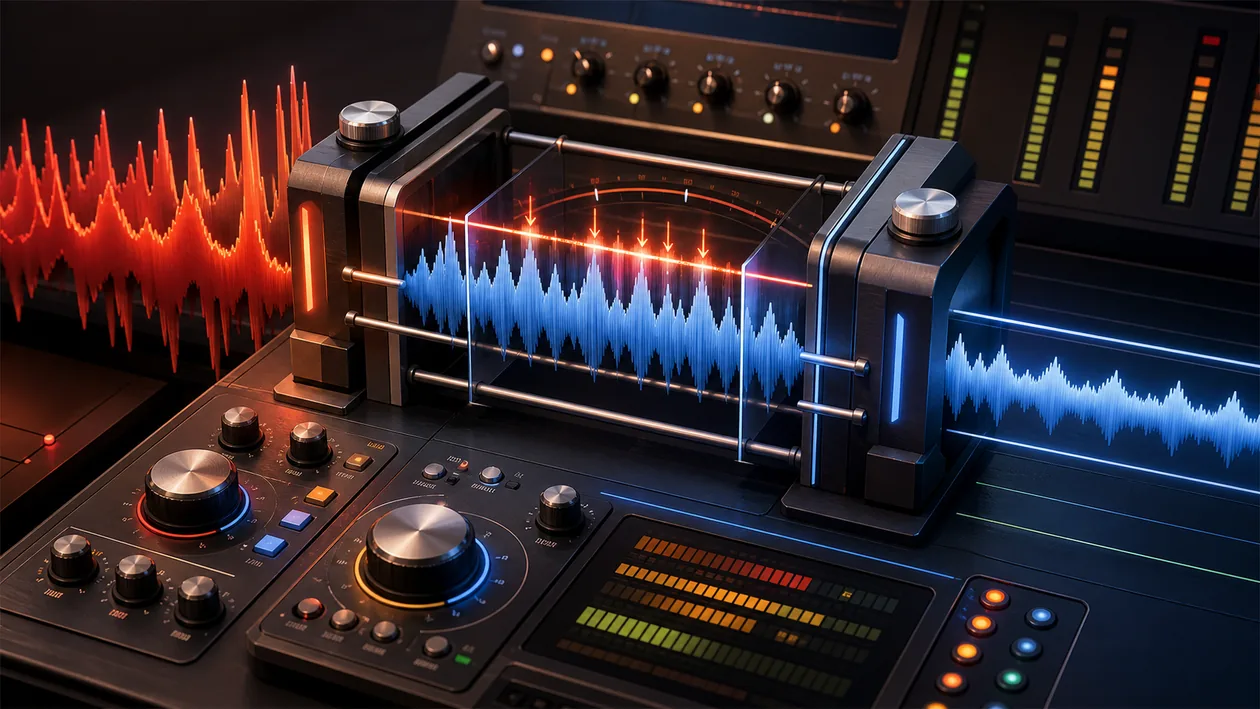
MeldaProduction MLimiter is a powerful and versatile limiter plugin designed specifically for audio mastering. It helps push audio signals to maximum loudness without distortion or loss of quality. The tool offers an intuitive interface and a wide range of features for precisely controlling dynamics and professionally refining the sound. MLimiter is free and suitable for both beginners and experienced producers.
Who is MeldaProduction MLimiter suitable for?
MLimiter is aimed at musicians, producers, audio engineers, and anyone working in music production. The plugin is especially useful for those who want to bring their tracks up to a professional loudness level during the mastering process without affecting sound quality. Podcasters and sound designers who need reliable dynamic control also benefit from the limiter's features. Because it is free, it is ideal for users with a limited budget or for those who want to try different tools.
MeldaProduction MLimiter is most useful for audio, podcast, video, and learning teams that do not want to improvise sound quality. The value should be judged in a real process where audio quality, intelligibility, production speed, post-processing, and consistent exports become not only faster but also easier to explain.
Before MeldaProduction MLimiter is rolled out more widely, the team should run a small reality check: one concrete workflow, one owner, clear review points, and a visible result after two weeks.
Editorial assessment
MeldaProduction MLimiter is worth considering only if it visibly improves an existing workflow. The key is not the longest feature list, but less friction, clearer ownership, and output that other people can review.
A useful pilot for MeldaProduction MLimiter starts with a real recording with source material, editing, export, listening check, and acceptance. After that, the team should judge whether intelligibility, production time, post-processing effort, loudness, and consistency are visibly better in the real workflow, not just in a demo.
- Checkpoint for MeldaProduction MLimiter: Before rollout, intelligibility, production time, post-processing effort, loudness, and consistency should be supported by a small before-and-after comparison.
- Good start for MeldaProduction MLimiter: A limited test path with real inputs shows faster whether the tool removes work or creates new maintenance.
- Risk with MeldaProduction MLimiter: The rollout turns into extra coordination when source material, rights, target platforms, loudness goals, and quality standards are not defined.
Key features
Precise loudness limiting without audible distortion
Adaptive algorithm technology for optimal sound quality
Visual display of levels and limiting effects in real time
Adjustable attack and release times for dynamic adaptation
Support for multichannel audio and surround sound
Automatic volume adjustment for consistent levels
Compatibility with all common DAWs and platforms
Low CPU usage for efficient system performance
Extensive presets for different music styles and applications
Parallel processing and mid/side editing options
Practical run with MeldaProduction MLimiter: The tool should be tested against a real recording with source material, editing, export, listening check, and acceptance, so strengths and limits become visible outside a polished demo.
Quality control in MeldaProduction MLimiter: The team needs a simple way to review intelligibility, production time, post-processing effort, loudness, and consistency after use.
Handoff with MeldaProduction MLimiter: Results, open questions, and decisions should be documented so other roles can continue the work later.
Pros and cons
Pros
Free to use without restrictions
Very high sound quality despite being free
User-friendly interface with clear visualizations
Versatile for music, podcasting, and sound design
Compatible with most audio workstations and systems
Regular updates and active development by MeldaProduction
MeldaProduction MLimiter is especially useful when a recurring process should no longer depend on one person's private know-how.
MeldaProduction MLimiter can make team knowledge easier to reuse when audio quality, intelligibility, production speed, post-processing, and consistent exports are scattered, implicit, or hard to verify.
Cons
For complete beginners, the many settings can feel overwhelming at first
No advanced analysis features like those found in paid mastering suites
User manual and support are mostly available in English
No mobile app version for use on the go
MeldaProduction MLimiter can merely move the friction elsewhere when source material, rights, target platforms, loudness goals, and quality standards are not defined.
MeldaProduction MLimiter saves little when setup, control, and follow-up are expected to happen only on the side.
Pricing & costs
MeldaProduction MLimiter is available as a free plugin. There are no hidden costs or usage restrictions. The tool can be downloaded directly from the official website and used without registration. For users who want advanced features, MeldaProduction offers other plugins in its paid lineup, but MLimiter itself is completely free to use in the basic version.
A fair cost check for MeldaProduction MLimiter should include export limits, usage rights, storage, plug-ins, team features, and companion software. Otherwise the tool can look cheaper at the start than it is in productive use.
FAQ
1. Is MeldaProduction MLimiter really free? Yes, MLimiter is available as a free plugin for download without restrictions.
2. Which audio formats and DAWs are supported? MLimiter is compatible with most common DAWs such as Ableton Live, FL Studio, Cubase, Logic Pro, and supports VST, VST3, AU, and AAX formats.
3. Do I need special hardware to use it? No, the plugin runs on most modern computers with Windows or macOS without any special requirements.
4. Can MLimiter also be used for surround sound? Yes, the plugin supports multichannel audio and is therefore suitable for surround productions.
5. Are there presets for different music styles? Yes, MLimiter includes a range of presets tailored to different genres and applications.
6. How does MLimiter differ from other MeldaProduction plugins? MLimiter is focused specifically on limiting and loudness control, while other MeldaProduction plugins often provide advanced effects or mastering tools.
7. Can I use MLimiter in a commercial setting? Yes, the free version allows use in commercial projects without additional license fees.
8. Where can I find support and documentation? MeldaProduction's official website offers a manual, FAQs, and a user forum for questions and help.
9. How should a team test MeldaProduction MLimiter? For MeldaProduction MLimiter, use one real, bounded use case. Define the goal, owner, data basis, review steps, and success criteria first, then compare effort and output quality after the test.
10. When is MeldaProduction MLimiter a poor fit? MeldaProduction MLimiter is a poor fit when source material, rights, target platforms, loudness goals, and quality standards are not defined, or when nobody has time for setup, review, and ongoing maintenance. In that case the tool quickly becomes another maintenance item.
