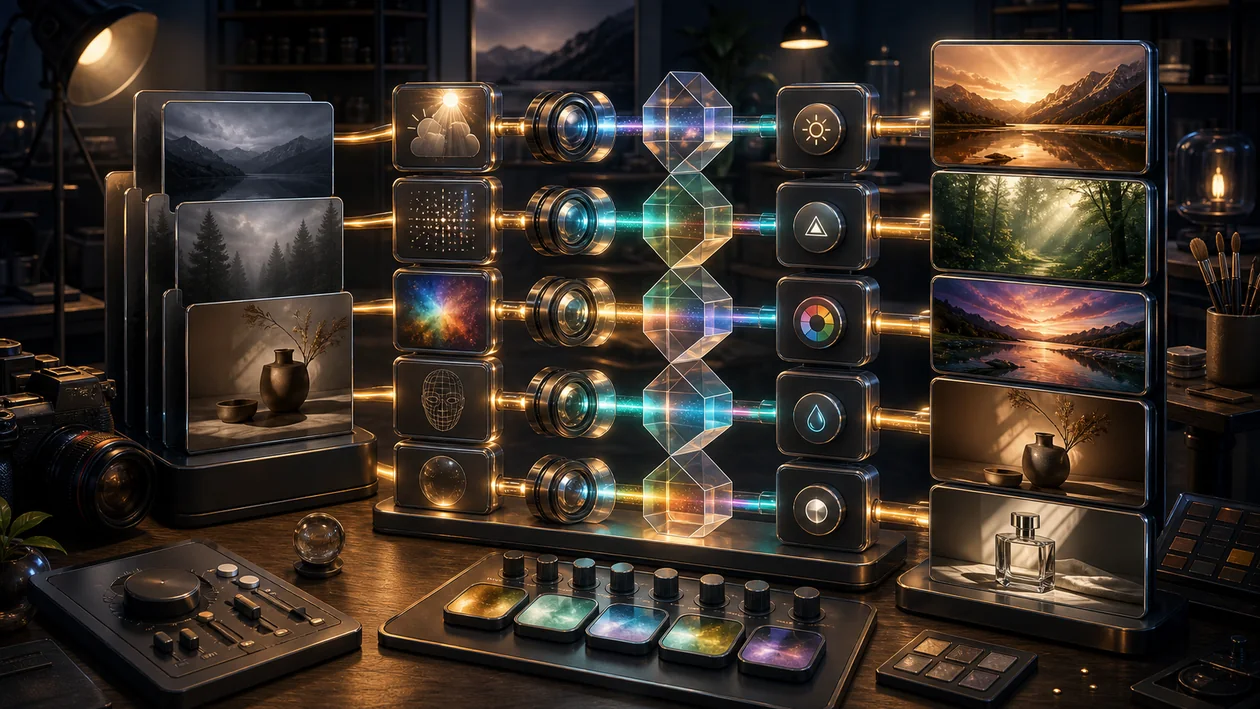
The useful way to look at Luminar starts with the question of which part of the process is actually slowing things down. When the task is AI-powered photo enhancement and creative image looks, the tool can bring order and help retouch image series faster while keeping the style consistent.
At the same time, it needs clear boundaries and an answer to the question of which look is brand-compliant and when manual retouching should take over. Otherwise, it is easy to end up with a setup that looks modern on paper but is not used reliably by the team.
Who is Luminar for?
The best audience for Luminar is teams with recurring demand for AI-powered photo enhancement and creative image looks. There, the tool helps stabilize routines and retouch image series faster while keeping the style consistent.
Before rollout, the right use case should be defined: for photographers, creators, and marketing visuals with moderate retouching needs. Without that foundation, adoption becomes unnecessarily difficult.
Editorial Assessment
Luminar works best when the introduction is understood not as a tool switch, but as process clarification. Anyone who defines in advance which task should become better, faster, or more traceable will recognize much earlier whether the use case is worthwhile.
- Useful focus: AI-powered photo enhancement and creative image looks.
- Good fit: for photographers, creators, and marketing visuals with moderate retouching needs.
- Watch out for: presets that are too strong and can make images look artificial or overprocessed.
Core Features
AI-powered image enhancement: Automatic optimization of exposure, colors, and details with just a few clicks.
AI Sky Replacement: Replace the sky in photos with realistic and customizable scenes.
Portrait retouching: Face detection and automatic correction of skin, eyes, and other details.
Layers and masks: Flexible work with multiple layers for complex image compositions.
Creative filters and looks: Extensive collection of filters for different styles and moods.
RAW support: Edit RAW files with precise control over image parameters.
Batch processing: Automated editing of multiple images at the same time.
Integration with other programs: Compatibility with common image editing programs and plugins.
Intuitive user interface: Easy navigation and clear tools for a fast workflow.
Regular updates: Continuous feature expansion and improvements from the vendor.
Practical check: which look is brand-compliant and when manual retouching should take over.
Team rollout: retouch image series faster and keep the style consistent.
Pros and Cons
Pros
- Easy to use thanks to AI-powered automation.
- Large selection of creative effects and filters.
- Supports professional RAW editing.
- Flexible pricing model with a freemium option.
- Regular updates and improvements.
- Good integration into existing workflows.
- Especially valuable: for photographers, creators, and marketing visuals with moderate retouching needs.
Cons
- Some advanced features are only available in paid versions.
- May not be sufficient for very complex image editing.
- Performance can be limited on older computers.
- Limited collaboration features compared with some competitors.
- Caution point: presets that are too strong can make images look artificial or overprocessed.
Pricing & Costs
Luminar offers a freemium model: basic functions can be used for free, while advanced features and professional tools can be unlocked in paid plans. The exact pricing structure and available packages may vary depending on the provider and the plan chosen. Users often have the option to use a free trial to test the software before buying.
For budgeting, Luminar should not be evaluated only by list price. More important are operating effort, training, integrations, and the question of which look is brand-compliant and when manual retouching should take over.
Luminar Alternatives
- Adobe Lightroom: Professional image editing with extensive features and a subscription model.
- Capture One: High-end RAW development and image editing, especially popular with professionals.
- ON1 Photo RAW: Combines image management and editing with a creative focus.
- DxO PhotoLab: AI-powered image optimization with innovative correction tools.
- Corel PaintShop Pro: Comprehensive image editing software with a one-time payment.
When choosing alternatives, it is worth comparing them against the specific bottleneck. If AI-powered photo enhancement and creative image looks are the main focus, different criteria matter than in a general tool comparison: data control, learning curve, integrations, and the quality of results on your own material.
Open frequently asked questions
FAQ
1. Is Luminar free to use?
What should a Luminar pilot look like?
Start with a bounded process, a small group and a clear success criterion. Check output quality, permissions and handovers before expanding the scope.
Which data should not be processed in Luminar without review?
Sensitive or confidential content should wait until contract terms, access, storage and deletion controls have been reviewed. Escalate uncertainty to the responsible privacy owner.
When is an alternative to Luminar the better choice?
Choose an alternative when the need is occasional, a required integration is missing, or administration and cost outweigh the practical benefit.
Luminar offers a freemium model, with basic functions available for free. An upgrade to paid plans is required for advanced features.
2. Which operating systems are supported? Luminar is generally available for Windows and macOS. Exact support may vary by version.
3. Can Luminar edit RAW files? Yes, Luminar supports editing RAW files from various camera manufacturers.
4. Is there a mobile version of Luminar? At present, the focus is on desktop versions; mobile apps may be available separately depending on the provider.
5. How does the AI sky replacement work? The AI automatically detects the sky in the image and makes it easy to replace it with preset or custom sky images.
6. Are updates released regularly? Yes, Luminar receives continuous updates with new features, improvements, and bug fixes.
7. Can Luminar be integrated into other programs? Luminar can often be integrated into other image editing programs as a plugin or add-on software.
8. Is a trial version available? Many providers offer free trial versions so the software can be tested before purchase.
9. How should Luminar be tested? Best with a small, real scenario from everyday work. Check whether the tool helps retouch image series faster and keep the style consistent, and whether the results are usable without much follow-up work.
10. What is the most common stumbling block with Luminar? The most common stumbling block is starting too broadly. Before rollout, it should be clear which look is brand-compliant and when manual retouching takes over; otherwise, the value is hard to judge.