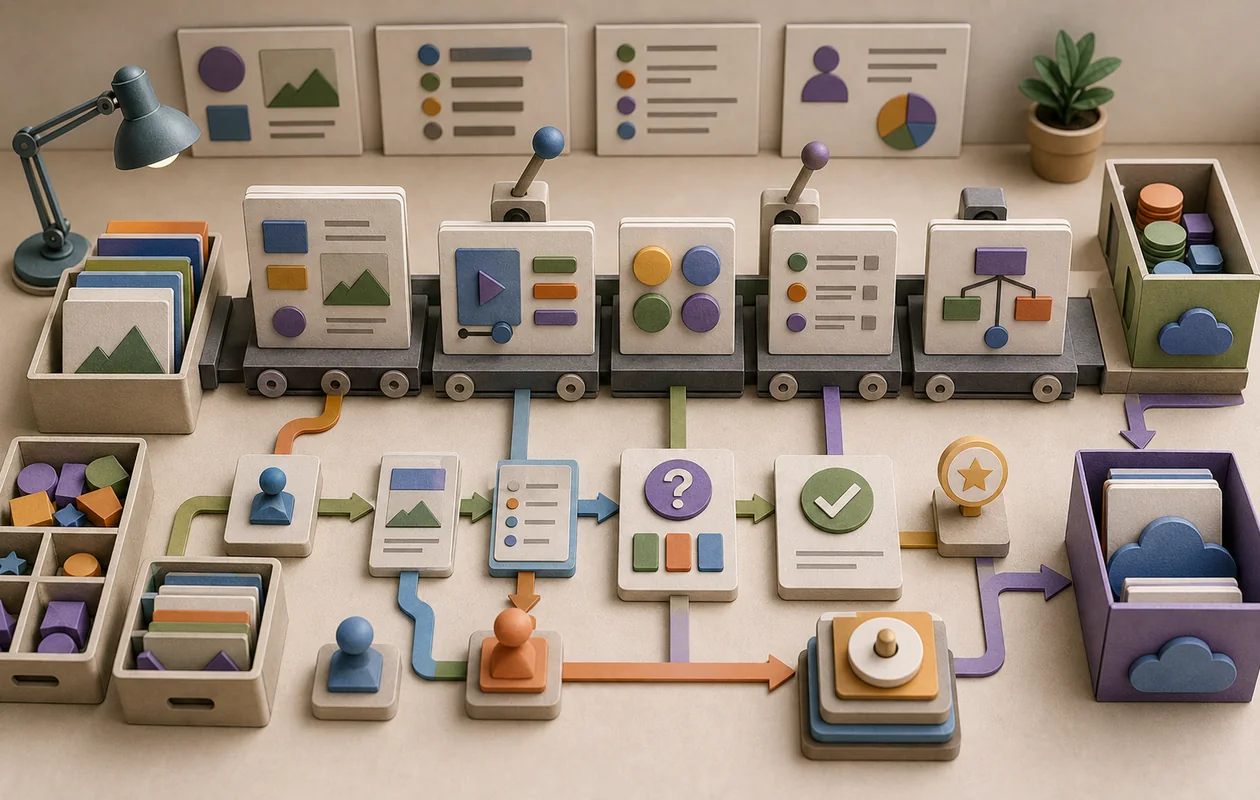
Lectora is a powerful e-learning authoring software specifically designed for creating interactive and engaging online courses. With a focus on user-friendly design and extensive customization options, Lectora helps educational institutions and businesses develop learning content quickly. The software combines intuitive drag-and-drop functionality with advanced features to enable efficient content creation for both beginners and experienced developers.
Who is Lectora suitable for?
Lectora is aimed primarily at instructional designers, e-learning developers, trainers, as well as educational institutions and companies that want to create their own online training. The platform is suitable for both small teams and larger organizations that want to enrich complex learning content with interactive elements, tests, and multimedia components. Educational institutions that want to provide digital teaching materials for pupils and students also benefit from the many design and customization options.
Key features
- Drag-and-drop editor for easily creating course content without programming knowledge
- Support for various media formats such as video, audio, images, and animations
- Creation of interactive tests, quizzes, and surveys for assessing learning progress
- Responsive design for optimal display on desktop, tablet, and smartphone
- Templates and themes for quickly adapting the course design
- Integration of SCORM and xAPI standards for smooth export and LMS compatibility
- Team collaboration with version control and commenting functions
- Automated accessibility checks to ensure compliance with accessibility standards
- Advanced customization options through JavaScript and CSS for individual feature extensions
- Analytics and reporting functions for evaluating learning progress and user activity
Typical Use Cases
- Focused rollout: Lectora is a good fit when AI, product, and domain teams want to stop improvising a recurring workflow around education, authoring, content.
- Operations, not demos: The tool becomes more valuable when prompts, models, outputs, and review steps are documented well enough to survive beyond a one-off trial.
- Team handovers: Lectora can make responsibilities clearer, so work does not disappear into chats, spreadsheets, or personal accounts.
- Quality control: A short review step is especially useful before outputs are published, automated further, or handed over to customers.
What really matters in daily use
In day-to-day work, Lectora is less about having every edge feature and more about whether the team understands where work starts, who reviews it, and how results move forward. A useful setup defines roles, naming rules, and the most important handover points before adoption.
Lectora is strongest when it reduces friction in an existing workflow instead of creating a second place to maintain. Before rolling it out widely, test it with real examples: which task becomes faster, which decision becomes clearer, and which manual check should intentionally remain?
Pros and cons
Pros
- Intuitive user interface that also makes it easy for beginners to get started quickly
- Extensive multimedia and interaction options for varied learning content
- Compatibility with common e-learning standards (SCORM, xAPI) makes integration into learning platforms easier
- Support for responsive design ensures flexible use across different devices
- Collaboration features promote efficient teamwork during content creation
Cons
- Licensing costs can be higher depending on the plan and number of users
- Very complex customizations require knowledge of JavaScript or CSS
- Some time is needed to learn how to use all functions effectively
- Created content may be somewhat limited in offline usability
- Support and resources are mainly available in English
Workflow Fit
Lectora fits best into a workflow with a clear input, a traceable work step, and a defined finish line. Small teams can usually keep the process lightweight; larger organizations should also define permissions, approvals, and integrations.
If Lectora becomes just another account without ownership, the value fades quickly. Give it a clear place in the existing stack: what enters the tool, what gets decided there, and where the result goes next.
Privacy & Data
Before adopting Lectora, clarify which data will enter the tool and whether model outputs, training data, prompts, and user feedback are involved. The more sensitive the material, the more important permissions, retention rules, export options, and a documented decision on what should stay outside the tool become.
For European teams evaluating Lectora, data processing agreements, hosting information, and deletion processes are also worth checking. This is not a substitute for legal advice, but it avoids the common mistake of introducing Lectora before the data path is understood.
Editorial Assessment
Lectora is strongest when it is treated as one component in a clearly described workflow, not as a magic shortcut. The real benefit comes from less friction, clearer handovers, and more repeatable execution.
Our recommendation is to start with one concrete use case, write down success criteria, and review after two to four weeks whether Lectora genuinely saves time or simply creates another system to maintain. That keeps the decision grounded, even when the feature list is long.
Pricing & costs
Lectora is usually offered on a subscription basis, with exact prices varying depending on the selected plan, number of users, and scope of features. Different license types are often available for individual users, small teams, or larger companies. It is recommended to request current pricing directly from the provider or official resellers, as customized packages may be available.
Open frequently asked questions
FAQ
Who is Lectora for?
Teams with a recurring use case and an owner for quality, access, and maintenance.
How should I measure a Lectora pilot?
Use one real workflow, define a success criterion first, and compare elapsed work, result quality, and rework with the previous method.
What data should not enter Lectora without review?
Sensitive material should wait until terms, roles, retention, deletion, and the responsible privacy or security approval are understood.
When should I choose an alternative to Lectora?
When another tool covers the required core workflow with less configuration, clearer costs, or more suitable export and permission controls.