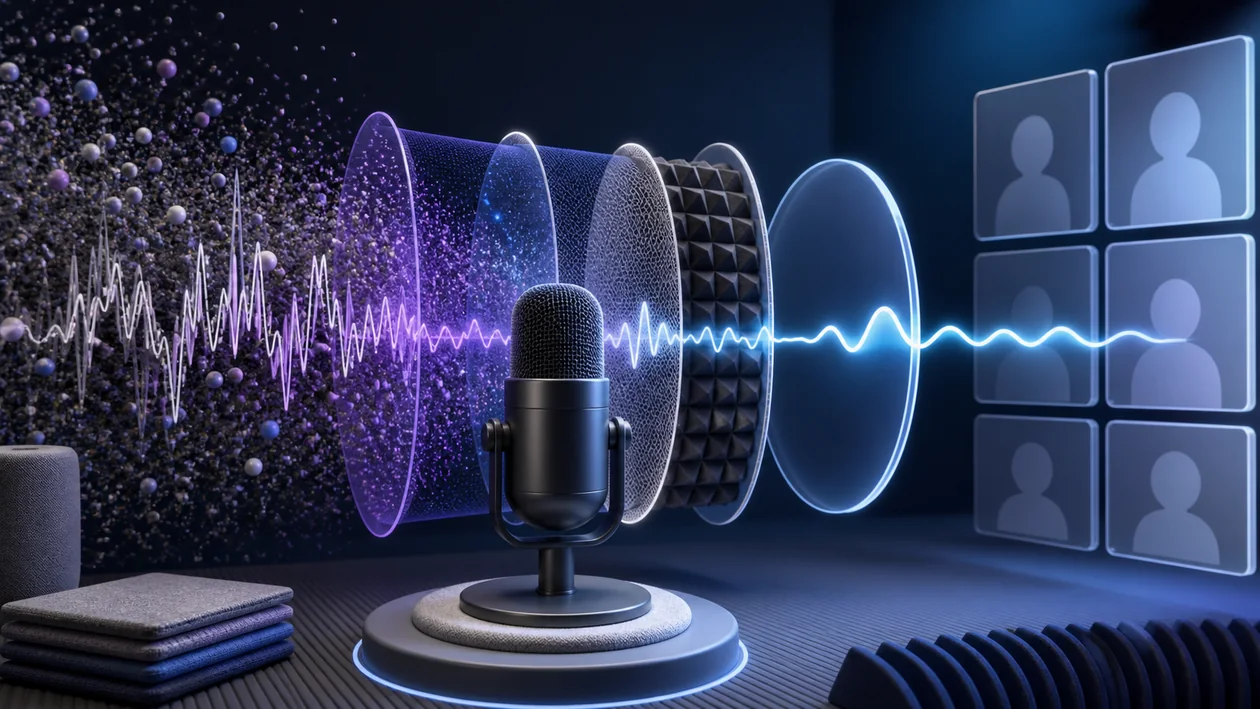
Krisp started as real-time noise cancellation for online calls. The product is now broader: it filters noise, echo, and background voices, transcribes and records meetings, creates summaries and action items, and offers AI Chat and accent conversion. Krisp also has separate product lines for call centers and voice AI developers.
That breadth is useful, but it requires an important distinction. According to Krisp, classic noise cancellation processes audio locally on the device. Transcripts, meeting notes, and recordings are different: they may be stored and shared through the Krisp cloud. The blanket claim that no audio ever leaves the computer describes only part of the current product.
Who is Krisp for?
Krisp fits people whose work depends on understandable speech: remote teams, sales, support, consulting, interviews, and teaching. It is especially useful in open offices, while traveling, or when microphone quality varies. Bot-free meeting capture can also appeal to teams that do not want to invite a visible note-taking bot into every call.
It is not the first choice for podcast post-production. The provider describes noise cancellation as a real-time product, not a specialist editor for finished recordings. A call-center deployment should also be evaluated separately from the standard meeting subscription.
Core features
- Real-time noise cancellation: Reduces background noise, echo, and interfering voices.
- Virtual audio devices: Appears as a microphone and speaker in common meeting apps.
- Meeting transcription: Produces multilingual conversation transcripts.
- Notes and action items: Summarizes key points and extracts next steps.
- Recording: Stores audio and video for playback or sharing, depending on plan.
- AI Chat: Answers questions over captured meeting content.
- Accent conversion: Adjusts speech in real time to improve intelligibility; limits and languages depend on plan.
- Integrations: Connects with calendars, Slack, Notion, Zapier, and CRM systems.
A practical workflow
A useful pilot should not begin with the noisiest café. Test three repeatable situations instead: a quiet home office, an open office, and poor audio from another participant. Record whether speech becomes easier to understand, whether transcript words disappear, and whether filtering audibly distorts the speaker.
Meeting Notes need an additional controlled process:
- Inform participants about transcription or recording before the meeting.
- Enable only the capture and sharing features the use case requires.
- Compare the summary and action items with the conversation immediately afterward.
- Confirm owners and due dates in the target system rather than syncing them blindly.
- Delete recordings after the agreed retention period.
This separates the audio-quality test from the meeting-memory test instead of mixing both in one polished demo.
Strengths
- Real-time filters work across applications through virtual audio devices.
- Krisp combines speech improvement and meeting documentation.
- Bot-free capture creates less visual disruption in the meeting room.
- Local noise-cancellation processing reduces cloud data flow for that specific function.
- Team and Enterprise plans add administration, integrations, and security controls.
Limits and common mistakes
- Aggressive filters may remove quiet speakers, music, or meaningful environmental sounds.
- Transcript quality still depends on language, accent, microphone, and overlapping speech.
- Summaries can misrepresent a decision or assign an action item to the wrong person.
- Accent conversion is not neutral; teams should evaluate intelligibility, consent, and speaker experience.
- Meeting recordings create storage, retention, and access work that simple noise cancellation does not.
Privacy and security
Krisp states that its meeting product encrypts data in transit and at rest and supports SOC 2 Type II, GDPR, and, under relevant Enterprise arrangements, HIPAA requirements. The provider also says meeting data is not used to train its models. Enterprise features include SSO/SCIM and additional administrative controls.
The selected function still determines the data path. Noise Cancellation can run locally, while transcripts and recordings may reside in the cloud. Before rollout, review calendar permissions, automatic sharing, storage region, retention, deletion, and access to shared links. Recording a workplace conversation may also require legal and employee consent.
Pricing and cost
On 27 July 2026, the official pricing page listed a seven-day trial without a credit card. Core was USD 16 monthly, or USD 8 per user per month on annual billing. Advanced was USD 30 or USD 15 respectively. Enterprise pricing was custom. Prices, storage, and usage limits can change.
The real cost also includes retention, integrations, consent, and quality control. Occasional noise-filtering needs may not justify a permanent meeting subscription.
Editorial assessment
Krisp is strong when poor call conditions are a daily, measurable problem. Its expansion into meeting assistance may replace a second tool, but it also increases privacy and review obligations. Our verdict: recommended after a short test with real microphones and a clear recording policy; unnecessary when the only need is occasional post-processing.
Open frequently asked questions
FAQ
Does Krisp work with Zoom, Teams, and Google Meet?
Krisp exposes virtual audio inputs and outputs, so it works with many calling applications. Test the exact desktop and operating-system combination before rollout.
Does all audio stay on my device?
The provider says real-time noise cancellation is processed locally. Meeting transcripts, notes, and recordings may instead be stored in the cloud.
Is Krisp suitable for podcast post-production?
Only to a limited extent. Adobe Enhance Speech, Cleanvoice AI, and Descript provide more focused workflows for prerecorded material.
Must participants be told about recording?
Yes. Legal requirements vary, but transparent consent should be standard before transcription or recording.
How should a team measure value?
Compare intelligibility, transcript errors, manual corrections, and time to confirmed action items across several real meetings rather than one sample clip.