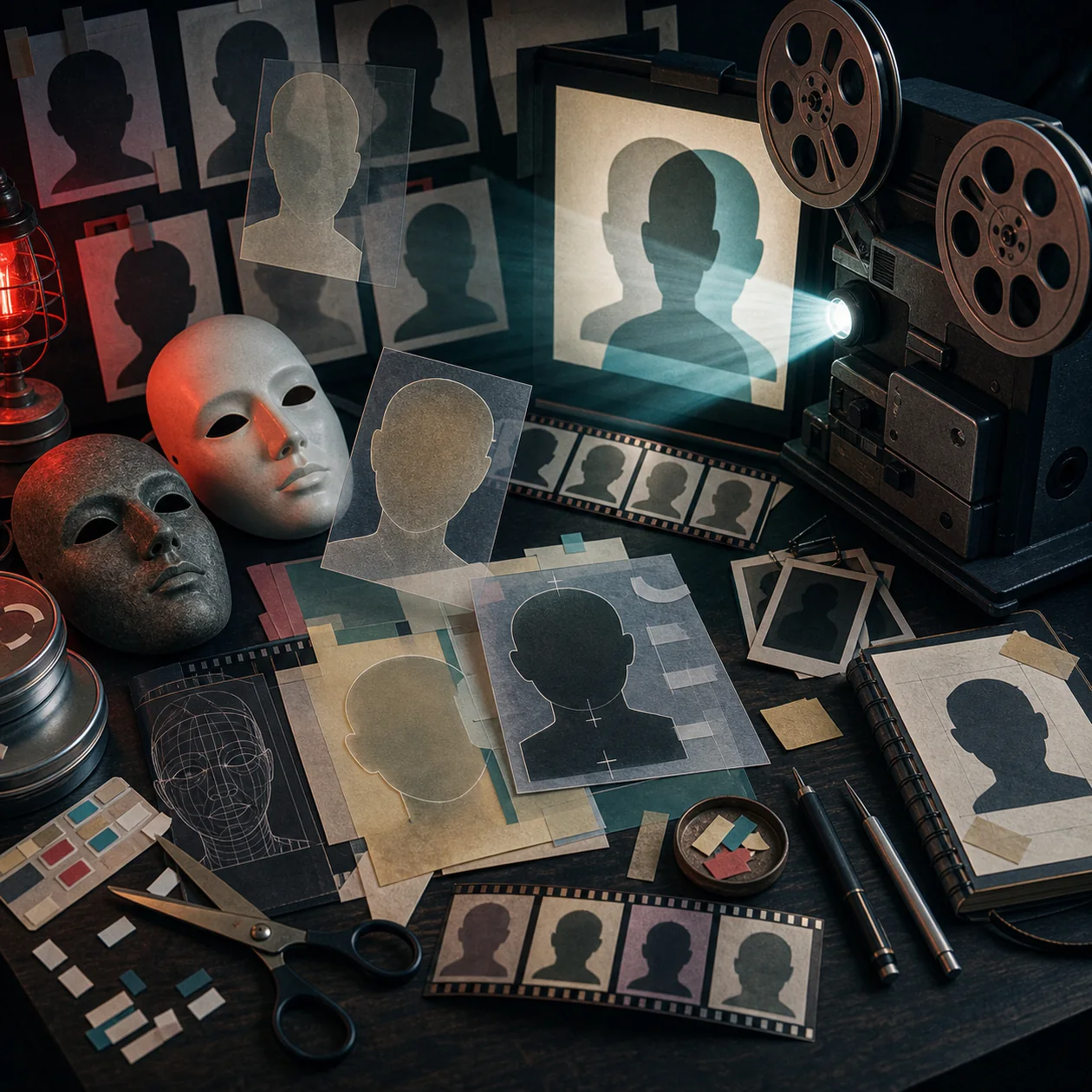
FaceSwap is free, open-source software for running face-swapping workflows locally on images and videos. It is not simply an online filter: the project exposes a pipeline in which you collect source material, extract faces, train a model, and convert target images or video frames. That separation gives a team more control over the data path, but it also makes the operator responsible for GPU hardware, Python dependencies, model files, storage, and human review.
Who should use FaceSwap?
FaceSwap is best suited to technically confident individuals, VFX or research teams, and educational projects that need to understand and document the complete process. It makes sense when local processing and experimental control matter more than an instant result from a mobile app. For an occasional social post, the effort of preparing data and training a model is usually too high.
Consent and disclosure are part of the workflow, not a footnote. The project’s own ethical position rejects changing faces without consent, hiding the use of the technique, or using it for illicit and questionable purposes. Before any run, document the rights to the source media, the subjects’ permission, the purpose of the edit, and who can approve publication.
How the pipeline works
Start with separate and varied images or videos for the faces involved. The extract step detects faces and writes aligned training data. It is not perfect: multiple faces, wrong matches, occlusions, and inconsistent angles need manual review. Training on a dirty dataset usually produces a dirty result; an export setting cannot repair a wrong identity or missing coverage.
The train step creates a model from the prepared faces and can take substantial time and storage. The official project points to a modern CUDA-capable GPU for good performance, while the supported operating systems include Windows, Linux, and macOS. The convert step applies the trained model to target images or frames. The GUI exposes the same core stages, while the CLI is more useful for documented and repeatable runs. Video work involves processing frames and assembling the result again.
A practical team workflow
Keep the first pilot narrow: one approved subject, one clearly stated purpose, and a small reference set. Separate raw media, extracted faces, model checkpoints, intermediate frames, and final exports. Record the model and configuration used for every approved output. This lets another team member reproduce the result without searching through a personal folder or chat history.
For recurring work, assign one owner for the environment and models and another person for visual review. Do not leave raw faces and publishable exports in the same unprotected directory. Once a project is complete, delete face crops, training data, and temporary frames according to the agreed retention period rather than keeping them indefinitely by default.
Quality control and limitations
Output quality depends on detection, pose, lighting, resolution, occlusion, motion blur, and the variety of training material. Check still images first, then short clips containing profiles, fast movement, hands near the face, and changing light. Judge more than likeness: inspect visible artifacts, temporal consistency, identity mix-ups, and whether the synthetic result remains properly labelled for its audience.
FaceSwap is not a one-click guarantee of perfect identity transfer and is not a forensic tool. The detector can select the wrong person or miss important facial regions. Sensitive outputs should never be published automatically or delivered to a customer without a human approval step and a record of who made that decision.
Operations, hardware, and real costs
The software itself is open source, but local operation is not costless. Budget for a suitable computer or GPU, electricity, storage for source media and frames, installation, model training, updates, and troubleshooting. A slow or incompatible machine can dominate the project timeline. Model downloads and external libraries also deserve a separate license and security review.
Local processing can reduce the need to upload faces to a third-party service, but it is not an automatic privacy guarantee. Access controls, backups, logs, Python packages, downloaded models, and deletion procedures remain the operator’s responsibility. Review the FaceSwap license, the license of each model, and the rights to every input separately; open source does not grant permission to use a person’s likeness.
Editorial Assessment
We recommend FaceSwap for research, training, and controlled VFX workflows where a team intentionally accepts local processing, technical maintenance, and explicit approval of every output. Its value appears when datasets are curated, runs are reproducible, and people check the result before it moves downstream.
We would not choose FaceSwap as the default for a marketing team without GPU ownership and a clear compliance process. If the goal is a short, clearly disclosed effect, a guided alternative will usually reach a result faster. If the goal is to understand model training and keep the data path local, FaceSwap offers meaningful control, but that control comes with real operational duties.
Open frequently asked questions
FAQ
Do I need a powerful graphics card for FaceSwap?
Not for every launch, but training and larger conversions benefit substantially from suitable GPU hardware. Test the intended environment with a small dataset before committing to a project; otherwise waiting for training can become the main cost.
Does FaceSwap automatically process my images in the cloud?
The official project is a locally installable Python application. That does not make every model source or surrounding workflow local. Check dependencies, downloads, and any upload or backup step in your own setup separately.
Can I swap a face without consent if the result stays private?
Do not treat privacy as a blanket exception. Consent, personality rights, copyright, and purpose must be assessed before processing. The project’s ethical guidance explicitly rejects hidden and unethical use.
How can I stop the wrong faces entering training data?
Review the extracted datasets manually before training and remove wrong matches, occluded faces, and unusable frames. A short test using difficult poses and lighting will then show whether the model is stable enough for the intended use.