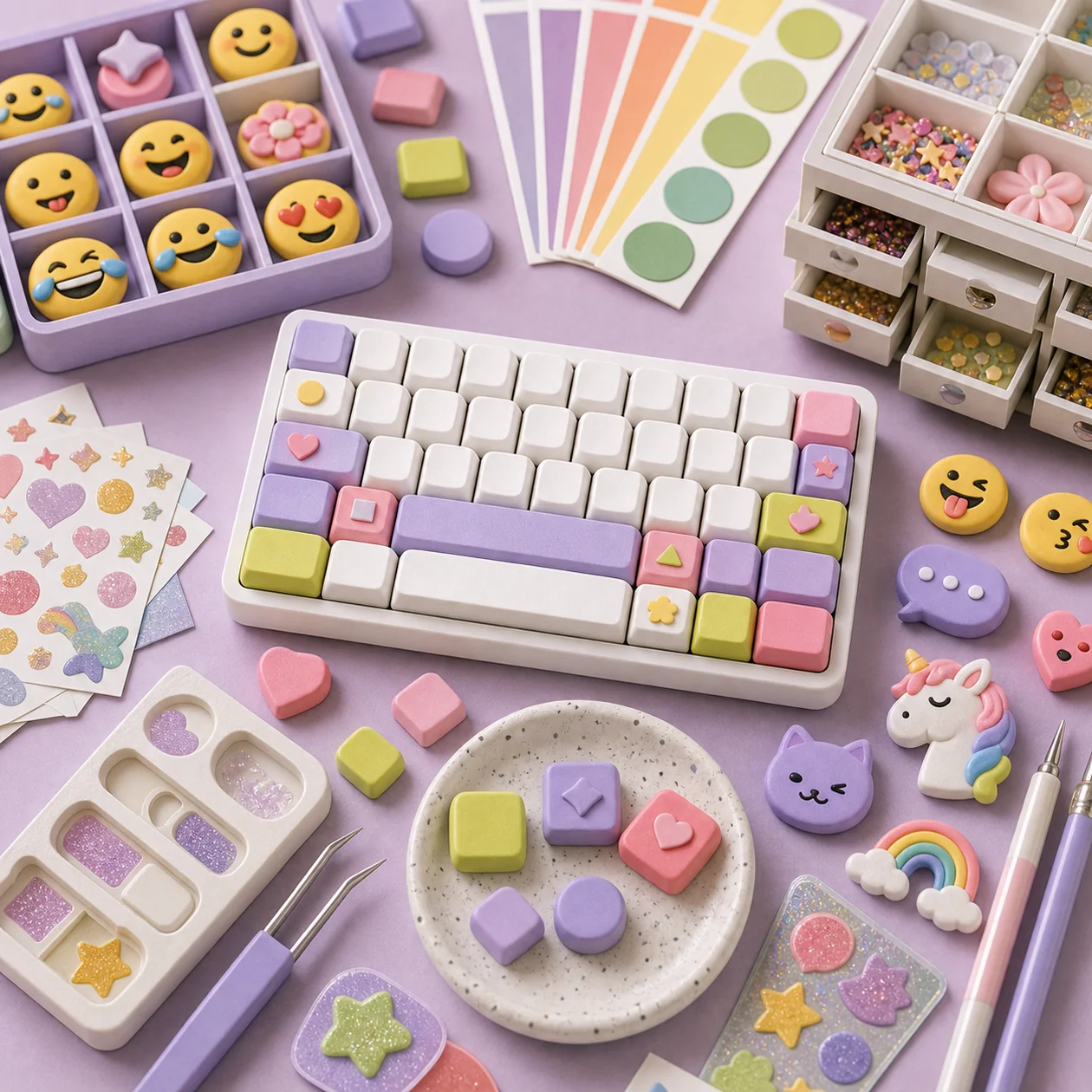
Facemoji is a mobile keyboard app designed to enhance communication on smartphones by providing personalized emojis, GIFs, and stickers. It combines creative expression with practical features to boost productivity and make communication more engaging.
Who is Facemoji for?
Facemoji is primarily aimed at users who want to enrich their mobile communication with personalized emojis and animated content. The app is suitable for anyone who frequently uses text messages, social media, or messaging apps and values creative and quick input options. Additionally, users who seek an efficient and customizable keyboard will also benefit from Facemoji. Whether you're a casual user or a prolific writer, Facemoji offers features that will make the writing process easier and more enjoyable.
Typical Use Cases
- Focused rollout: Facemoji is a good fit when operations, learning, and office teams want to stop improvising a recurring workflow around mobile, communication, productivity.
- Operations, not demos: The tool becomes more valuable when tasks, knowledge, coordination, and recurring routines are documented well enough to survive beyond a one-off trial.
- Team handovers: Facemoji can make responsibilities clearer, so work does not disappear into chats, spreadsheets, or personal accounts.
- Quality control: A short review step is especially useful before outputs are published, automated further, or handed over to customers.
What really matters in daily use
In day-to-day work, Facemoji is less about having every edge feature and more about whether the team understands where work starts, who reviews it, and how results move forward. A useful setup defines roles, naming rules, and the most important handover points before adoption.
Facemoji is strongest when it reduces friction in an existing workflow instead of creating a second place to maintain. Before rolling it out widely, test it with real examples: which task becomes faster, which decision becomes clearer, and which manual check should intentionally remain?
Key Features
- Personalized Emojis and Avatars: Create your own animated emojis and avatars that reflect your personality.
- Large Collection of Stickers and GIFs: Access a vast library of stickers, memes, and GIFs for diverse expression options.
- Multi-Language Keyboard: Support for numerous languages and layouts, ideal for international communication.
- Intelligent Text Recognition: Suggestions for words, emojis, and GIFs based on the context of your input.
- Customizable Keyboard Design: Various themes and layouts to tailor your keyboard to your preferences.
- Fast Input: Swipe and gesture-based input for faster typing.
- Integration with Social Media and Messaging Apps: Easy use of the keyboard in various apps like WhatsApp, Instagram, Facebook Messenger, and more.
- Data Protection Features: Options to control access rights and protect personal data.
Advantages and Disadvantages
Advantages
- Variety of personalization options for emojis and keyboard designs.
- Combination of entertainment and productivity through intelligent features.
- Supports many languages and is versatile and adaptable.
- Easy integration in popular messaging and social media apps.
- Freemium model allows for free use with optional premium features.
Disadvantages
- Some advanced features are only available in the premium version.
- The app requires certain access rights, which may raise concerns among security-conscious users.
- Performance may be affected on older devices.
- Advertisements in the free version may be perceived as intrusive.
Workflow Fit
Facemoji fits best into a workflow with a clear input, a traceable work step, and a defined finish line. Small teams can usually keep the process lightweight; larger organizations should also define permissions, approvals, and integrations.
If Facemoji becomes just another account without ownership, the value fades quickly. Give it a clear place in the existing stack: what enters the tool, what gets decided there, and where the result goes next.
Privacy & Data
Before adopting Facemoji, clarify which data will enter the tool and whether documents, personal data, learning records, and internal notes are involved. The more sensitive the material, the more important permissions, retention rules, export options, and a documented decision on what should stay outside the tool become.
For European teams evaluating Facemoji, data processing agreements, hosting information, and deletion processes are also worth checking. This is not a substitute for legal advice, but it avoids the common mistake of introducing Facemoji before the data path is understood.
Editorial Assessment
Facemoji is strongest when it is treated as one component in a clearly described workflow, not as a magic shortcut. The real benefit comes from less friction, clearer handovers, and more repeatable execution.
Our recommendation is to start with one concrete use case, write down success criteria, and review after two to four weeks whether Facemoji genuinely saves time or simply creates another system to maintain. That keeps the decision grounded, even when the feature list is long.
Pricing and Costs
Facemoji offers a freemium model. The basic version of the app is free to use and includes many features, such as emoji and keyboard functions. Premium subscriptions are available for enhanced personalization, additional sticker packs, or ad-free use. Prices and available plans may vary depending on the region and platform.
Open frequently asked questions
FAQ
Who is Facemoji for?
Teams with a recurring use case and an owner for quality, access, and maintenance.
How should I measure a Facemoji pilot?
Use one real workflow, define a success criterion first, and compare elapsed work, result quality, and rework with the previous method.
What data should not enter Facemoji without review?
Sensitive material should wait until terms, roles, retention, deletion, and the responsible privacy or security approval are understood.
When should I choose an alternative to Facemoji?
When another tool covers the required core workflow with less configuration, clearer costs, or more suitable export and permission controls.