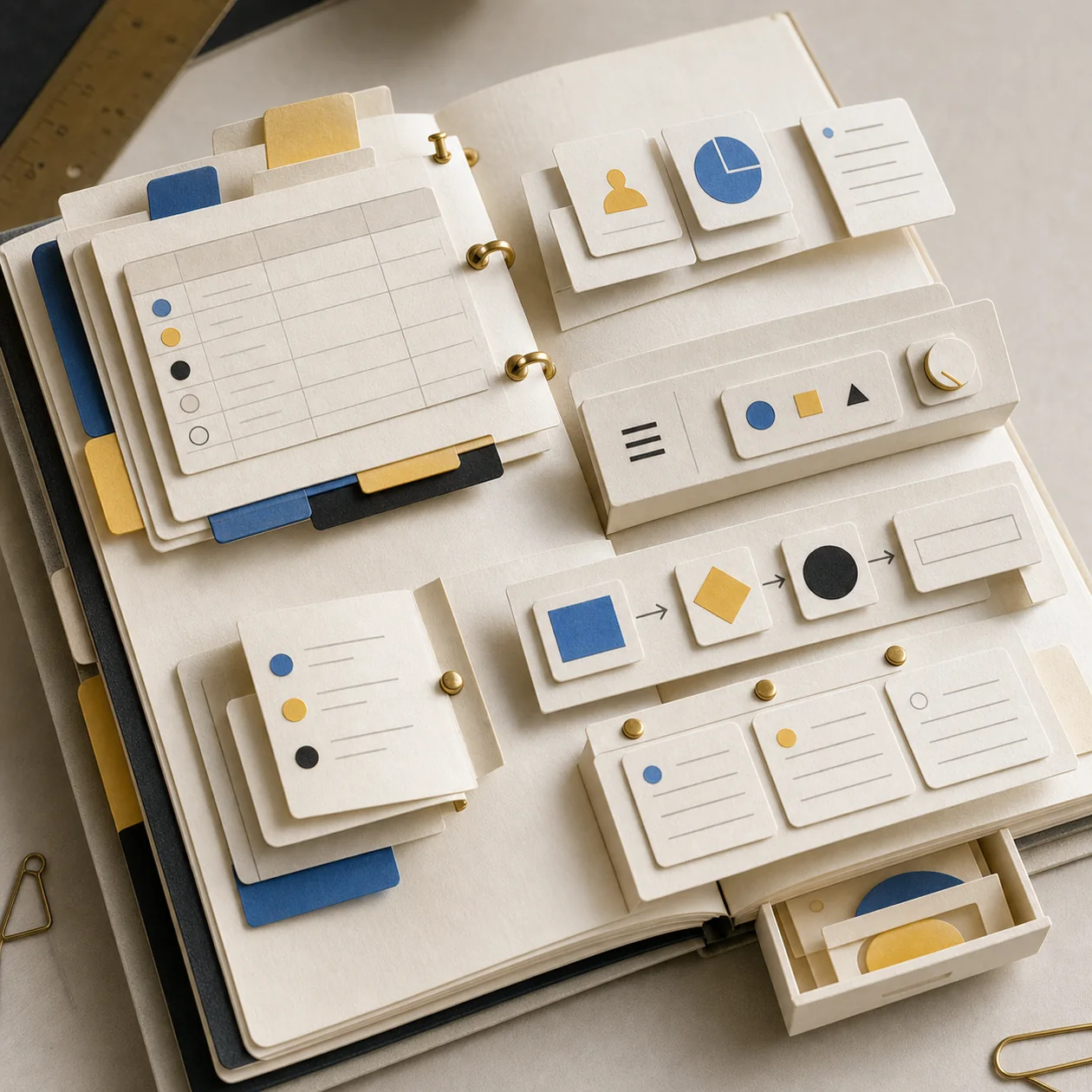
Coda is a cloud-based work document where text, structured tables, buttons, views, and integrations live in one Doc. That makes it useful for teams turning a recurring process into a documented, executable workflow. The boundary matters: Coda is not automatically a replacement for a transactional database or ERP, so large, highly regulated, or operationally critical systems need a separate fit and risk assessment.
What Coda is and who it serves
Coda is aimed at product, project, operations, and domain teams that want to build a lightweight internal tool without splitting context across a wiki, spreadsheet, and chat. A page can explain policy, a table can hold records, and a button or automation can move the work forward. Typical candidates include launch trackers, editorial boards, small-team CRMs, decision registers, and operating checklists.
Its value comes from connecting explanation, data, and action. If the need is only task assignment or only note-taking, a narrower product may be easier to govern. Coda earns its place when the same information currently has to be copied between several systems.
Building blocks in an actual workflow
The main unit is a Doc containing pages and subpages. Tables store structured rows and columns; connected views can present the same data to different audiences. Formulas, buttons, and layouts turn the document into a small app. Packs add external data and actions, including synced tables and operations in connected services.
Coda AI works in that context: prompts can reference content from pages, tables, and rows. AI columns can summarize, classify, or derive next steps at scale. The output is still a working draft. Customer, financial, legal, or compliance-sensitive material needs an explicit human review gate.
A practical rollout and daily workflow
- Define one concrete input, such as a new product request, and name the accountable owner.
- Create a base table with only the necessary fields, status, owner, and review date. Add connected views for teams, managers, or archives only after the data model is stable.
- Install only the Packs required by the process. For each one, distinguish read/sync access from actions that can change an external system.
- Use buttons or Automations for bounded steps: create a row, send a notification, or request a review.
- Test normal and deliberately broken inputs. Roll out to the team only after ownership, error handling, and handover are clear.
Integration, operations, and export
Automations follow a “When” and “Then” model. Official triggers include changed rows, schedules, form submissions, and webhooks; actions can modify tables, duplicate pages, notify people, or run Pack actions. Each rule has an owner for “Take actions as”. That identity is an operational dependency and should not silently be a personal account with no replacement path.
Pack tables can refresh manually or on a plan-dependent cadence, and some Packs support two-way sync. Document which system is authoritative and how conflicts are handled. Coda supports exporting tables as CSV and Docs or pages as PDF. Run an export test before migration, archival, or any decision that assumes easy portability.
Quality checks and decision criteria
Evaluate Coda with a small end-to-end pilot instead of a feature tour. Measure time from intake to reviewed handover, manual copy-and-paste steps, failed automations, and the number of false or duplicate records. Ask whether a new team member can reconstruct the process from the Doc itself.
Include a normal case, missing required data, a duplicate row, an unavailable service, and a role change. Expansion is justified only when failures are visible, an owner can resolve them, and the manual fallback is known. Large Docs deserve monitoring: Coda documents that size and plan limits can pause calculations, Cross-doc syncs, Automations, buttons, or Pack syncs.
Security, privacy, and governance
Decide which personal, confidential, or customer data may enter the Doc before importing anything. Match Maker, Editor, and Viewer roles to real responsibilities, and review public links and published Docs separately. Packs need their own approval because synced data may become visible to Doc users and actions may operate through connected accounts.
Coda describes SAML SSO, SCIM, access controls, audit APIs, encryption in transit and at rest, and enterprise governance controls. Its Trust page lists ISO 27001, ISO 27017, ISO 27018, SOC 2 Type 2 for enterprise customers, and other compliance information. Those statements are not a blanket approval: review the DPA, deletion and retention rules, data-location requirements, Pack permissions, and contract for the intended data.
Pricing and operating cost
Coda offers Free, Pro, Team, and Enterprise plans. Its distinctive model is Maker Billing: paid workspaces primarily charge for Doc Makers, while Editors and Viewers are not the same billing lever. Doc Makers can create Docs and pages and use Coda AI. The exact price depends on the selected plan, billing term, and current provider conditions, so check the official pricing page before budgeting.
Include more than seats in the business case: Pack or third-party charges, integration maintenance, admin time, AI usage, export and archive tests, and migration from existing spreadsheets. A low license bill can still become expensive if nobody owns automation failures, Pack tokens, permissions, and abandoned Docs.
Editorial Assessment
We recommend Coda to small and mid-sized teams with a clearly defined, documentable process that benefits from combining context and structured work in one flexible surface. It creates value when a Doc is operated as a workflow, with an owner, a sensible data model, a review step, and a defined handover.
Choose a narrower alternative first for pure task management, highly spreadsheet-centric portfolios, or regulated core systems. Start with one bounded pilot and decide after two to four weeks using cycle time, errors, and maintenance effort. In July 2026 the provider announced the name change to Superhuman Docs and said existing Docs, workflows, tables, Packs, Automations, and formulas continue to work; teams should nevertheless update internal naming and links deliberately.
Open frequently asked questions
FAQ
Is Coda a wiki or a database?
Coda combines document pages with structured tables and actions. It can support wiki and lightweight app scenarios, but it should not be treated as a transactional system of record without testing scale, consistency, export, and governance requirements.
How do Coda Automations work?
An Automation defines a trigger (“When”) and an action (“Then”). Row changes, schedules, form submissions, and webhooks are among the documented triggers. Before release, define the owner, permissions, error path, and manual fallback.
Who is billed in Coda?
The paid model primarily bills Doc Makers. Editors and Viewers are not the same cost driver in paid workspaces. Check the current pricing page because plan contents and commercial terms can change.
Can Coda sync with other services?
Yes. Packs can sync data into Pack tables and, depending on the Pack, write changes back or perform actions. Document the source of truth, refresh cadence, conflict handling, and connected-account permissions for every integration.
Is Coda suitable for confidential data?
That depends on the data, plan, contract, and governance design. Coda describes enterprise security and compliance controls, but the team still has to assess the DPA, roles, public sharing, Pack access, deletion, and retention for its use case.
What happens when a Doc gets too large?
Depending on the applicable limit, calculations, buttons, Automations, Cross-doc syncs, or Pack syncs may pause. Monitoring size, archiving deliberately, and testing exports belong in the operating plan.