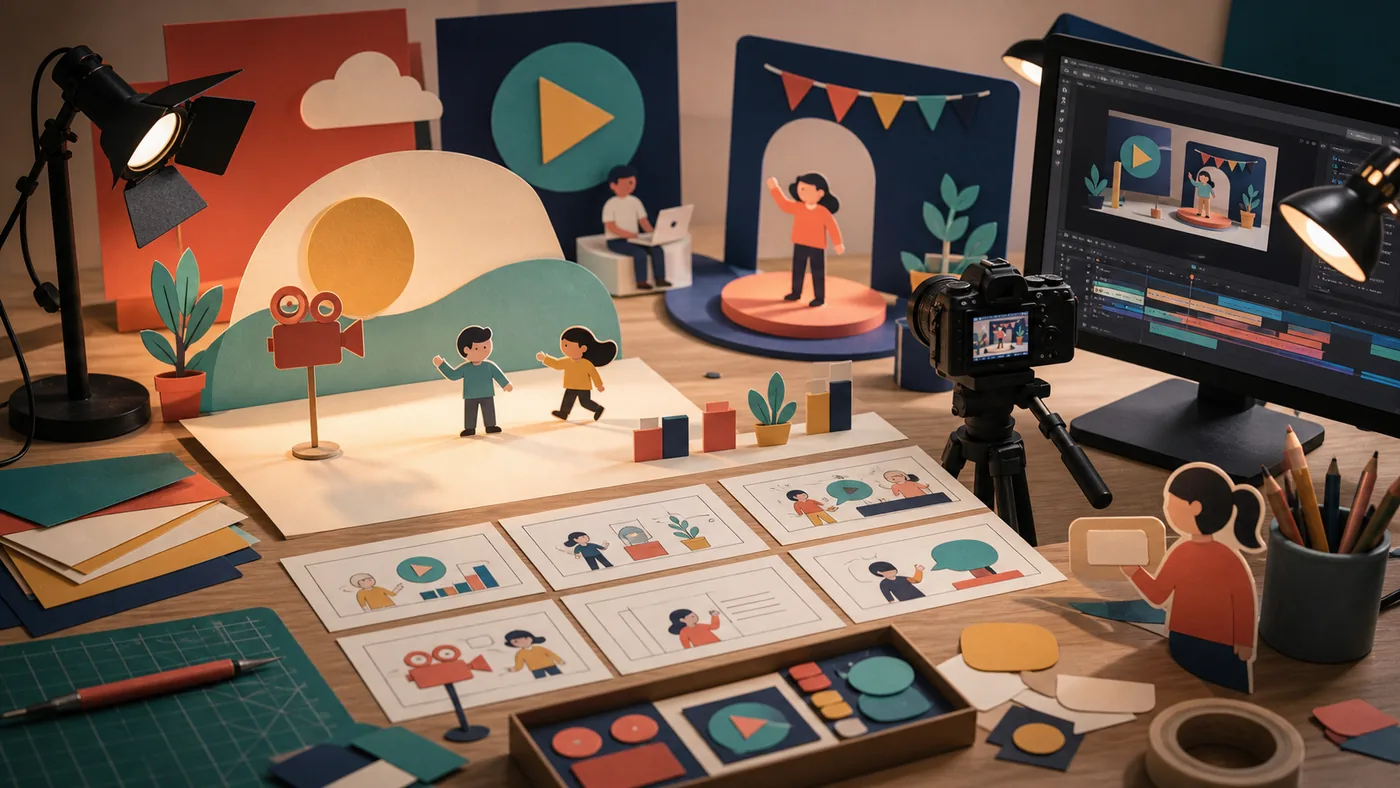
A workplace-safety team needs to turn a long policy into a 60-second video for new warehouse staff. Biteable provides scenes, text building blocks, and a quick route to a first cut. Brevity is useful only when the safety message remains accurate and the design does not overshadow clear actions.
Practical scenario: one bounded run
First extract three mandatory statements and one desired action from the policy. An editor turns them into no more than six scenes; a subject expert checks every word against the source, then a test viewer watches without additional briefing. If that person cannot repeat the next step correctly or captions are unreadable on a phone, the video returns for revision instead of being published.
Who is Biteable for?
Biteable fits marketing, HR, internal communications, sales, education, and small teams with recurring video formats. It is especially useful when a company wants to produce product updates, recruiting content, onboarding material, announcements, or short social variants in-house. The platform lowers the production barrier, but it does not replace a clear brief or editorial review.
Teams producing demanding films, precise color work, complex audio, or a highly distinctive motion system will usually need a professional editor instead. Biteable is a structured way to produce clear, short communication videos, not a universal replacement for post-production software.
How the workflow works
A reliable workflow starts with the audience, the core message, and the intended action. The team can then choose a template or give AVA, Biteable's AI Video Builder, a topic or short description. The generated draft is a starting point: a person should review the script, scenes, visuals, voiceover, captions, and call to action before publication.
For recurring communication, it helps to define a small production template with fixed rules for logos and colors, text volume per scene, voice style, captions, and approval ownership. This keeps Biteable from becoming a collection of one-off experiments and turns it into a repeatable production step.
Main features
- Templates and scenes for business, explainer, recruiting, update, and marketing videos.
- AI Video Builder for creating a first video draft from an idea or description.
- Script-oriented editing plus a more detailed editor for follow-up changes.
- Branding with logos, colors, and saved brand settings.
- Animations, stock media, music, uploads, and voiceover recordings.
- AI voiceover, automatic captions, and plan-dependent features such as translation or avatars.
- Screen and video recording, collaboration, comments, hosting, publishing, and viewer analytics.
The exact exports, permissions, video duration, AI allowances, and analytics depend on the selected plan. Those details should be tested during evaluation rather than inferred from a general feature list.
Practical use cases
- Turn a product change into a short update for customers or internal teams.
- Publish a recruiting or onboarding message with consistent brand elements.
- Create several short social or campaign variants from one longer brief.
- Prepare internal training with voiceover, screen recording, and captions.
- Convert a presentation or monthly review into a shareable video summary.
Pros and limitations
Pros
- Easy starting point for people without traditional editing skills.
- Templates and branding reduce repetitive design decisions.
- AI assistance can accelerate scripts, scenes, and first visual choices.
- Recording, collaboration, publishing, and analytics cover several connected steps.
Limitations
- Unedited templates can make the result feel interchangeable.
- The browser workflow offers less depth than professional desktop software.
- AI drafts require fact checking, tone review, and checks of image and music rights.
- Plan-dependent limits for exports, duration, users, branding, and AI can change the real cost.
Editorial Assessment
Editorial verdict: With caveat.
We recommend Biteable to teams that regularly produce short template-based explainers or announcements and can organise subject review. Individual storytelling, complex animation, precise editing, or long training content calls for a more flexible video editor or an e-learning authoring tool.
The main boundary is storytelling. An AI-generated or template-based sequence can look plausible while missing the actual question the audience needs answered. Before publishing, review claims, numbers, names, captions, calls to action, and brand rules.
Privacy, rights, and operations
Uploads may contain customer information, employee images, unreleased products, or licensed music. Before uploading, clarify ownership, storage, approvals, and usage rights. For AI features, also check what inputs are processed by which services and whether internal material is appropriate for that workflow. Evaluate the current provider documentation for the concrete security and data-processing details.
Pricing and costs
Biteable uses plan-based subscriptions with options for individual, premium, and organizational needs. The practical cost depends on billing period, seats, and the required export, branding, AI, and analytics features. A fair comparison should include rework, approval effort, media rights, and the number of videos actually produced, not only the monthly list price. Check the official pricing page for current prices and limits before purchase.
Open frequently asked questions
FAQ
Do I need video experience?
No. Templates and the text-oriented starting point are designed for beginners. A good result still needs a clear script and human final review.
Can Biteable make a video from an idea?
Yes. The AI Video Builder, also called AVA, can create a first draft from a description. Treat that draft as a starting point and check facts, sources, visuals, and tone.
Is Biteable suitable for teams?
It can be, when shared assets, brand rules, comments, and approvals are part of the workflow. Test roles, plan limits, and the actual approval process before rollout.
When should I choose an alternative?
Choose an alternative when precise editing, deeper text-to-video automation, specialized social features, or desktop production is the real bottleneck.
How should I evaluate Biteable?
Use one real, bounded format with one owner, one approval step, and a measurable outcome. Review comprehension, correction rounds, export quality, and rights checks.