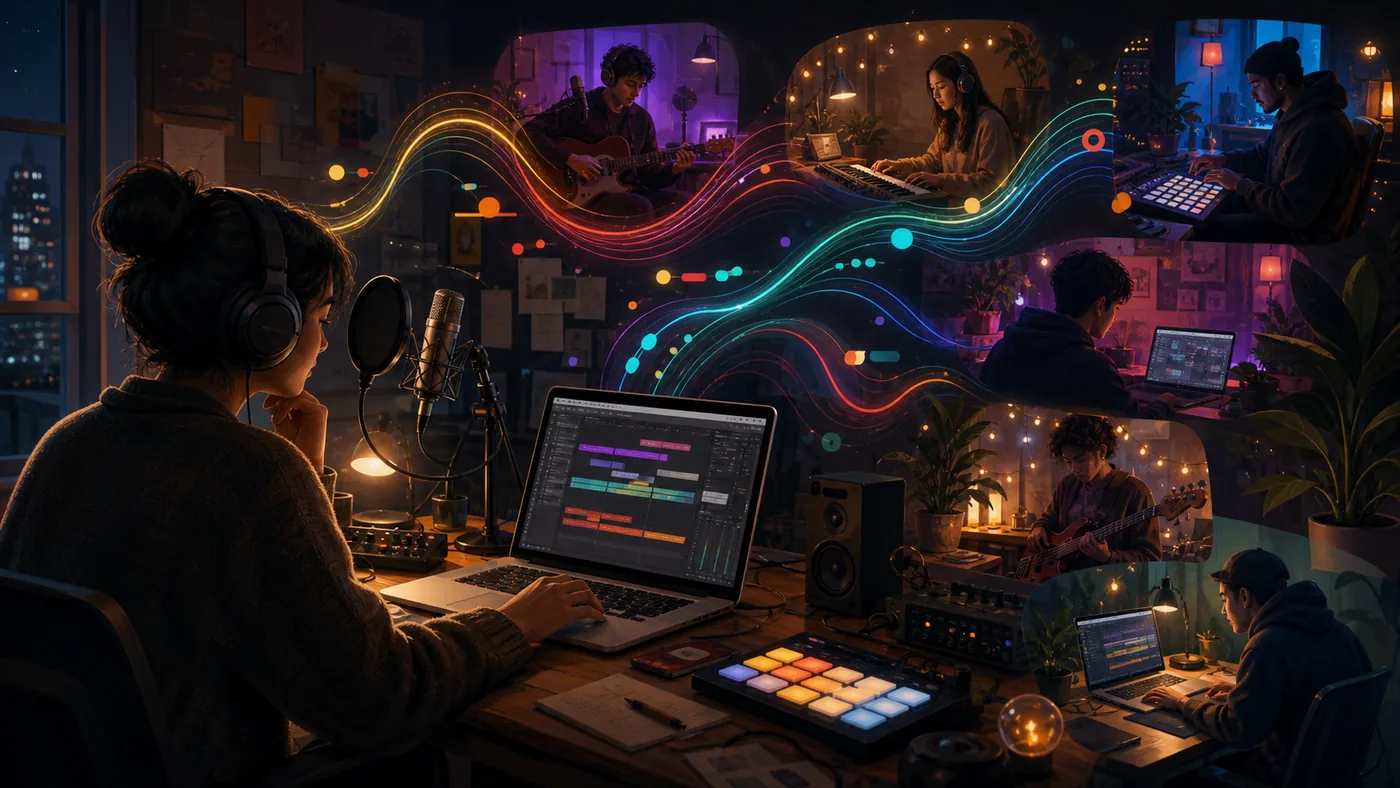
A band records one song idea in three places: vocals on a phone, guitar on a laptop, and a beat in the browser. BandLab quickly brings those sketches into one shared project so voice notes become a listenable version. A dependable final mix still requires suitable monitoring, controlled recording conditions, and clear rights for samples and contributors.
Practical scenario: one bounded run
Set tempo, key, naming rules, and one owner for the current mix. Each contributor uploads labelled takes and comments against a bar or timestamp. After two rounds, export a reference and check it on headphones, a phone, and speakers. If tracks go missing, versions are overwritten, or rights remain unclear, stop before release and hand the project to a controlled DAW workflow.
Who is BandLab for?
BandLab works well when several people need to shape a song, when a creator wants to start without a large hardware investment, or when a project should move between a computer and a phone or tablet. A teacher can use it for a recording exercise, a band can compare arrangements, and a solo creator can keep vocals, instruments, beats, and effects in one project space. It is less suitable for a team that must work fully offline, requires a fixed VST ecosystem, or needs complete local control of every signal path.
What belongs to the working process?
The center is BandLab Studio, with audio and MIDI regions, tracks, virtual instruments, effects, and loop or beat workflows. Recordings can be made on the web or in the mobile apps. The Project Library keeps working material together; the project page exposes the current version and revision history. A project link can invite collaborators. That is useful for feedback and shared editing, but it does not replace an agreement covering authorship, permissions, credits, and release decisions.
A practical workflow from sketch to export
- Start with a private project and record a short reference take: a vocal, an instrument, or a rhythm.
- Set the tempo and song sections, then keep only the tracks that serve the arrangement. Record the source and intended use of loops and sounds.
- Share only the access needed for the collaboration. Use comments and revisions to keep decisions traceable instead of passing around ambiguous audio filenames.
- Before release, have another person listen on headphones and speakers, check the start and end, levels, artifacts, credits, and the approved revision.
- Archive the final export outside the creative project. A cloud library should not be the only place where the usable version exists.
Advantages and limits
Advantages
- Low barrier for multitrack recording, beats, and early arrangements.
- Browser and mobile apps support spontaneous work and device changes.
- Shared projects and revisions make feedback loops easier to follow than loose attachments.
- Instruments, effects, loops, and mastering options can shorten the route to a demo.
- The social layer can help learners and independent musicians share works in progress.
Limits
- Cloud access is an operational dependency; critical sessions need exports and a fallback plan.
- An accessible studio workflow is not automatically a replacement for deep mixing, complex routing, or an established desktop DAW.
- Collaboration can make rights more complicated, especially for bands, commissioned songs, covers, remixes, and third-party beats.
- Membership and artist services change the scope and cost, so the current plan page should be checked before purchase.
Quality, handoff, and operations
Do not evaluate BandLab only by whether one demo sounds promising. A useful pilot has three real cases: a solo recording, a shared project, and an export for the intended release channel. Track time to the first listenable version, follow-up questions, missing or damaged tracks, and the share of exports approved without rework. The project page and revision history are checkpoints for version control. An external folder containing the export, stems, credits, and approval record is the checkpoint for handoff.
Rights, privacy, and governance
BandLab explains that content starts as private and that sharing settings control access. Publishing is therefore a deliberate release decision, not casual storage. For a band project, document who owns the composition, lyrics, recording, and edits; who may publish; and what happens if a member leaves. Covers, remixes, and so-called free beats require appropriate rights; the word “free” is not proof of a license. Voices, interviews, and classroom recordings also need consent, retention, and access rules. BandLab Sounds may be used in a larger original composition, including commercial work under the stated license, but cannot be redistributed or sold as standalone samples.
Pricing and real operating cost
BandLab offers a free entry tier and optional Membership plans. The exact features, allowances, and prices change; current paid plans can include additional Studio, effects, mastering, sound, or artist-service capabilities. The real budget therefore includes more than a subscription: rights administration, uploads, exports, backups, review time, and possibly a separate desktop DAW. Before buying, rebuild one real project with the current free and paid limits instead of budgeting from a generic feature list.
Editorial Assessment
Editorial verdict: Recommend.
We recommend BandLab for song sketches, teaching, and distributed early collaboration when accessibility matters more than maximum technical control. It shortens the route from idea to shared listening copy. Large sessions, demanding recording, formal archiving, or professional mixing are better served by a local DAW and managed file exchange.
Open frequently asked questions
FAQ
Can I try BandLab without professional hardware?
Yes. A compatible device and an input such as a microphone or headphones are enough to start. Recording quality still depends heavily on the room, microphone, and input level; the platform cannot repair every weak source.
How should a shared BandLab project be protected?
Keep the project private first. Agree in writing on roles, access, credits, ownership of the composition and recording, and the export and archive location. Revision history improves traceability, but it is not a substitute for a rights agreement.
Can BandLab Sounds be used commercially?
BandLab’s published guidance allows Sounds to be used in a larger original composition, including commercial work, but prohibits redistribution or resale as standalone samples. Other loops, beats, covers, and remixes require their own rights check.
When should a project move to another DAW?
Move when routing, plug-ins, offline safety, detailed automation, or reproducible mastering becomes the bottleneck. Export the approved version, tracks, and metadata first, then test the import on a real song rather than assuming a clean transfer.
