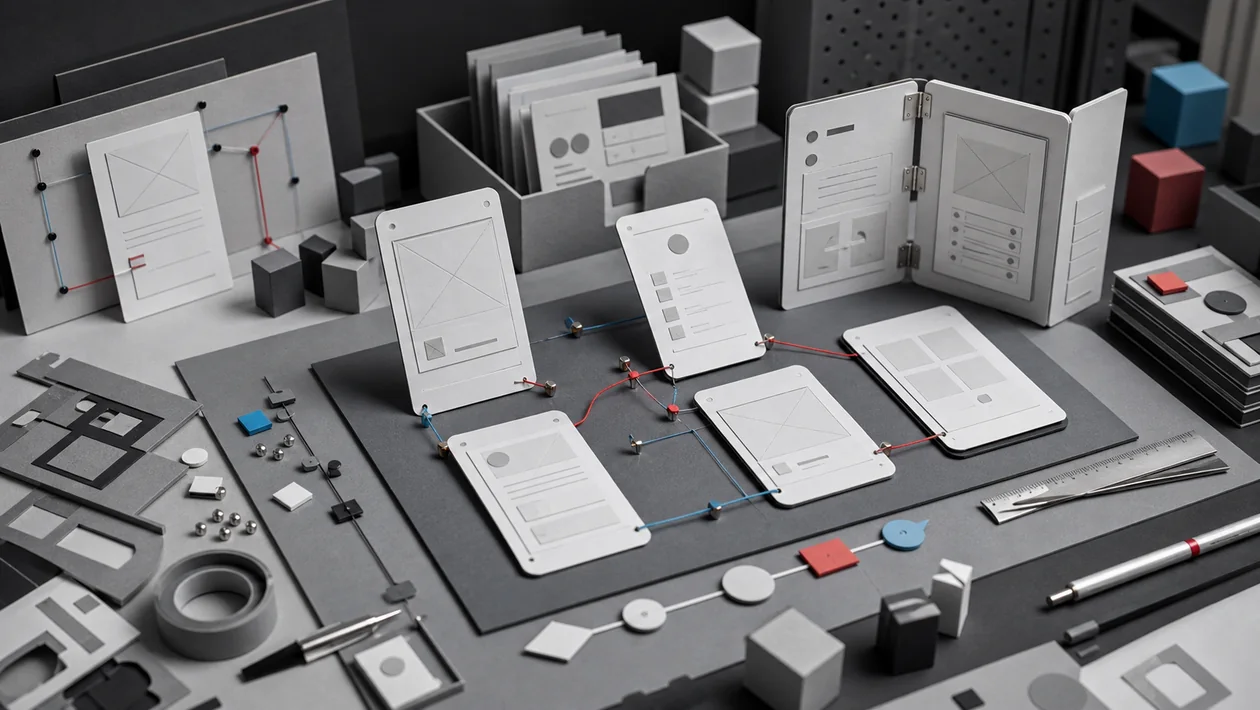
An insurance form looks convincing in static screens but breaks when a user changes vehicles, retracts an answer, or reports an exception. Axure RP becomes useful at precisely that point: states, variables, and conditional paths are clickable before engineering capacity is committed. That depth is worthwhile only when it tests a specific product decision.
Practical scenario: one bounded run
Do not recreate the whole application. Choose the riskiest path, define five tasks, and model only the states, errors, and data those tasks require. Then observe real participants without explanation and record abandonment and mistaken expectations. If the team mainly debates colours or prototype changes no longer feed back into requirements, the simulation has become too elaborate.
Who is Axure RP for?
Axure RP fits UX designers, product managers, business analysts, and developers who need to make complex flows concrete together. It is especially useful for forms, roles and permissions, tables, filters, checkout or admin processes, and responsive views where a static screen leaves too many questions open.
For a quick visual direction or a shared UI board, the tool can be more machinery than the task needs. If the decision is mainly about colour, layout, or a short click path, a lighter design or whiteboard tool will often get there faster.
Typical use cases
- Complex forms: Test required fields, error states, and dependencies as conditional interactions instead of describing them in prose.
- Role-based products: Simulate different states for an administrator, employee, and guest to expose unclear requirements.
- Data-heavy interfaces: Use repeaters for lists, cards, or tables with sorting and filtering before a backend exists.
- Responsive concepts: Compare desktop, tablet, and mobile assumptions through adaptive views.
- Handover and specification: Keep interaction notes next to the prototype so a review is more than a folder of screenshots.
What matters in day-to-day work
Axure becomes useful when the file has a clear question to answer. Before drawing, decide whether the prototype should test a checkout, an exception path, a role model, or a navigation assumption. Without that question, it is easy to build impressive state logic and learn very little.
A small end-to-end slice is the better test: real-ish content, one error state, one empty state, and one mobile width. Record the assumptions that the review resolves. A prototype may be deliberately incomplete; it should not be unclear about what is simulated and what is already a product requirement.
Key features
- Interaction events for mouse, touch, and keyboard input.
- Conditions, global and local variables, and expressions for IF/ELSE logic.
- Dynamic panels with multiple states for overlays, tabs, sliders, and scrollable areas.
- Repeaters for repeated UI patterns, datasets, filtering, and sorting.
- Adaptive views for different screen widths.
- Form widgets, annotations, specifications, and reusable components.
- Browser preview and publishing to Axure Cloud for review and feedback.
Limits and risks
- A detailed simulation can create false confidence: a successful click path does not prove that code, data models, or accessibility will work.
- Many variables and nested interactions become difficult to maintain. Naming, page structure, and a small test catalogue matter.
- RP files, cloud projects, and exports need an explicit version and approval rule. A link alone does not identify the revision that was reviewed.
- Confidential customer data, credentials, and production secrets do not belong in an uncontrolled prototype or test export.
- The learning curve is higher than for a simple click-through tool. For a short visual decision, that can outweigh the benefit.
Privacy and operations
Before a team rollout, identify what will enter RP files and Axure Cloud: customer data, internal screenshots, brand assets, or synthetic examples. Roles, invitations, export rights, retention, and shared prototype links should match the team’s data classification. Sensitive work needs a controlled workspace and documented approvals, not a link forwarded without context.
The handover boundary also matters. A prototype can show expected interaction; API contracts, error handling, authentication, telemetry, and technical acceptance tests still need separate ownership and verification.
Pricing and costs
Axure RP 11 is offered on monthly or annual subscriptions according to the official pricing page. At the time of this review, Axure lists Pro at 29 US dollars per user per month and Team at 49 US dollars per user per month; Enterprise is sold through sales. Team adds features such as co-authoring, revision history, and team project hosting. Axure Cloud is a separate product with its own pricing model. Check current prices, discounts, and contract terms with the provider before buying.
Editorial assessment
Editorial verdict: Recommend.
We recommend Axure RP to UX and product teams whose risk lies in complex interactions, rules, or state changes. It earns its place when a realistic test confirms or rejects an expensive implementation assumption. Figma, Balsamiq, or a lighter prototype is usually faster for early information architecture, simple click paths, or shared visual design.
We would not make Axure the default for every design artefact. Teams focused on simple UI reviews, low overhead, or highly simultaneous visual collaboration should test a lighter alternative first. The fair comparison is the same real process in each tool, not a vendor demo.
Open frequently asked questions
FAQ
Do I need programming skills?
No. Interactions are configured with widgets, actions, and conditions. A technical understanding of state, data, and edge cases becomes valuable as the prototype grows.
Can Axure RP replace a finished application?
No. It simulates behaviour for alignment and testing. Production code, real data, security, performance, accessibility, and operations must be built and checked separately.
When is a repeater useful?
When a list, table, or card view needs repeated items with sorting or filtering. It is unnecessary complexity for one static card.
How do I share a prototype with stakeholders?
You can preview it in a browser or publish it to Axure Cloud. Record the revision, target browser, and limits of the simulation before the review.
Is Axure RP suitable for small teams?
Yes, when they need to clarify complex flows and can maintain the file. For simple layout decisions, the learning effort may be greater than the benefit.