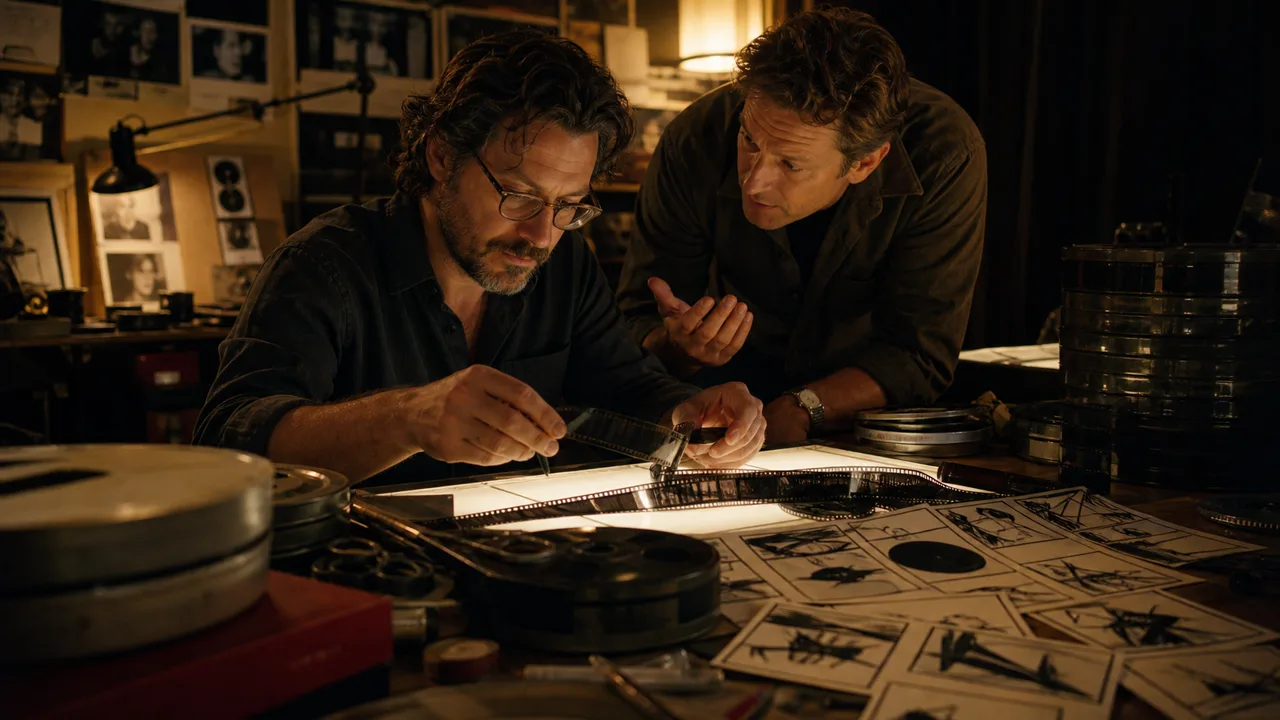
After a shoot, two editors, an assistant, and the sound team need to work from the same interviews and camera cards at the same time. Avid Media Composer is built for that organised post-production environment, keeping media, bins, versions, and handoffs controlled. Its strength pays off only when naming, storage, roles, and approval are agreed before the first cut.
Practical scenario: one bounded run
Pilot a five-minute sequence using real multicamera media. The assistant verifies card copies and metadata, editors work in separate bins, sound receives a clearly named handoff, and the final cut is checked against a delivery list. If media goes missing after moving workstations, versions overwrite each other, or nobody can reconstruct the approved state, repair the workflow before the main project.
The right use case
Media Composer fits long-form, documentary, broadcast and series work with assistant editors, many takes or several editors. A solo creator can use it, but pays a learning cost for features that earn their value mainly in a substantial production workflow.
Organising media and edits
Start with disciplined import or linking, bins by shoot, scene or role, and unambiguous names. Then create string-outs, selects and the edit. Proxy and transcode policy should be agreed before the team starts; otherwise people cut against different media or frame rates.
For dialogue-heavy work, ScriptSync can phonetically index media and associate clips with an imported script. PhraseFind supports phonetic search when no transcript is present. Both speed selection but do not replace checking the correct take and rights status.
Collaboration without overwrites
The core Avid team workflow uses shared storage and bins. One editor writes a bin while others can read it; locks show who is making changes. With NEXIS, MediaCentral and appropriate licences, projects, media and handoffs can be managed more centrally. This is a working method, not a button: bin structure, access, backups and a final lock owner need agreement.
Review and delivery
Define target codec, frame rate, audio stems, captions and mastering standard before editing. Keep review exports separate from the final master and record sequence changes. A good project is not merely an attractive timeline; it must be findable and deliverable again.
Costs and limits
Media Composer has a steep learning curve and needs more project discipline than a creator editor. Collaboration can require extra infrastructure and licensing. Teams producing only quick vertical template videos will usually move faster in a lighter tool.
Editorial Assessment
We recommend Media Composer to film, broadcast, and larger post-production teams managing long projects, shared media, and dependable handoffs. Short social clips, solo editors without media-management needs, or fast browser collaboration are often more economical in Premiere Pro, DaVinci Resolve, or lighter editors.
Test it with a real shoot, not a demo: an assistant ingests, an editor cuts, another person searches footage, and a producer approves a review export. That reveals the actual value of locks, media paths and teamwork.
Open frequently asked questions
FAQ
Is Media Composer suitable for beginners? Only when the professional workflow is actually needed; otherwise a simpler NLE is a better starting point.
Can several editors work at once? Yes, through shared bins and shared-storage workflows; write locks help avoid overwrites.
What does ScriptSync do? It links phonetically indexed dialogue to an imported script and speeds up finding takes.
What should be set before export? Codec, frame rate, audio, captions, review version and final master should be explicit.