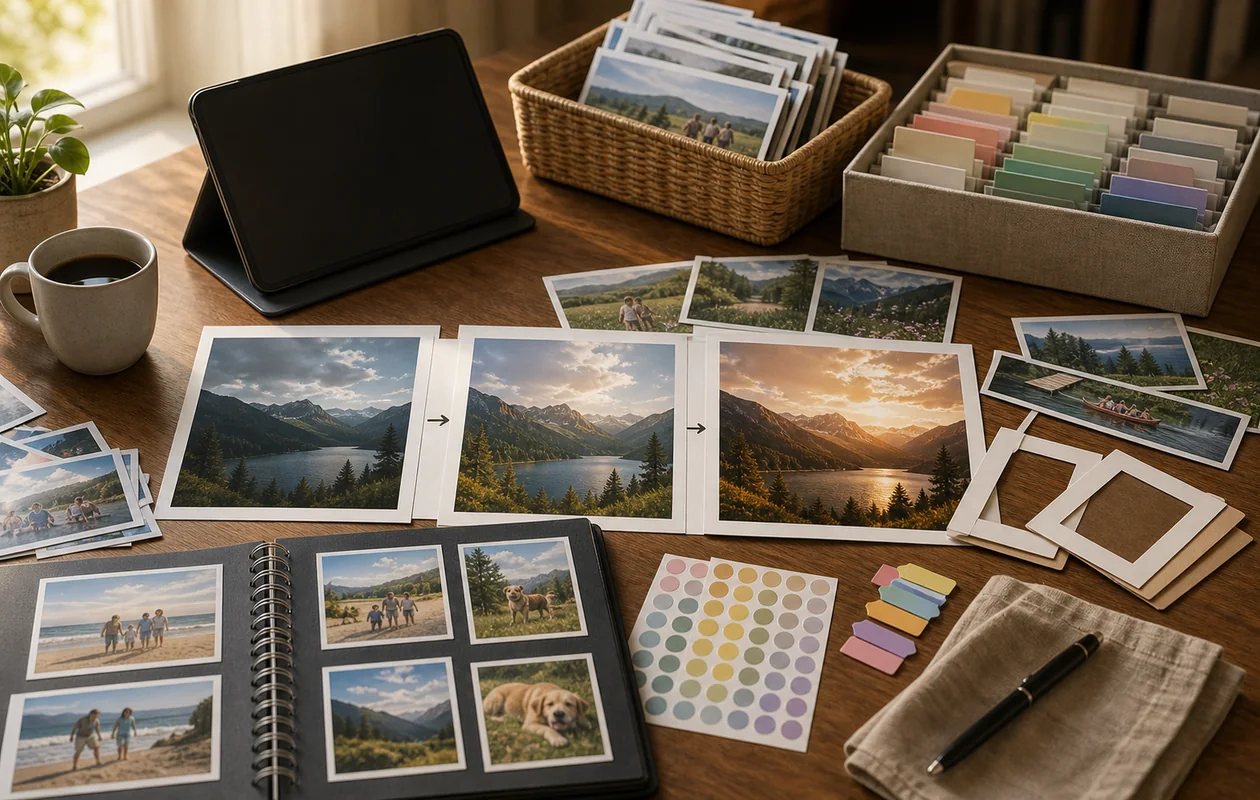
A family wants to prepare thirty-year-old scans for a photo book by removing dust, calming colour casts, and reframing a few images. Photoshop Elements offers guided corrections and more control than a phone app without requiring the full professional stack. It cannot reliably recreate missing history and should not silently reinterpret documentary detail.
Practical scenario: one bounded run
Work on copies and keep an untouched scan beside every edit. Test scratches, red eye, difficult hair, and faded skin tones on five images, then export a real book page and inspect it for the intended print process. If automation visibly changes faces, jewellery, or image edges, revert it or perform a controlled pixel edit in a more suitable tool.
Who is Adobe Photoshop Elements suitable for?
Adobe Photoshop Elements is ideal for beginners and advanced users who want to enhance their photos without diving into complicated professional software. It is particularly suitable for hobby photographers, families, creatives, and small businesses looking for a straightforward solution for photo editing and design. The software is available for desktop PCs and offers features that can be used for both simple corrections and creative projects.
Typical Use Cases
- Beginner-friendly photo editing: Photoshop Elements is useful when good results are needed without a full professional workflow.
- Personal and small projects: Photo collections, family images, club material, and simple print projects are a natural fit.
- Guided editing: Guided modes help users understand effects and corrections instead of guessing slider settings.
What really matters in daily use
Photoshop Elements is less a reduced Photoshop and more a deliberately guided photo tool. It helps when users want to improve, cut out, or creatively adjust images without managing a professional layer and color workflow.
Its value depends on how often the tasks come up. For one-off quick fixes, phone apps may be enough; for recurring photo projects, Elements is more comfortable because editing, organizing, and output sit in one calm environment.
Main Features
- Automatic photo organization: Intelligent sorting and searching of photos based on people, places, and events.
- Simple image editing: Tools like crop, rotate, color correction, and retouching.
- Creative effects and filters: A wide variety of filters, frames, and textures for personalized design.
- Guided edits: Step-by-step tutorials for more complex editing tasks.
- Creation of photo projects: Designing collages, calendars, greeting cards, and slideshows.
- Enhanced face recognition: Automatic detection and tagging of people.
- RAW image editing: Support for RAW files from various camera models.
- Integration with Adobe Creative Cloud (optional): Ability to save and synchronize projects.
- One-click fixes: Automatic optimization of exposure, color, and sharpness.
- Security features: Privacy options for managing personal photos.
Advantages and Disadvantages
Advantages
- Easy and intuitive user interface, ideal for beginners.
- Extensive functions for photo enhancements and creative design.
- One-time purchase without subscription requirement.
- Comprehensive help and guided edits.
- Good organizational tools for large photo libraries.
Disadvantages
- Limited functionality compared to professional Adobe products.
- No mobile version, desktop only.
- Some advanced features require additional Adobe services.
- Updates and new features appear less frequently than subscription models.
Workflow Fit
Elements fits small creative and photo workflows where images are collected, corrected, and exported for print or web. Users should decide whether files will later need professional editing. If so, moving to Lightroom or Photoshop may be the better long-term path.
Data Protection & Data
Even personal photo projects can include identifiable people and location metadata. Schools, clubs, and small businesses using Elements should define storage, sharing, and deletion rules. The software feels approachable, but the content can still be sensitive.
Editorial Assessment
We recommend Photoshop Elements to personal and occasional users who want organised photo correction and design without taking on a professional subscription and its complexity. Demanding retouching, large RAW collections, repeatable agency workflows, or complex composites are better handled by Lightroom, Photoshop, or other specialist tools.
Pricing & Costs
Adobe Photoshop Elements is offered as a one-time purchase. Prices vary depending on the retailer and version. Generally, the purchase price is mid-range for photo editing software. There are no subscription or usage-based costs, making it attractive for users who prefer a permanent license.
Open frequently asked questions
FAQ
1. Is Adobe Photoshop Elements suitable for professional photographers?
What should a Adobe Photoshop Elements pilot look like?
Start with a bounded process, a small group and a clear success criterion. Check output quality, permissions and handovers before expanding the scope.
Which data should not be processed in Adobe Photoshop Elements without review?
Sensitive or confidential content should wait until contract terms, access, storage and deletion controls have been reviewed. Escalate uncertainty to the responsible privacy owner.
When is an alternative to Adobe Photoshop Elements the better choice?
Choose an alternative when the need is occasional, a required integration is missing, or administration and cost outweigh the practical benefit.
Adobe Photoshop Elements is primarily aimed at hobby photographers and creative users. For professional photo editing, the full version of Adobe Photoshop is recommended.
2. Which operating systems does Adobe Photoshop Elements run on? The software is available for Windows and macOS.
3. Is there a trial version of Adobe Photoshop Elements? Adobe typically offers a free trial version for a limited time.
4. Is Adobe Photoshop Elements offered as a subscription? No, Adobe Photoshop Elements is sold as a one-time purchase without subscription.
5. Can I save my projects in the cloud? The software offers optional integration with Adobe Creative Cloud for project saving and synchronization, but this is not mandatory.
6. Does Adobe Photoshop Elements support RAW files? Yes, the software supports editing RAW files from various camera manufacturers.
7. Is there a mobile version of Adobe Photoshop Elements? No, Adobe Photoshop Elements is designed exclusively for desktop computers.
8. Which languages are supported? The software is available in multiple languages, including German, English, French, and others.