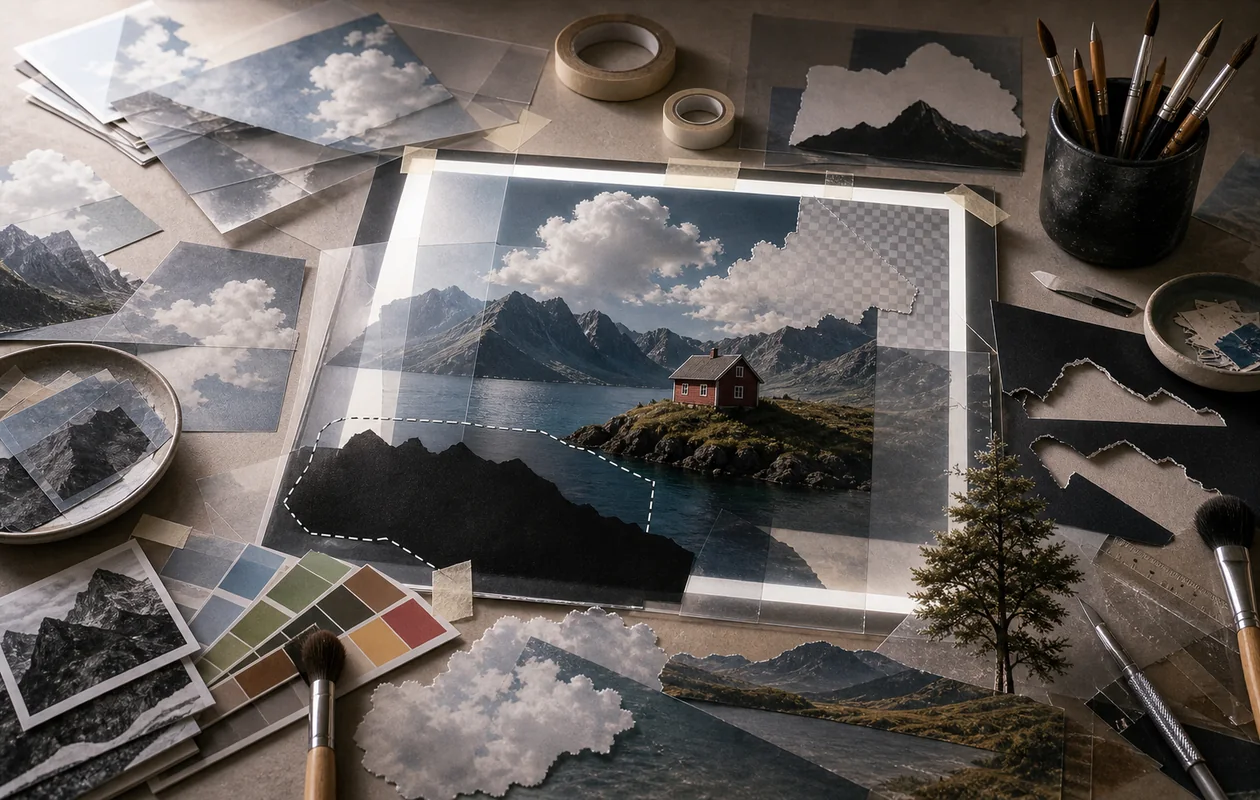
Adobe Photoshop is a globally recognized software for image editing and digital design. It offers a wide variety of tools for professional photographers, designers, and creatives who want to produce high-quality graphics, photos, and digital artworks. Thanks to regular updates and AI integration, Photoshop always stays up to date with the latest technology.
Who is Adobe Photoshop for?
Adobe Photoshop is aimed at professional users and ambitious hobbyists who require a powerful solution for image editing and digital design. This includes photographers, graphic designers, web designers, illustrators, as well as marketing and advertising professionals. Users looking to perform complex retouching, compositing, or digital painting will also find Photoshop to be a versatile tool. Due to its extensive features and learning curve, it is less suited for simple image editing without prior knowledge.
Typical Use Cases
- Professional image editing: Photoshop fits when retouching, compositing, and detailed corrections need precise control.
- Marketing and product images: Teams often use Photoshop for campaign visuals, cutouts, mockups, and variants.
- Design handoff: PSD files remain useful when layers, masks, and approval states need to stay traceable.
What really matters in daily use
Adobe Photoshop is extremely powerful in everyday work, but it is efficient only when layers, masks, and file versions are managed with discipline. Many problems come not from missing features, but from opaque PSD files, unnamed layers, and unclear export states.
For professional work, templates, naming rules, and clear approval versions are worth the effort. That keeps Photoshop as a production tool instead of a place where decisions and corrections disappear.
Main Features
- Image Editing: Comprehensive tools for retouching, color correction, cutting out, and repairing photos.
- Layers and Masks: Work with multiple layers and precise masks for complex compositions.
- Selection Tools: Intelligent selections including AI-powered object selection.
- Digital Painting: Brushes, textures, and painting tools for illustrations and digital art.
- Text and Vector Editing: Integration of text and vector shapes within designs.
- 3D Design: Basic 3D modeling and editing (depending on version and plan).
- Automation: Actions, scripts, and batch processing to increase efficiency.
- Integration with Adobe Creative Cloud: Seamless collaboration with other Adobe applications.
- AI-Powered Features: Automatic object removal, image enhancements, and filters.
- Format Support: Wide support for numerous graphic formats including PSD, JPEG, PNG, TIFF, and RAW.
Advantages and Disadvantages
Advantages
- Very comprehensive and professional set of tools
- Continuous development by Adobe with new features
- Powerful AI tools for faster editing
- Deep integration into the Adobe ecosystem
- Support for all common image formats and professional workflows
Disadvantages
- Steep learning curve for beginners
- Pricing based on subscription model, no one-time purchase
- Requires powerful hardware for optimal performance
- Some features available only in newer versions or certain plans
Workflow Fit
Photoshop fits workflows where visual material is finalized, combined, or prepared for specific channels. Raw selection, asset management, and layout should usually stay separate; Photoshop then handles controlled editing. In teams, review files and export formats matter as much as the retouching itself.
Data Protection & Data
PSD files may contain client material, images of people, confidential products, and licensed assets. Storage location, access rights, approval logic, and archiving should therefore be defined early. With generative features, teams also need rules for which content may be uploaded or processed.
Editorial Assessment
Photoshop remains the standard when image editing needs real precision. Its strength is control, not quick simplicity. For small social media corrections it can be oversized; for retouching, compositing, and high-quality campaign work it is hard to replace.
Pricing & Costs
Adobe Photoshop is available by subscription. Prices vary depending on provider, region, and chosen plan. There are usually different options such as the standalone application or the complete Creative Cloud package. Costs are generally in the mid to higher price range for professional software.
Open frequently asked questions
FAQ
1. Is Adobe Photoshop suitable for beginners?
What should a Adobe Photoshop pilot look like?
Start with a bounded process, a small group and a clear success criterion. Check output quality, permissions and handovers before expanding the scope.
Which data should not be processed in Adobe Photoshop without review?
Sensitive or confidential content should wait until contract terms, access, storage and deletion controls have been reviewed. Escalate uncertainty to the responsible privacy owner.
When is an alternative to Adobe Photoshop the better choice?
Choose an alternative when the need is occasional, a required integration is missing, or administration and cost outweigh the practical benefit.
Photoshop offers many professional features that may initially seem complex to beginners. However, numerous tutorials and learning resources are available to ease the learning process.
2. What are the system requirements for Adobe Photoshop? Requirements vary by version. Generally, a modern PC or Mac with sufficient RAM and a graphics card is recommended for smooth performance.
3. Can I use Photoshop without the internet? Photoshop requires an internet connection for activation and occasional license verification. The actual editing can be done offline.
4. Is there a free trial available? Adobe typically offers a limited-time trial version allowing users to test the software before committing to a subscription.
5. What are the benefits of the subscription model? The subscription ensures users always have access to the latest version and updates, as well as cloud services and additional Adobe apps.
6. Does Photoshop support RAW file editing? Yes, Photoshop supports RAW file editing via Adobe Camera Raw, enabling professional photo editing.
7. How does integration with other Adobe programs work? Photoshop is part of Adobe Creative Cloud and allows seamless file and project exchange with programs like Illustrator, Lightroom, or Premiere Pro.
8. Are there special AI-powered features for image editing? Yes, Photoshop increasingly integrates AI tools that simplify tasks like object removal and automatic image enhancements.